


Exporting from Cinema 4D and Blender into Substance. Not finding edges.
Hi all.
I’m currently trailing Substance Painter and I don’t know if I’m missing something. I’ve tried exporting from both Cinema 4D and Blender and get the same results. I can’t seem to get the smart masks to work.
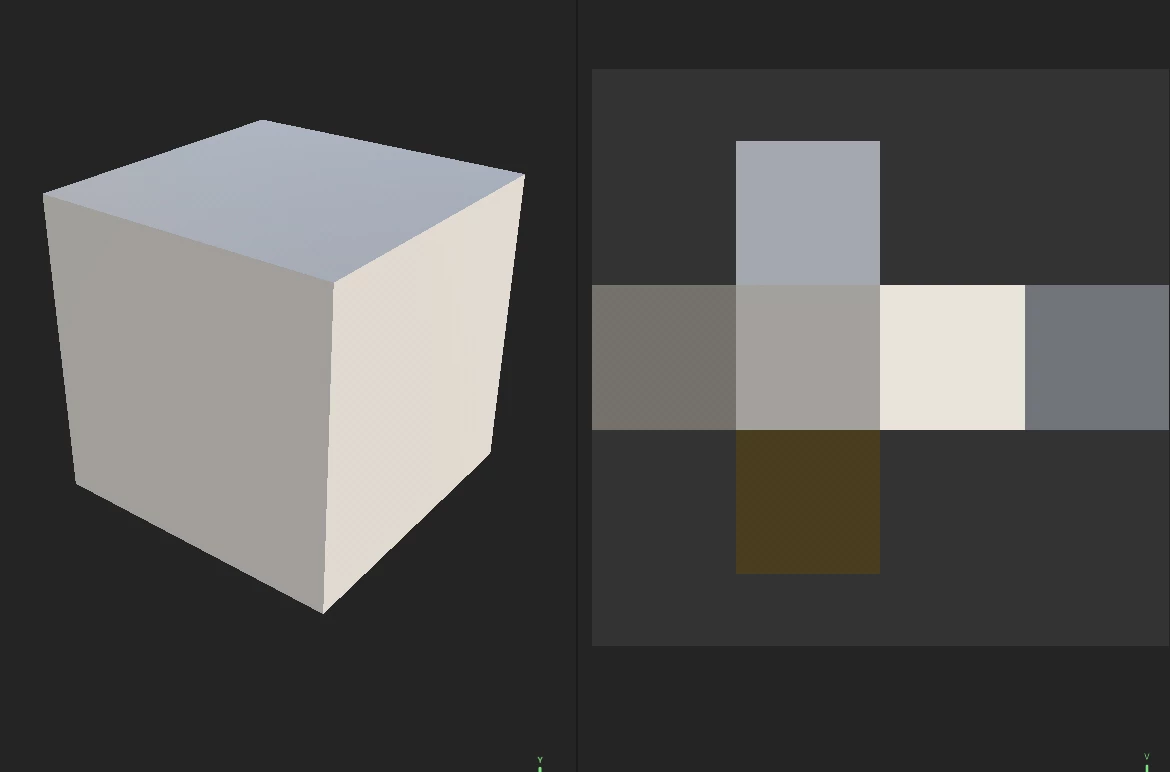
I’ve got a basic cube. I’ve tried both UV unwrapping in Cinema 4D (not up to speed with Blender yet), and I’ve tried Substance’s own auto unwrapping. I’ve exported the cube as an fbx. Imported it into Substance > New Project >
Nothing selected in the template,
Resolution 1024 (also tried 2048),
Normal map (tried both OpenGL and DirectX),
UV Tile workflow (again tried both),
and tried Auto-unwrap checked on unchecked.
Loads un and seems to recognise the UV layout.
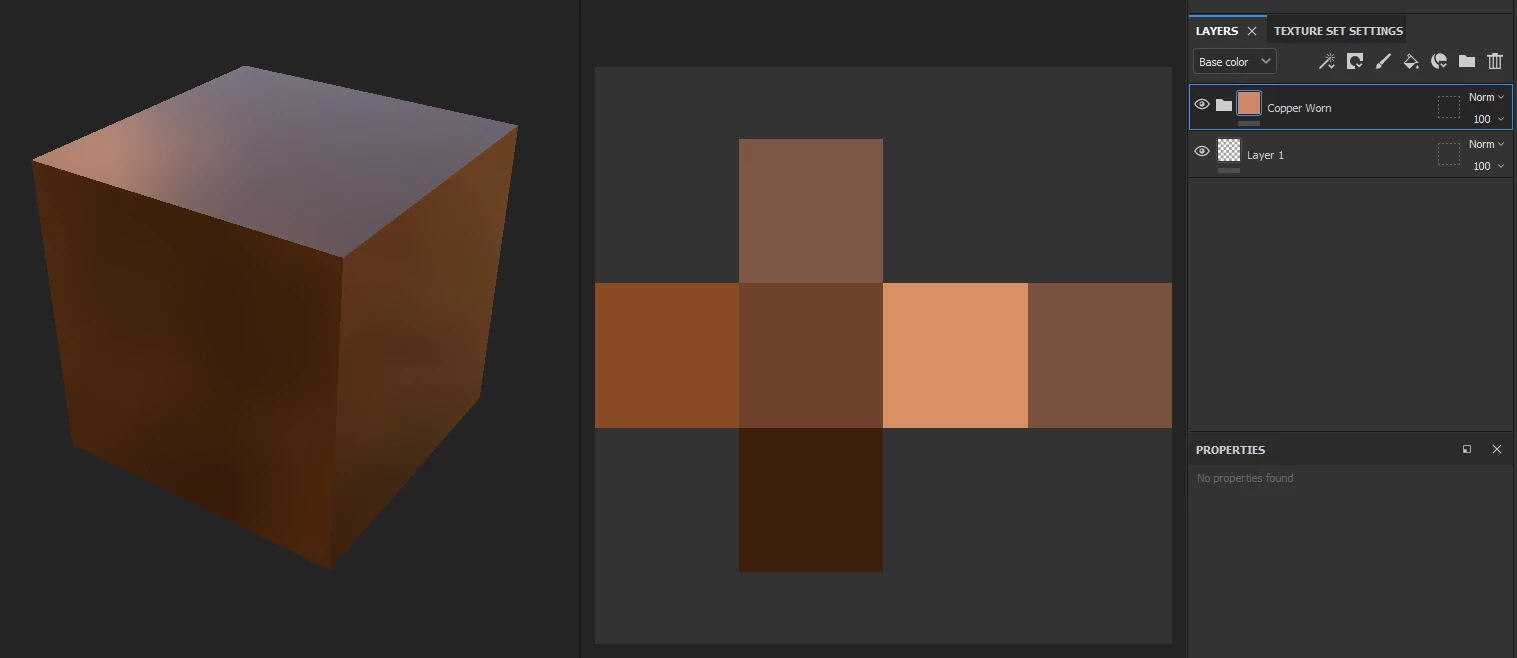
Apply a smart material (eg. Copper Worn), all ok.
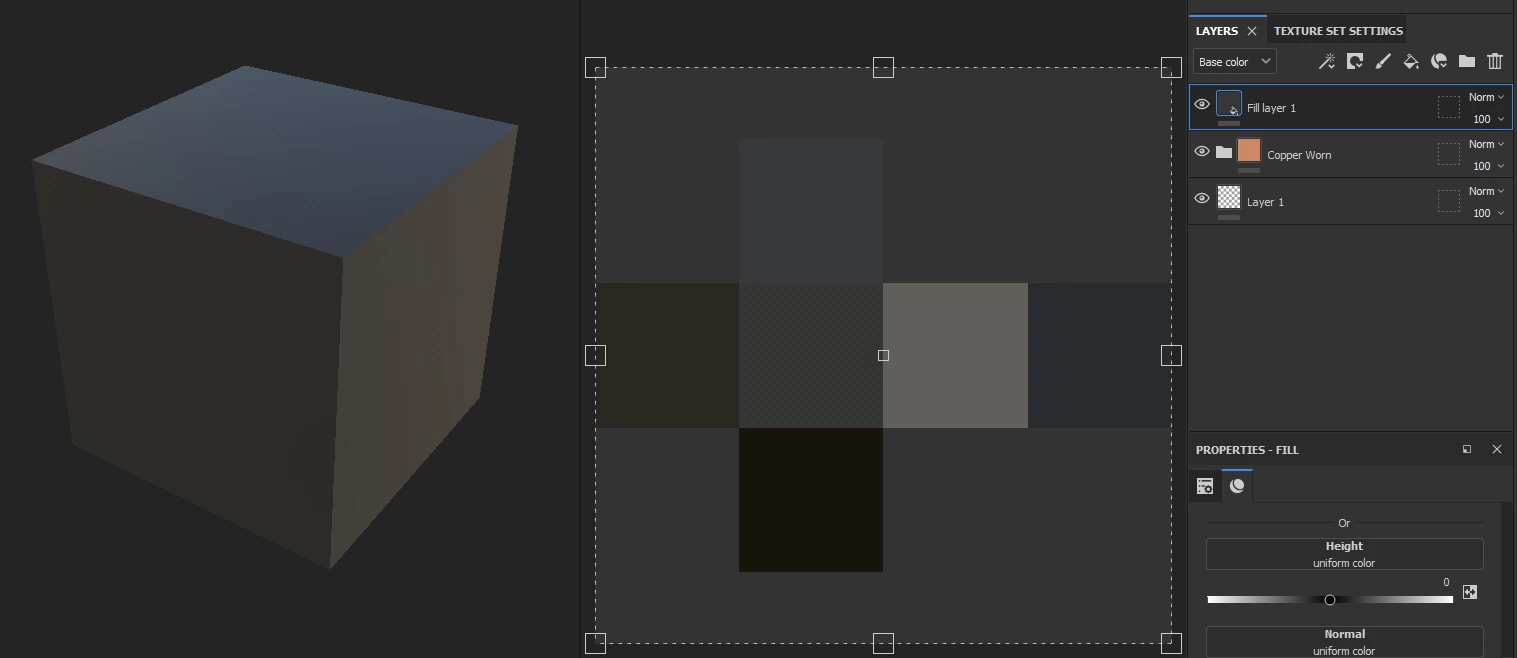
Add a fill layer on top, again all ok.
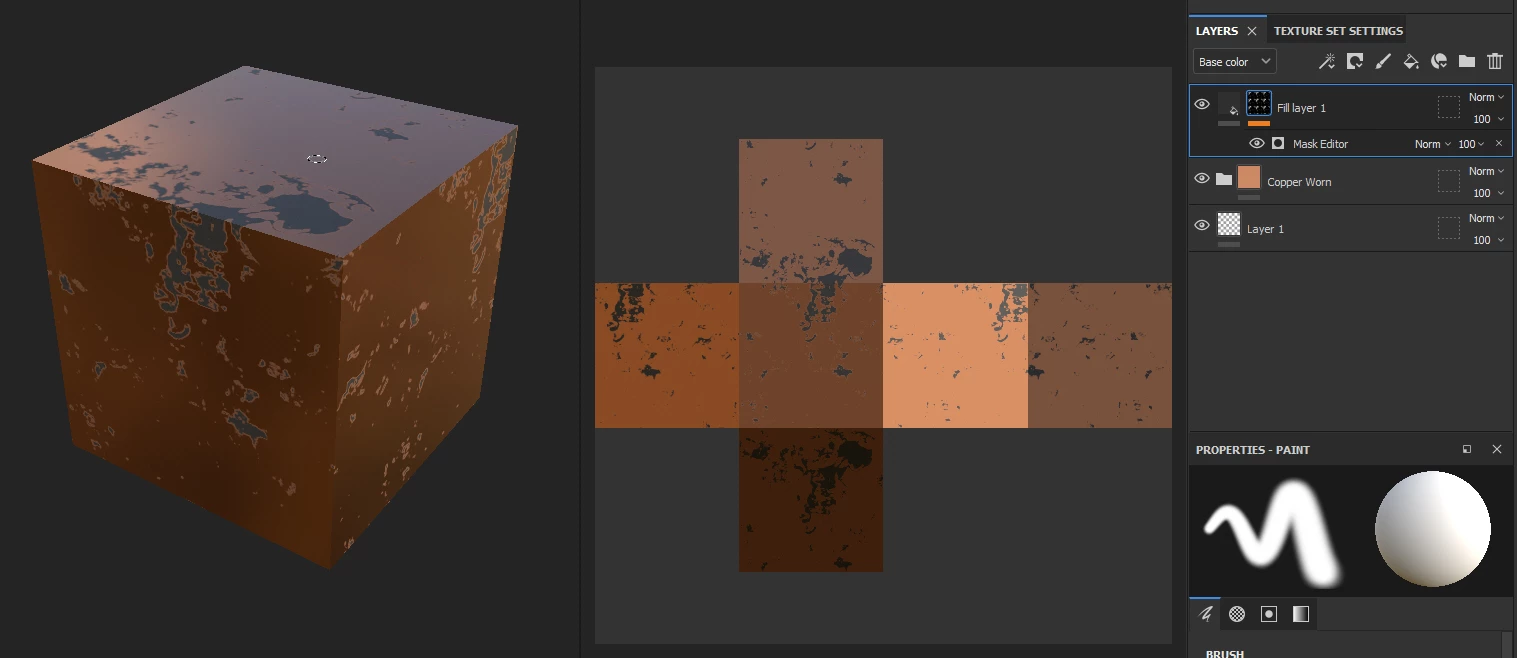
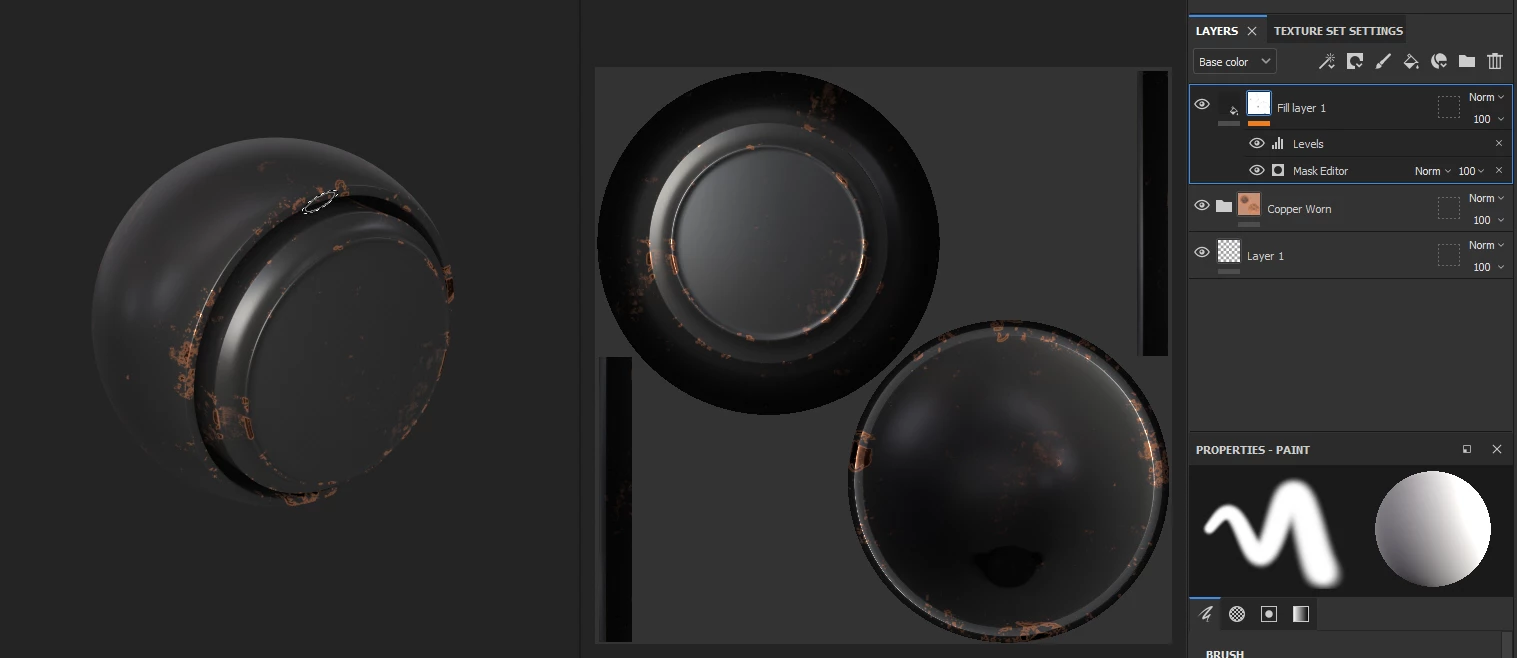
Then apply the Edge Damage smart mask to the fill layer.
And get this result.
I then tried baking the material before applying anything,
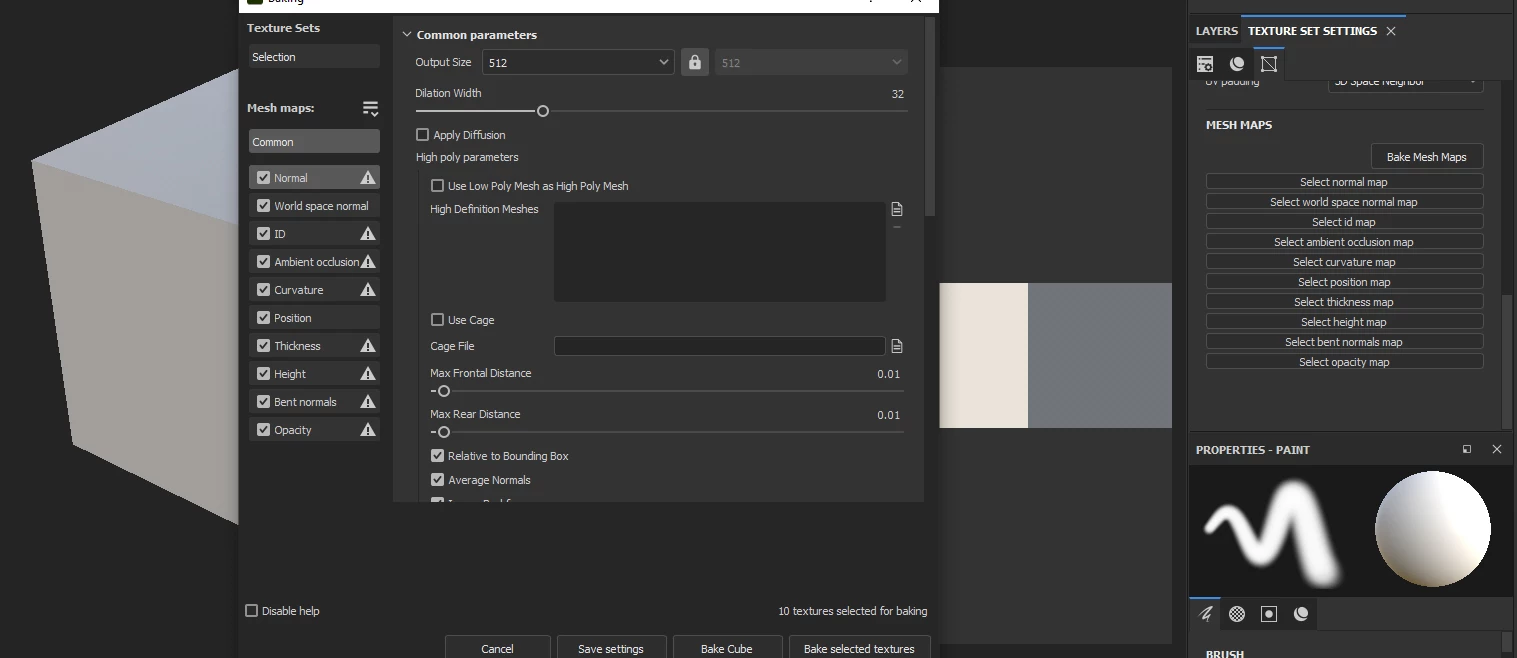
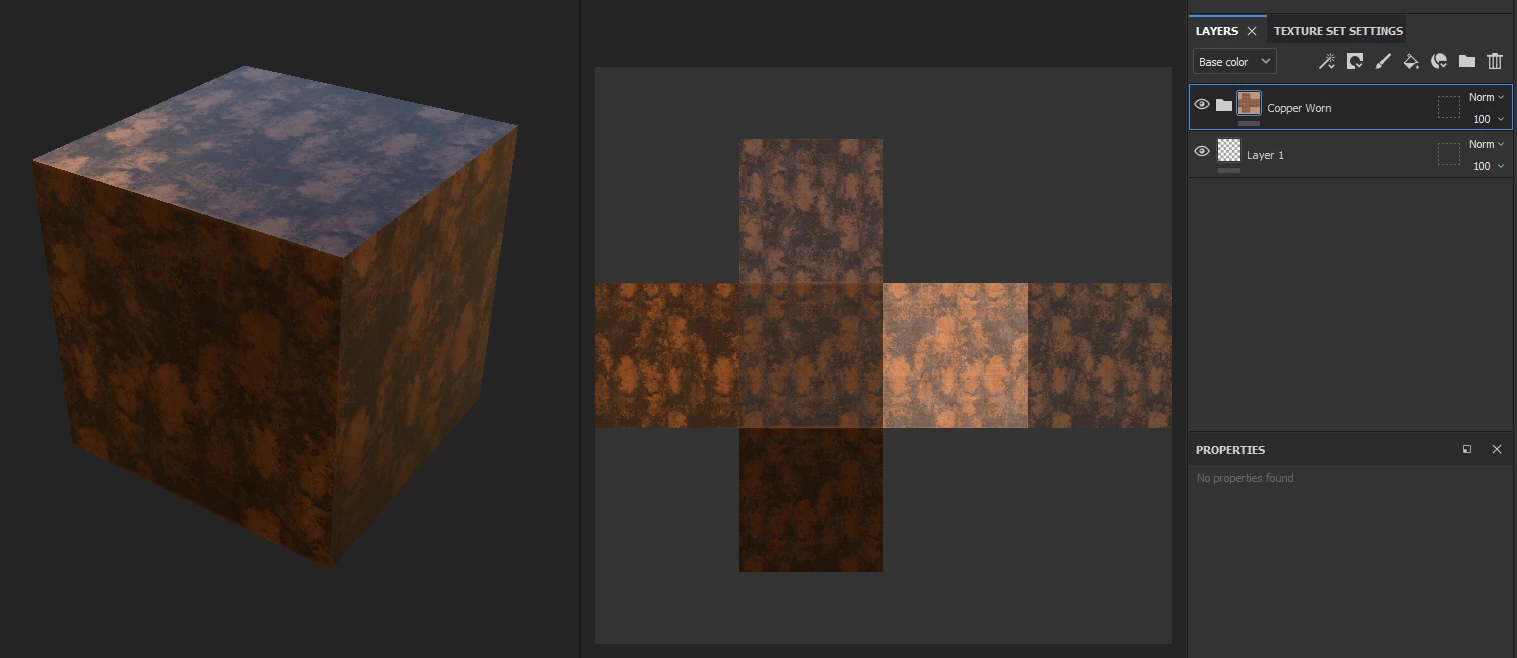
with the following results.
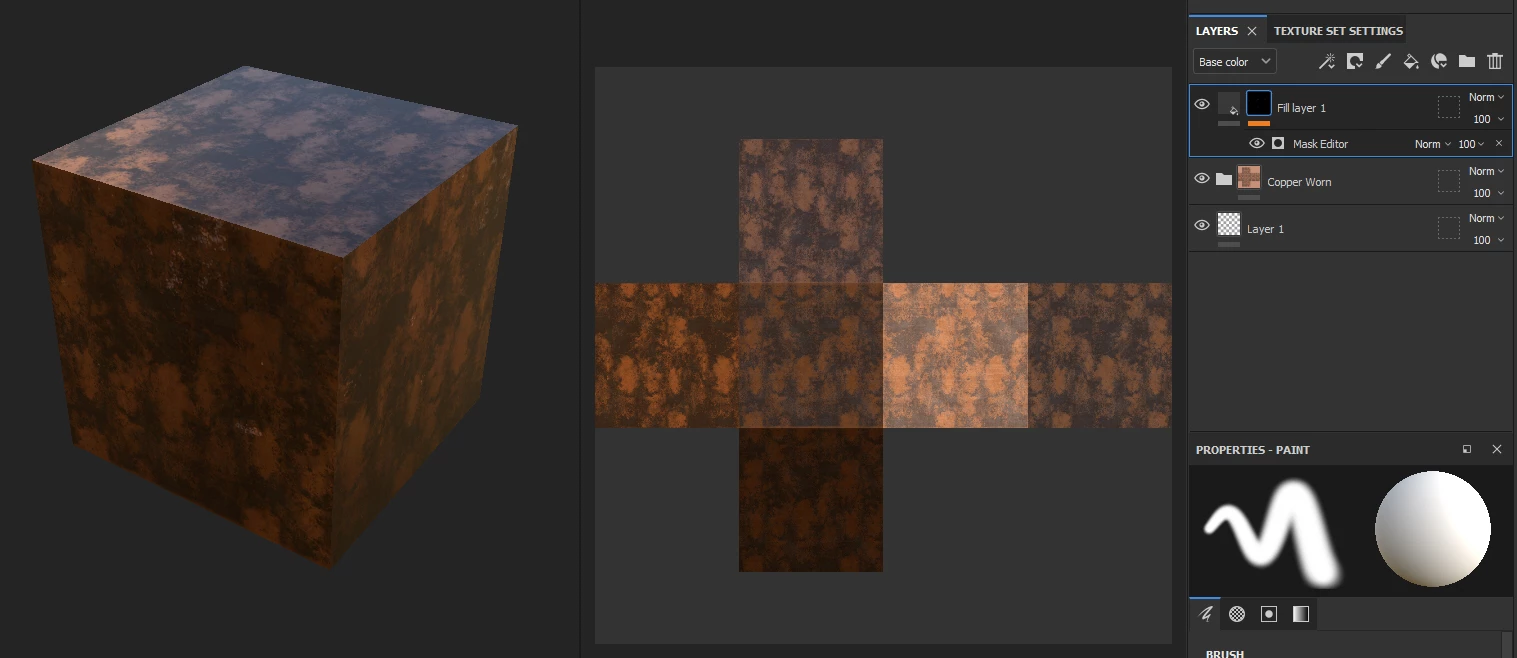
and with the mask inverted
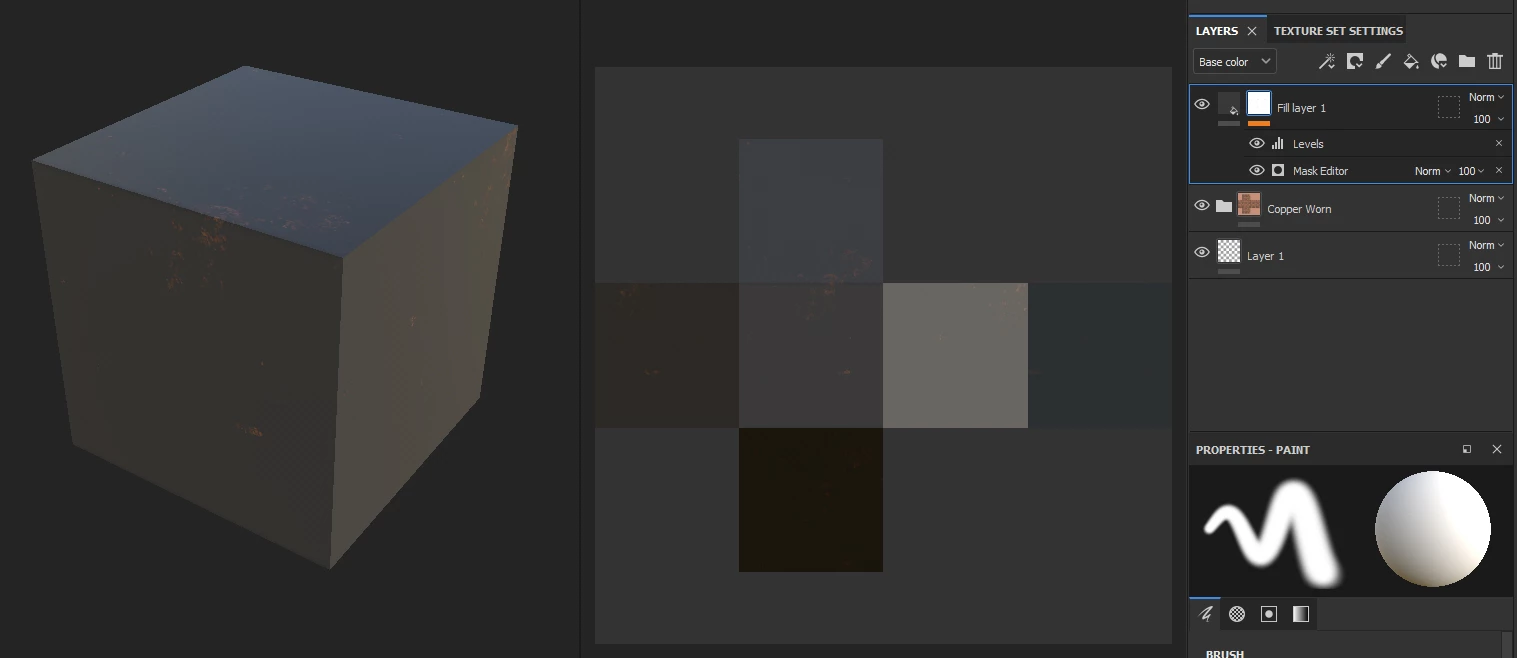
If I open their sample (EG. MeetMat), and do the same it works as expected. IE. Damage along the edges.
What am I doing wrong.
Thanks in advance.

 AdChoices