Inspiring
December 14, 2021
Question

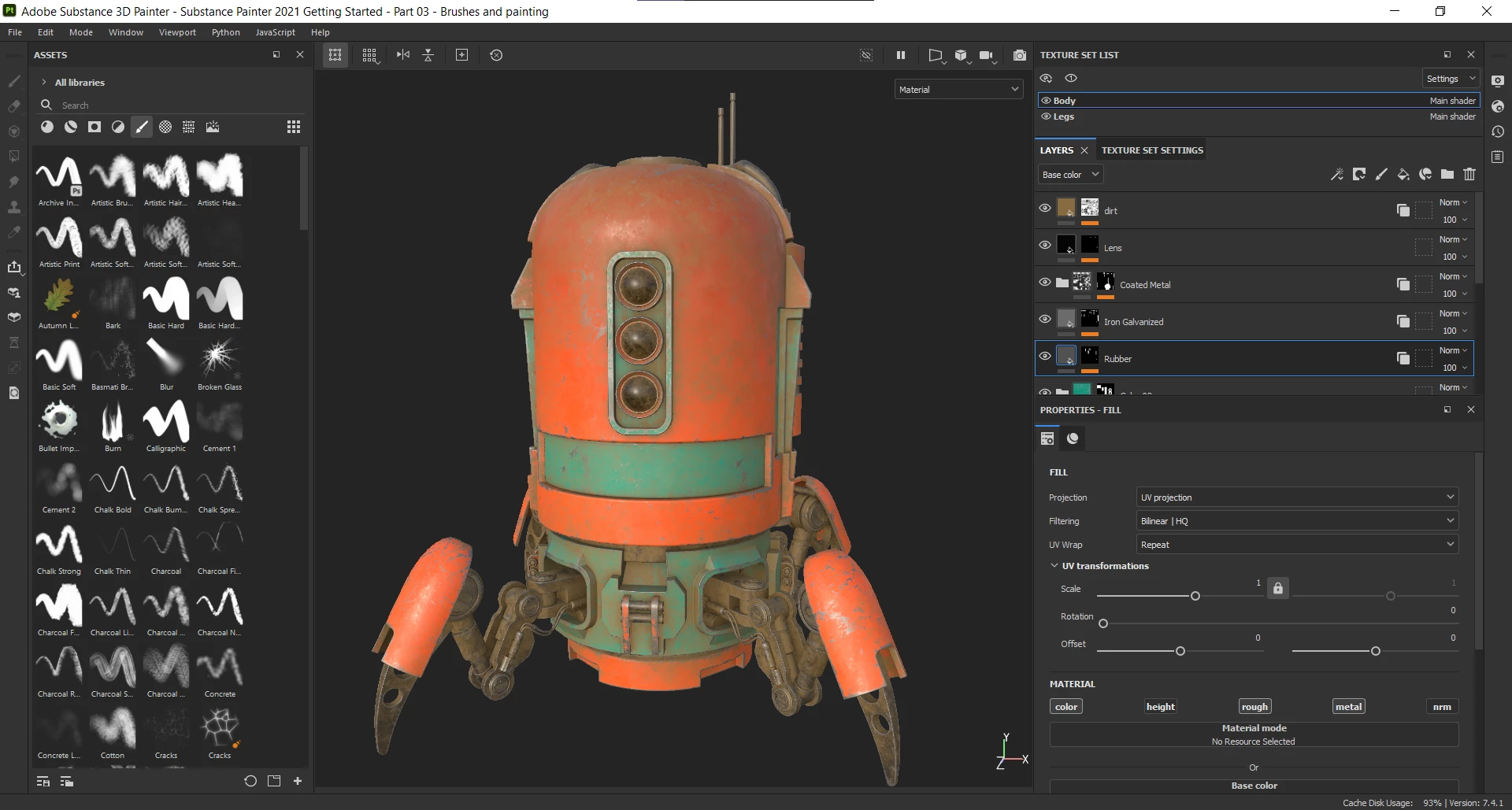
Font size of the UI for Substance Painter

  • December 14, 2021
  • 2 replies
  • 3079 views

Good day all.
Is there way to increase the font size of the UI? My screen resolution is 1920 x 1080. The font size of the UI is not an issue with any other software that I utilize often like Adobe Illustrator, Photoshop, After Effects, Audition, Google Chrome or Visual Studio Code.

Note, I searched this forum and the old forum.substance3d.com/ for solutions for this issue. I could not locate a solution in the Documentation. Previous users expressed concerns about the font size of the UI


Specs: 
Substance 3D Painter, version 7.4.1
Build 1418 - 7c8c2fc4fdff1f8e3d4000066a023321898b6277

#user_interface #fonts #substance #painter

2 replies

Participant
June 17, 2025

Please add an option for increased font size. I almost need a microscope to see certain text.

Cedric Marchessoux
Community Manager
Community Manager
December 15, 2021

Thank you for the input, I do not think inside Painter there is a way to increase the font size.

Vee CelAuthor
Inspiring
December 15, 2021

Thank you for the reply. Hopefully in the future the Adobe team will improve the UI or the ability to change the font size.

Inspiring
January 29, 2024

Yes, I would need that feature. My eyes are not the best anymore, I do need to increase the Font size quite a bit. Thank you for bringing this issue up and I hope as well the UI Font size can be changed soon. Appreciate it!