Participant
May 20, 2024
Answered

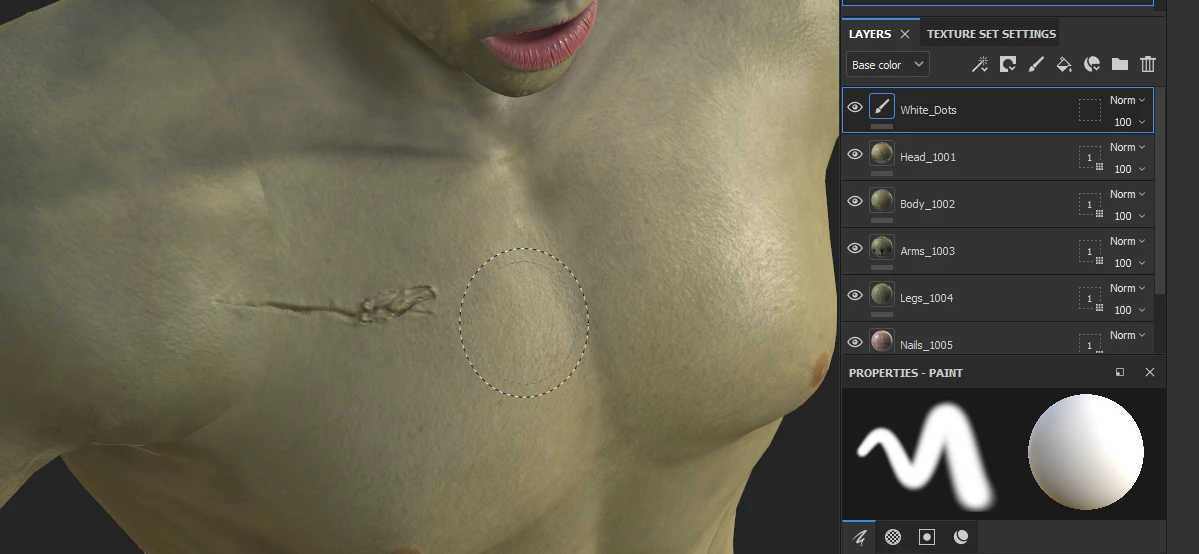
Generate color inside the crevice of scar using a mask.
  • May 20, 2024
  • 1 reply
  • 376 views


I have a low and high poly mesh from zBrush. I bake the details in SP2024 to the low poly. I can't seem to figure out what map is being used for the details like my scars and teeth marks. For example, I am trying to add blood in the crevice of the scar maybe using a mask based on height or narmal.

I am not sure if this is possible. Perhaps someone can suggest a method.

Correct answer Cyril Dellenbach

Hello Albert,


Thank you for the message.


We usually don't use the Height or Normal for masking details, but rather the Curvature or AO. You could place the AO map as a mask and use a Level filter to adjust it, but I advise you to check in the library for smart masks.


Those are procedural masks taking advantage of the baked maps to build localized details, and it should be what you're looking for.


Regards,

1 reply

Cyril Dellenbach
Community Manager
Cyril DellenbachCommunity ManagerCorrect answer
Community Manager
May 21, 2024

Hello Albert,


Thank you for the message.


We usually don't use the Height or Normal for masking details, but rather the Curvature or AO. You could place the AO map as a mask and use a Level filter to adjust it, but I advise you to check in the library for smart masks.


Those are procedural masks taking advantage of the baked maps to build localized details, and it should be what you're looking for.


Regards,

Cyril Dellenbach (Micro) | QA Support Artist | Adobe
AlHawkAuthor
Participant
May 21, 2024

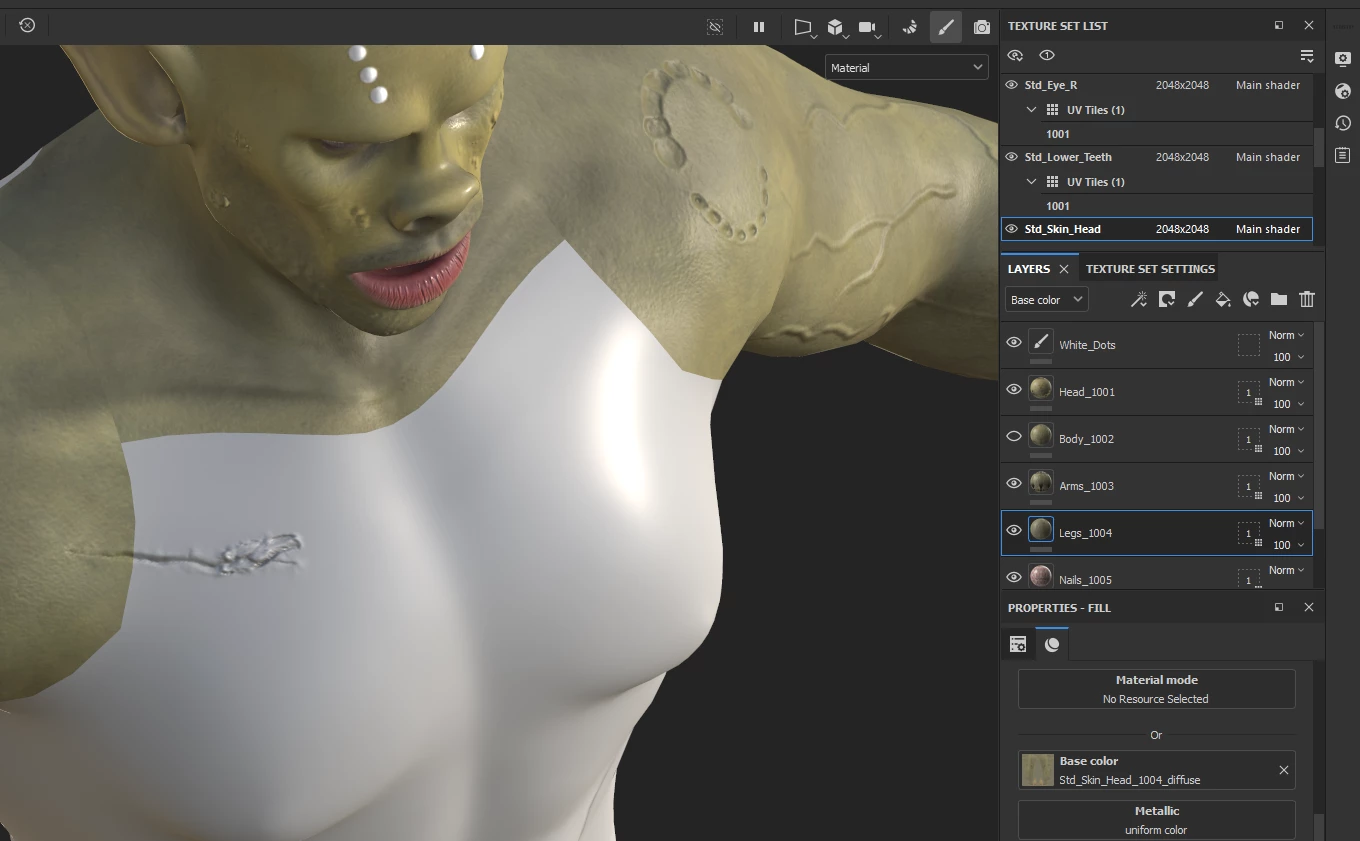
Thank you for the information. I am using a the Curvature Map as a mask to create the blood in the crevice of the scar as shown. Other than painting a black mask around the scar to mask out the remaining red on the body, how would you recommend masking out the remaining red on the body . If I put a black fill it will mask out everything.