


Question
Generator's causing transparency- Mask/Curvature
Hello community,
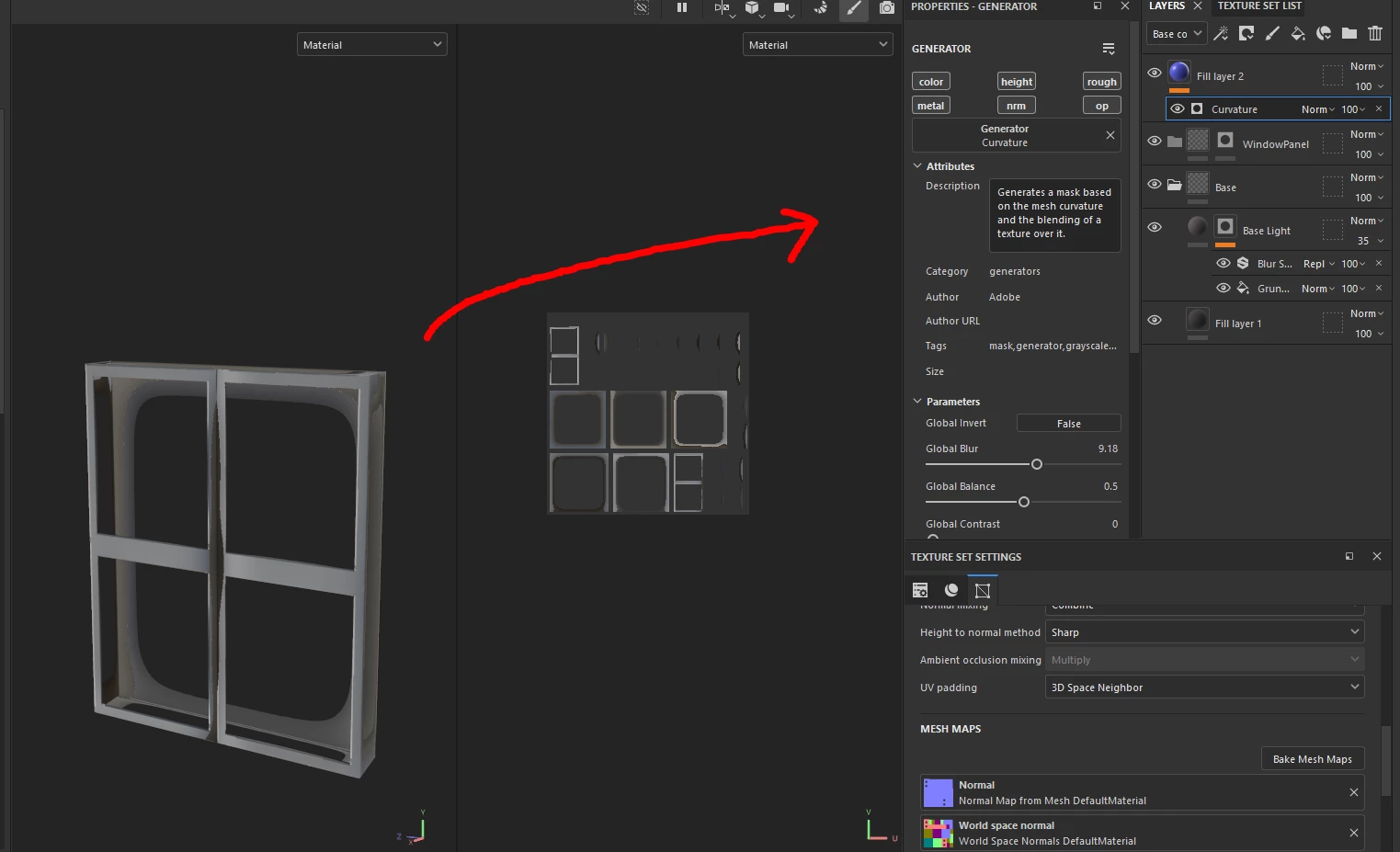
I am recently a new beginner to Substance 3D Painter and have been learning it through trial and error + YouTube videos. I'm having an issue with "Generators" on any type of fill layer, when I apply a generator with a curvature the mesh ends up going transparent for some reason. I've also tried with "Mask Editor" on the "Generators" and that too end's up going transparent. I'm not sure what I'm doing wrong and I'm a little stuck. The mesh has been exported from Blender, I've checked all the UV's and normals to ensure that they are all flipped and correct but this issue is still happening. It's probably an easy fix that I can't seem to figure out. I've attached below some screenshot's of the issue.
Many thanks, 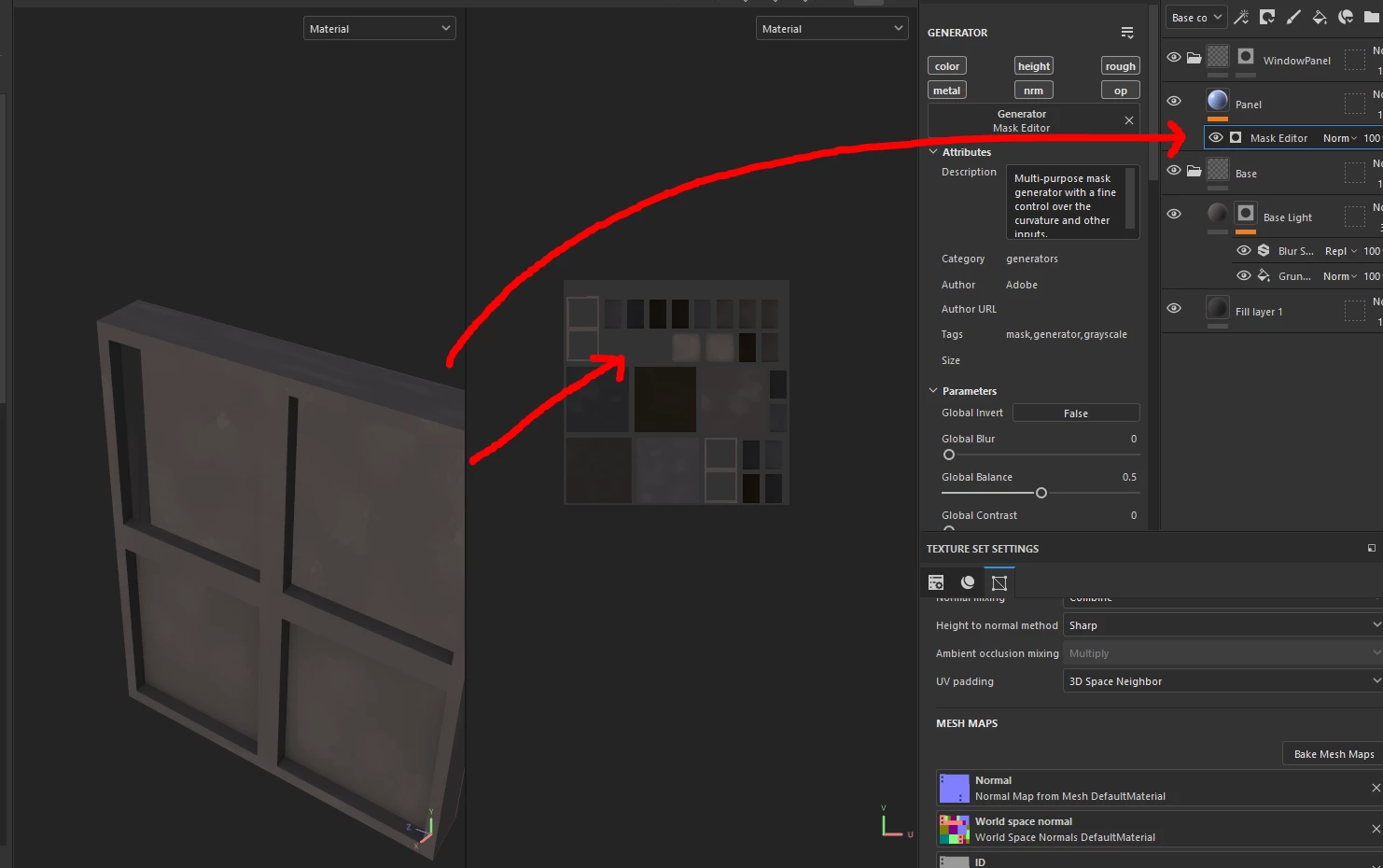
 AdChoices