Participant
August 14, 2023
Question

Geometry masking not working
  • August 14, 2023
  • 1 reply
  • 771 views

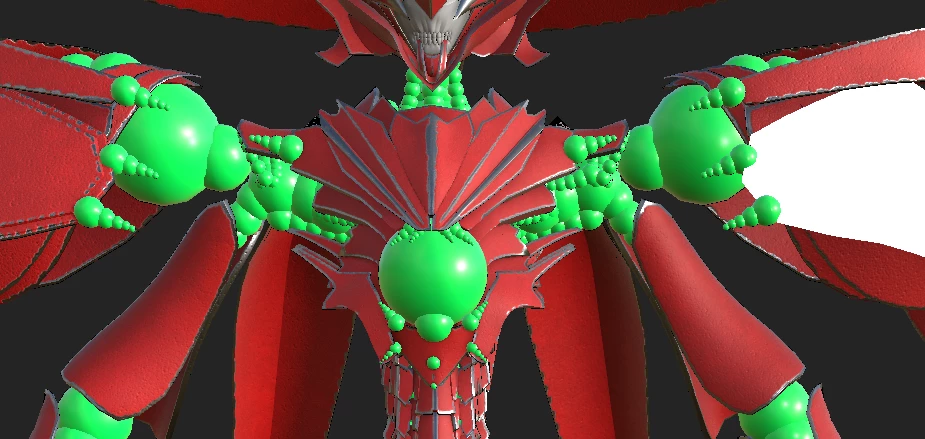
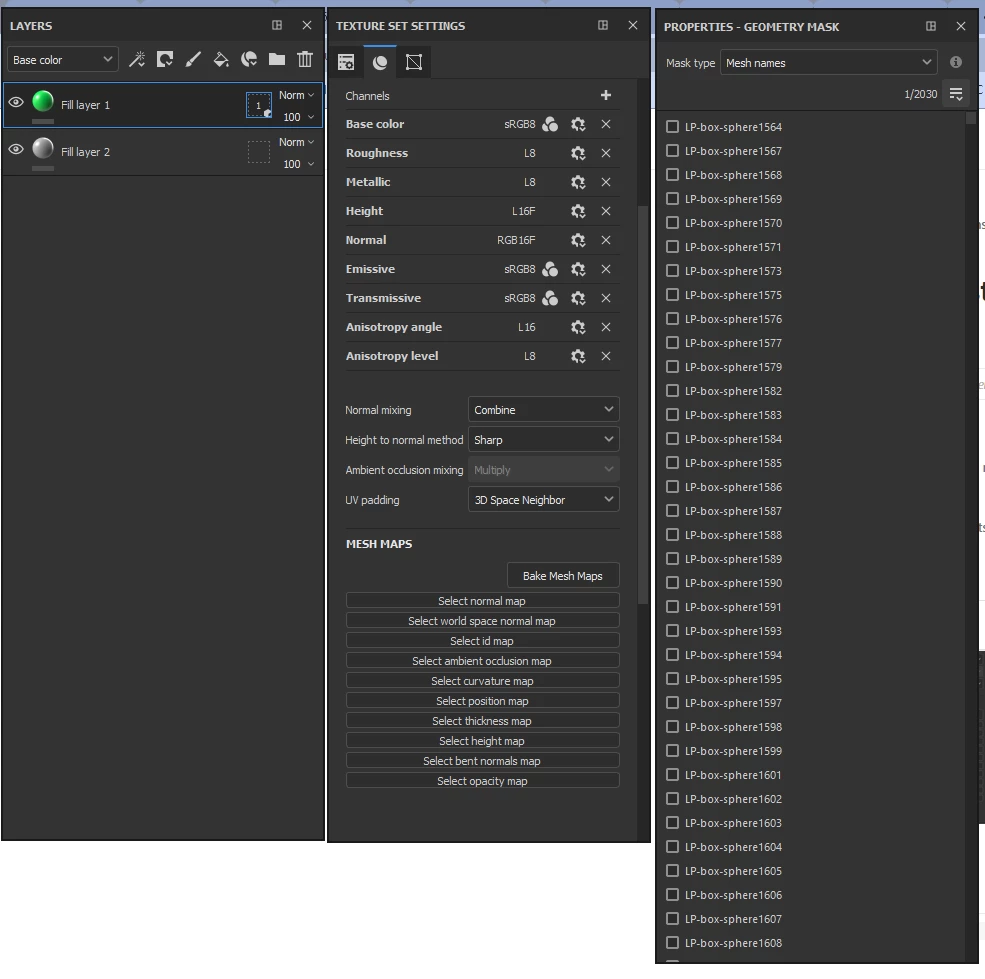
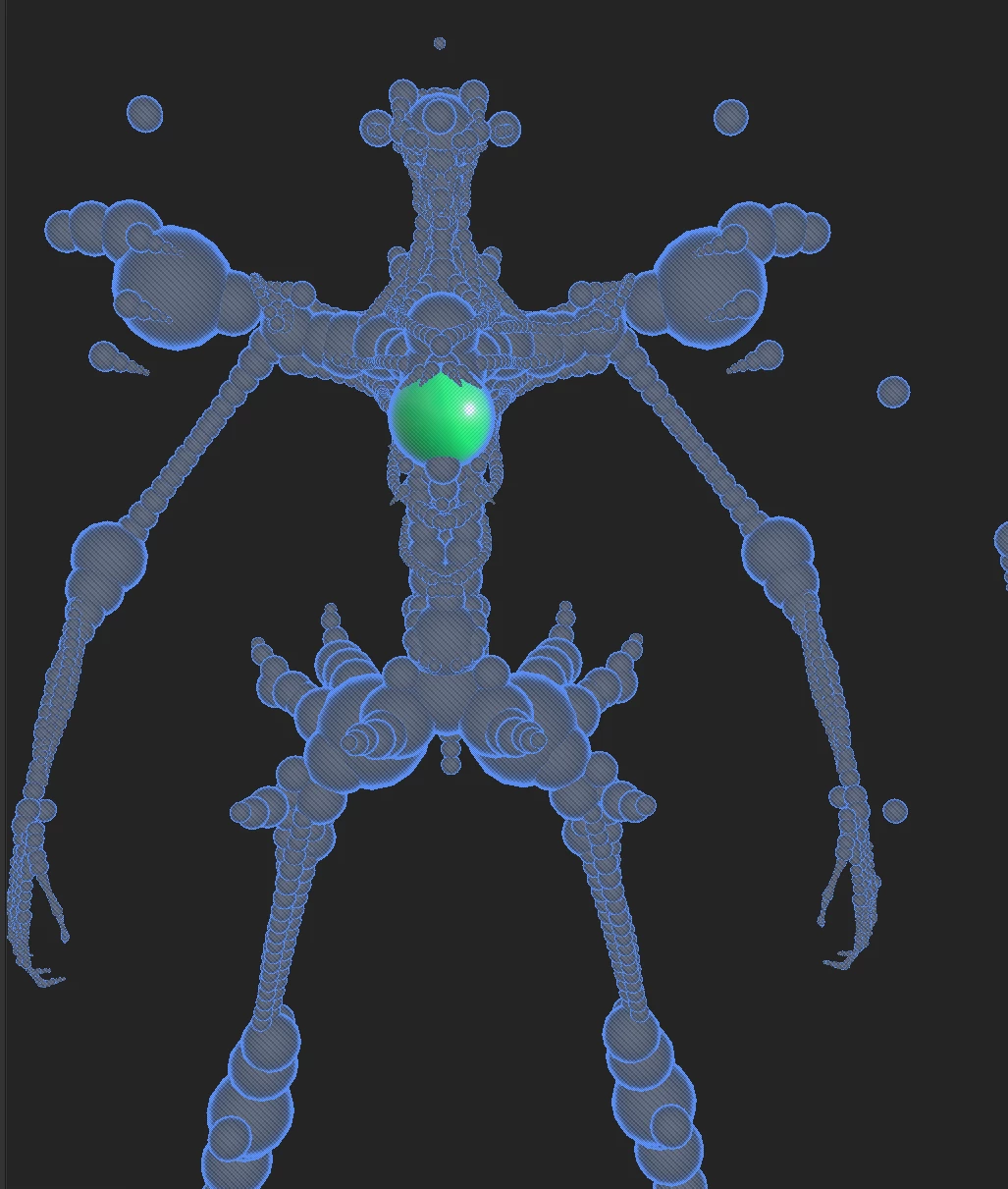
I have a mech made of about 2000 spheres but when i use geometry masking with mesh names i cannot get the mask to work. It works fine for other armoured parts of the body.

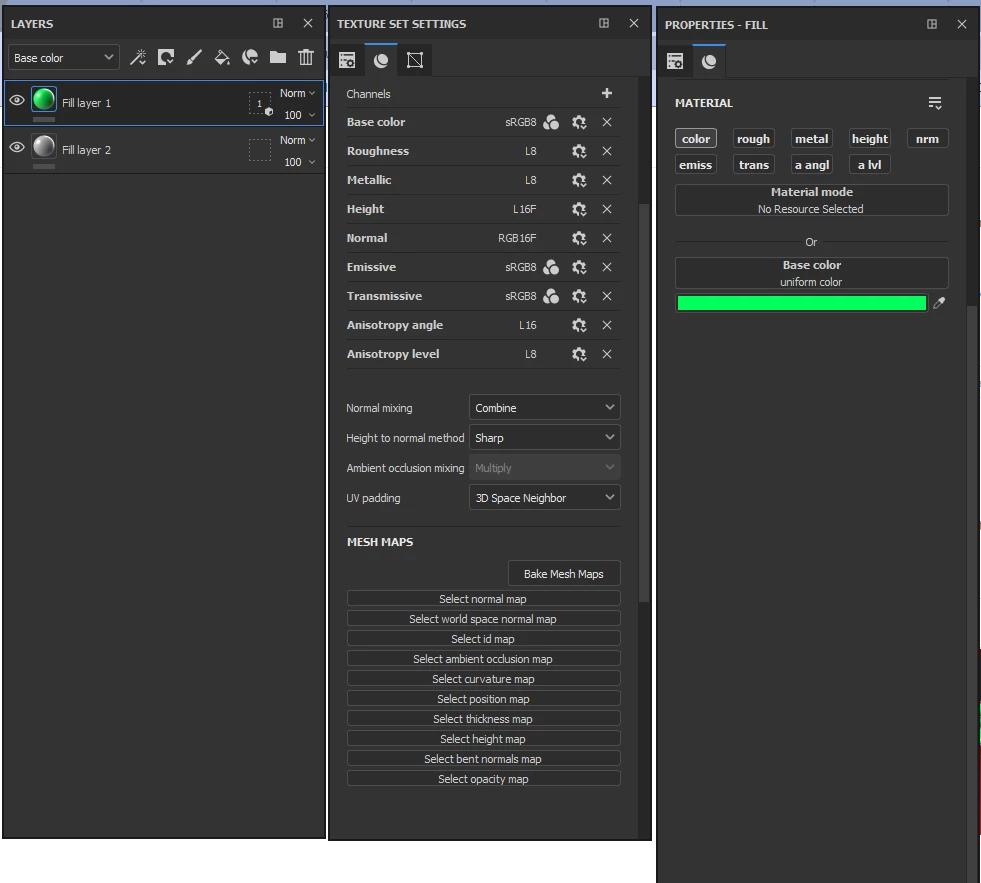
It recognizes that the object are different and masks in the viewport but when i go back to paint mode it colours every sphere


This topic has been closed for replies.

1 reply

Cyril Dellenbach
Community Manager
Community Manager
August 14, 2023

Hi @lukep60027779,


Thanks for details.


This is interesting. I'd like to take a look at your project if you don't mind sharing it, so I can investigate. You can send it to me privately at cdellenbach@adobe.com


Let me know,


Cyril Dellenbach (Micro) | QA Support Artist | Adobe
Participant
August 14, 2023

Thank you, I have sent an email to you. the only thing i can think of is that all the spheres share the same UV space which could be causing a problem? but i don't know enough about how the masking system works enough

Cyril Dellenbach
Community Manager
Community Manager
August 15, 2023

If the UVs are overlapping, masking won't help indeed. Unfortunately, there's not really a solution for that. Texturing is always depending on the UVs (except with vertex painting, but this is a very specific approach). Therefore, all the spheres will share the same painted properties.


To make it work properly, all the sphere will need to have their own UV space.


Best regards,


Cyril Dellenbach (Micro) | QA Support Artist | Adobe