
Question
Help with 2D and 3D UV not matching
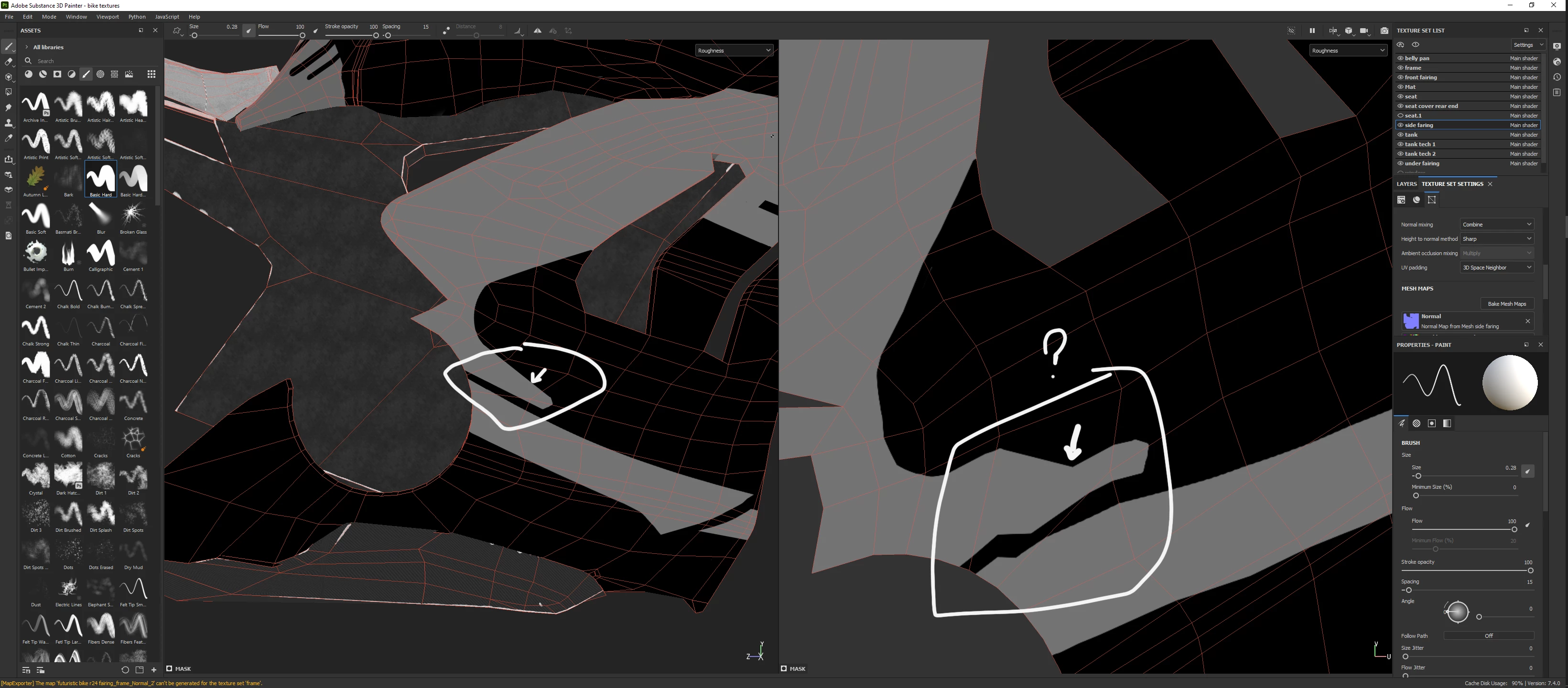
Hi! I've got a problem with how things look in the 3D view compaired to how it looks in 2D and also when I export my textures and use them in my 3D applications, the textures look like in the 2D UV window.
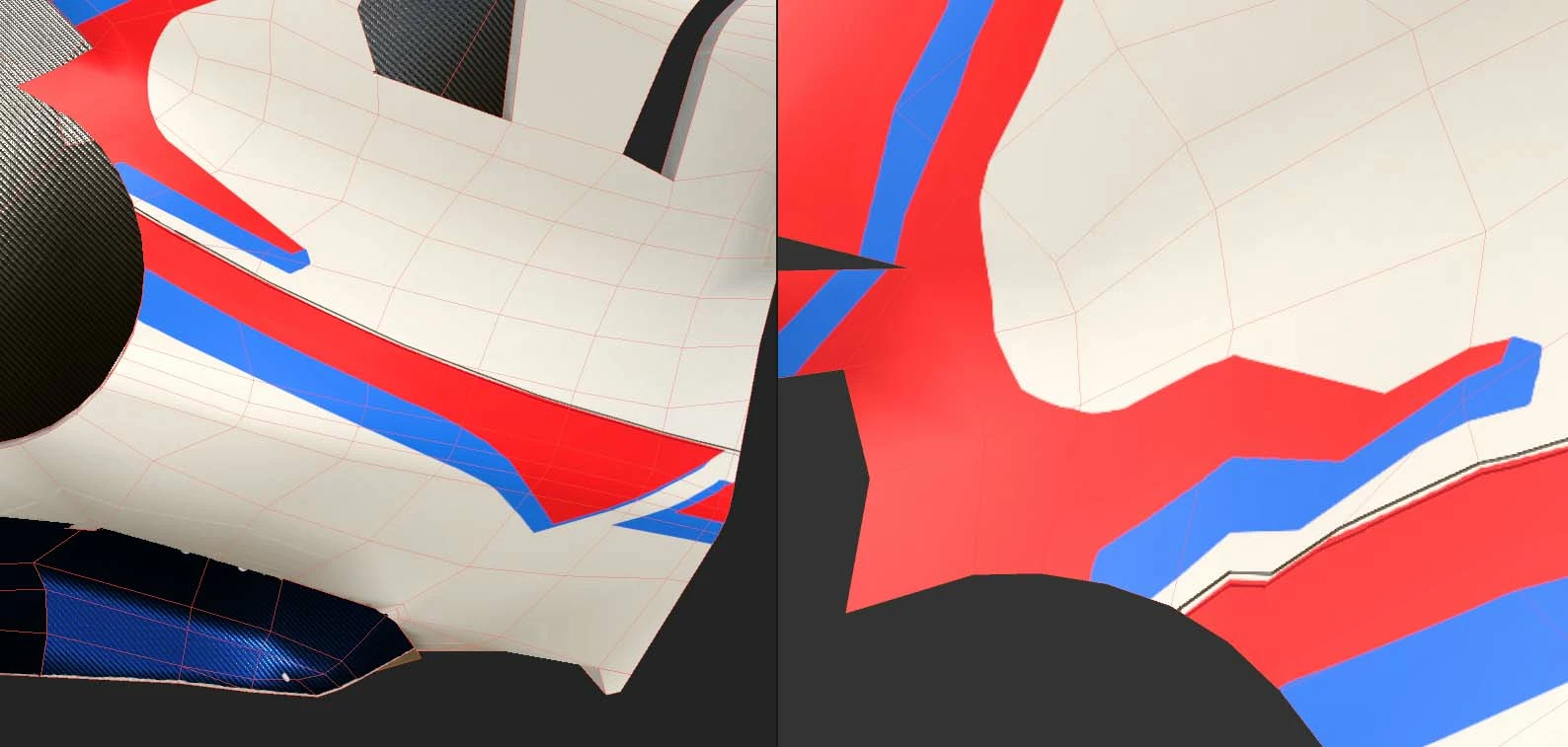
In the picure above I've switched to "roughtness view" only to make the mesh more vissible. The red and blue area is a fill layer with a simple mask that I painted by hand and it looks like the mask isn't projected properly. This also happens in other places on the model.


 AdChoices