Participant
March 17, 2025
Answered

Hex Colors look different in Painter

  • March 17, 2025
  • 1 reply
  • 455 views

Hi all,

I have a clean install of the latest version of Painter.
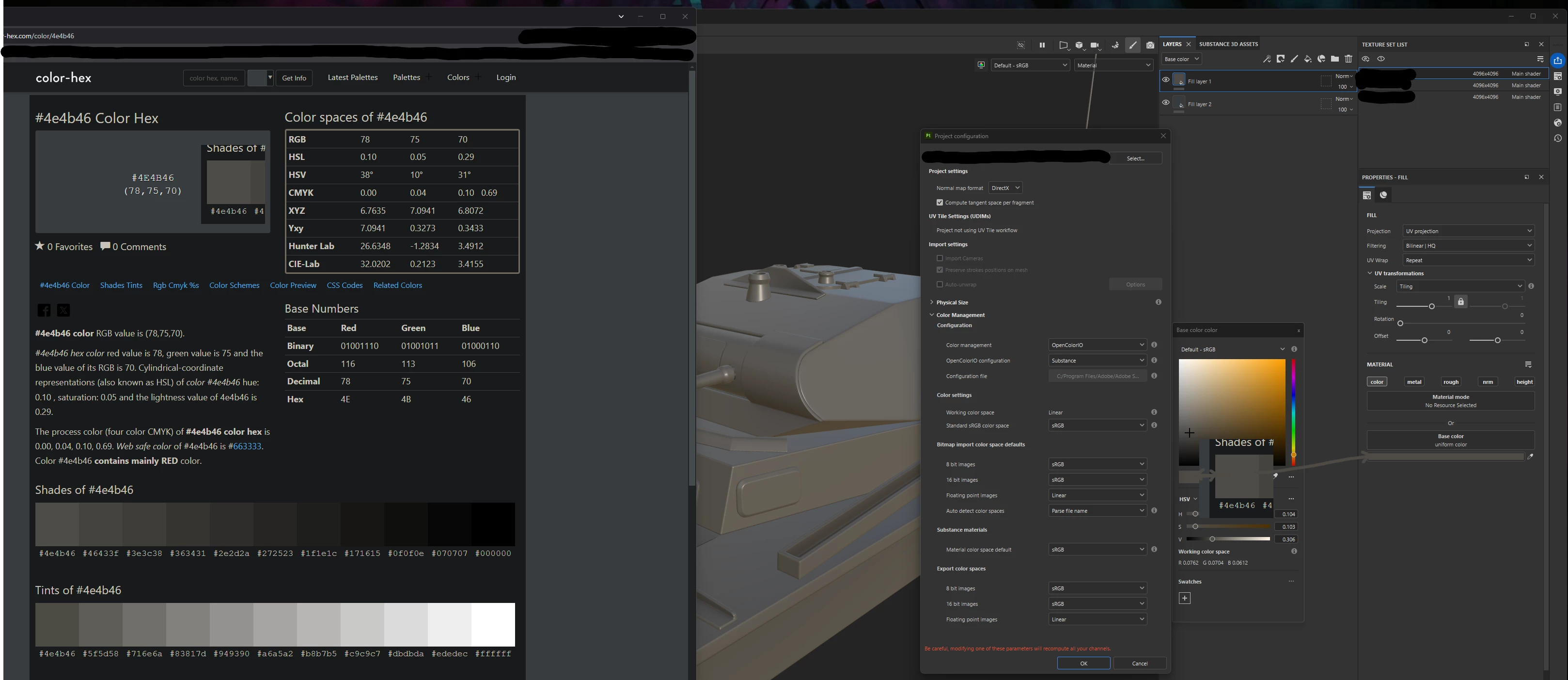
All I did was set the color management to OpenColorIO and import a mesh with baked maps.
I then applied a fill layer and used a hex code to set a specific color.

As you can see in the image, the colors don’t match.
The hex code from the website, which should be correct as far as I know, appears significantly different in Painter—both in the Fill Properties and on the mesh itself.

Ignore the second fill layer, it has no effect in this example.

So, why is this happening? What could be causing this behavior, and how do I fix it?

Correct answer Léna Piquet Froyok

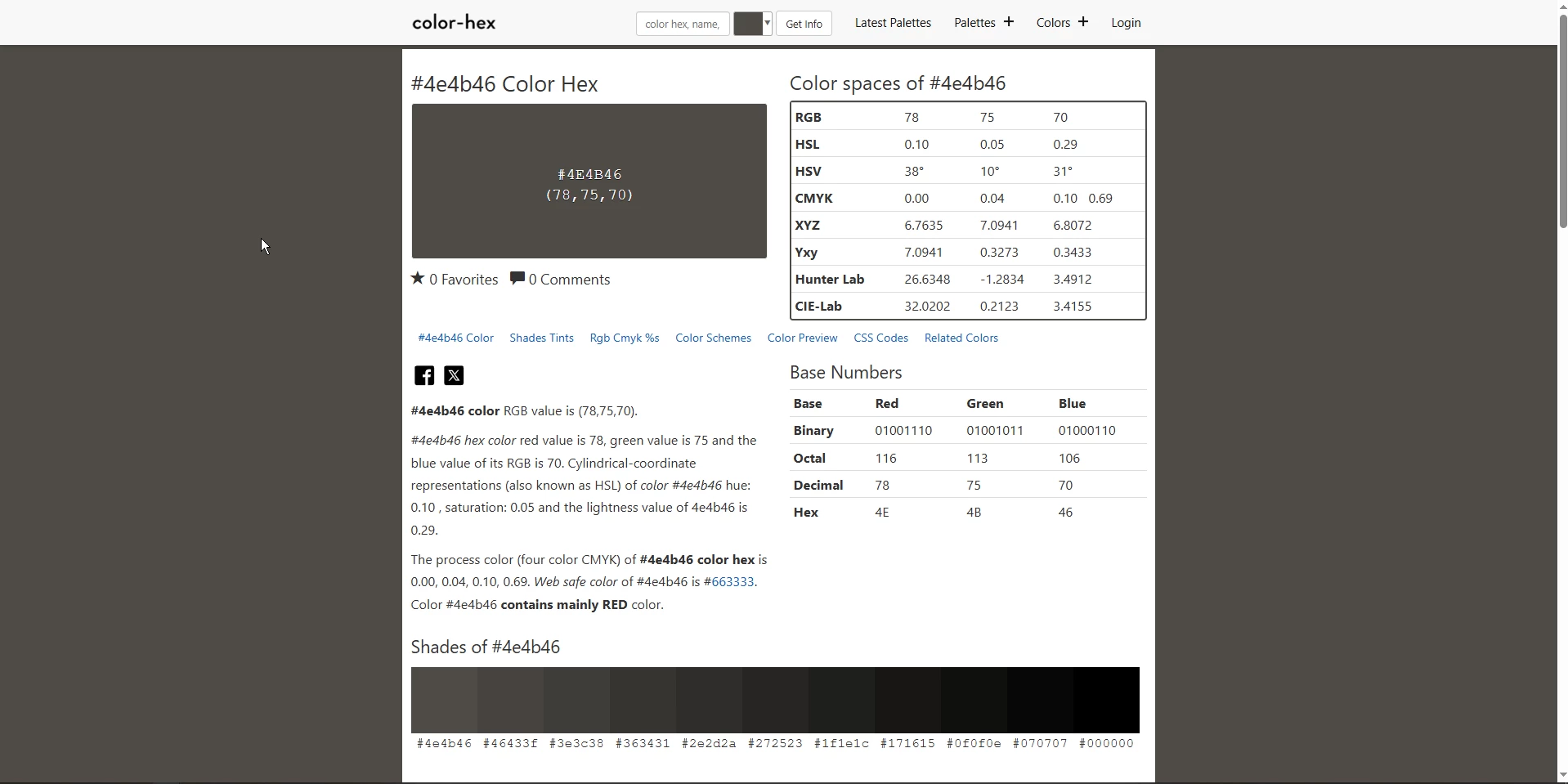
Which color exaclty are you referring to ? Because on my side colors are matching. I edited your screenshot and you can see that colors match properly.

If I open the same website as you, it now matches everywhere which is not your case. So I think the issue is on you side or with the website, and not Painter.

1 reply

Léna Piquet Froyok
Adobe Employee
Léna Piquet FroyokCorrect answer
Adobe Employee
March 21, 2025

Which color exaclty are you referring to ? Because on my side colors are matching. I edited your screenshot and you can see that colors match properly.

If I open the same website as you, it now matches everywhere which is not your case. So I think the issue is on you side or with the website, and not Painter.

Participant
March 22, 2025

I had a setting in my browser interfering with the color on the website.  So it was indeed my fault.