
Question
How do I Export 2D View texture to be exactly like how it appears in the Viewport?
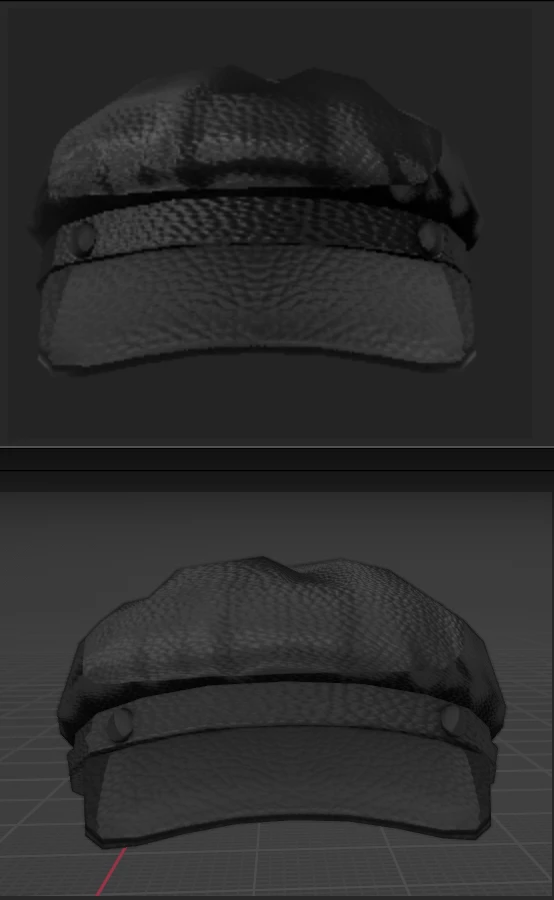
I am trying to export a 2D view. The top is in substance painter’s viewport but when I export the 2D view, I get the bottom picture.
I want the 2d texture exactly like in the substance painter viewport (the top image)
I’m a beginner and idk much, please explain, I heard you bake the lighting but I have 8 layers and I don’t know what layer to put the baked lighting environment filter on? I have no idea what to do
The hat I'm uploading is going on a platform that only accepts 1 image texture and that is the 2D View, that is why I need help with the 2D view texture because I want it to look exactly like how it looks in the viewport of substance painter.
 AdChoices