


mag445
Participant
February 27, 2023
Question

How do I get a proper curvature map for my model?

  • February 27, 2023
  • 1 reply
  • 4454 views

I have a hard time getting a proper curvature map. The white on the curvature map isn't consistent, it doesn't cover all the edges: 
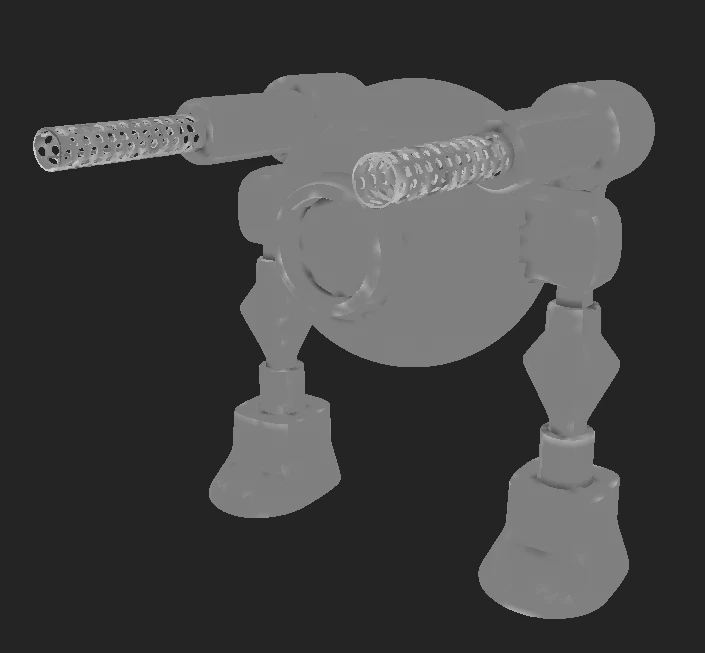
This is the finsihed model. I had to go in an manually pain worn edges on the metal, because the curvature map just didn't cover all the edges. 
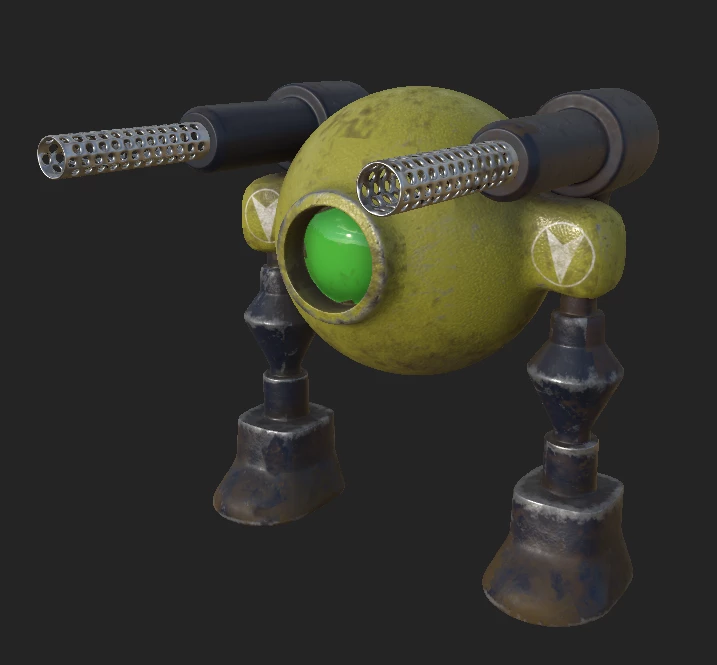
I have tried different settings in the bake panel, but none seemed to give me a good result. 

This topic has been closed for replies.

1 reply

Cyril Dellenbach
Community Manager
Community Manager
February 27, 2023

Hello @mag445,


Thanks for the message and nice looking robot by the way.


From what I see, your Curvature map seems pretty low quality. Have you made sure the output size of the baking has a correct ratio ?


You could also try to increase the Secondary Rays option on the curvature (if not done already).


If the issue persists, could you share your low poly and high poly, so I can dig deeper ? If you don't wish to share it here, you can also send it to me personally.


Keep me posted.


Cyril Dellenbach (Micro) | QA Support Artist | Adobe
mag445
mag445Author
Participant
February 27, 2023

Hey, thanks for the reply! You're totally right, it was the resolution that was too low... I completely missed the "common settings" section in the baking panel, doh. 


I got nice white lines on the edges now.. but it kind of left me with another problem. 

As you can see your suggestion fixed it, but still these darker lines that surrounds every polygon on the model, do you know what I've done wrong this time? 🙂

Cyril Dellenbach
Community Manager
Community Manager
February 27, 2023

First of all, check that the Sampling Radius from your curvature is still set to 0.001. If the problem persists, you can try to decrease the value a little bit.


Also, that could come from Shading groups. I would make sure that neither my Low poly nor my High poly has any flat smoothing group. In Blender, right click, Shade smooth.


In case that's not it, you can always share your project. 


Best regards,


Cyril Dellenbach (Micro) | QA Support Artist | Adobe