



SerQQ
Known Participant
September 14, 2023
Answered

How synchronize brush settings across all paths?

  • September 14, 2023
  • 1 reply
  • 1243 views

This is about the new Path tool.

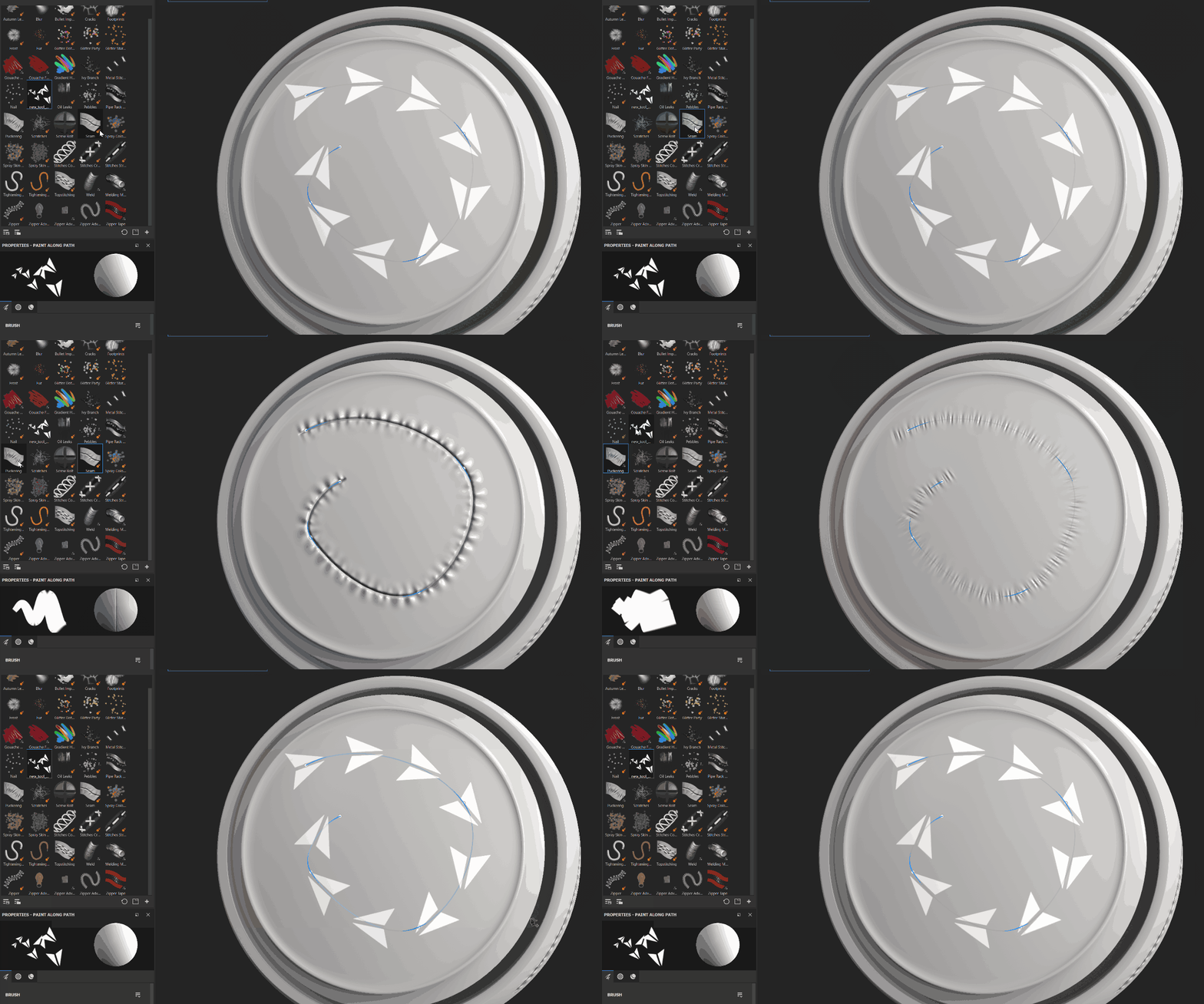
One option is to create a preset and click on each path and apply this preset or brush, but I don’t see a synchronization function or the ability to select all paths at once.

Correct answer Cyril Dellenbach

Hello @SerQQ,


Thanks for the question.


As long as a Path is selected, the synchronization is auto. Meaning you can select a preset/brush/etc. and it will automatically by applied on the current Path.


However, you can't select multiple paths, and apply the properties to all of them at once.


Best regards,


1 reply

Cyril Dellenbach
Community Manager
Cyril DellenbachCommunity ManagerCorrect answer
Community Manager
September 14, 2023

Hello @SerQQ,


Thanks for the question.


As long as a Path is selected, the synchronization is auto. Meaning you can select a preset/brush/etc. and it will automatically by applied on the current Path.


However, you can't select multiple paths, and apply the properties to all of them at once.


Best regards,


Cyril Dellenbach (Micro) | QA Support Artist | Adobe
SerQQ
SerQQAuthor
Known Participant
September 14, 2023

I have 35 paths on one layer.

You understand that it is completely inconvenient to slightly change one parameter by clicking on each of the 35 paths? Will this be taken into account in future updates?

Cyril Dellenbach
Community Manager
Community Manager
September 14, 2023

There are discussions on the subject, but nothing to share for now.


Cyril Dellenbach (Micro) | QA Support Artist | Adobe