Emre35481319zqck
Participant
May 6, 2024
Question

How to combine Substance Painter texture sets?

  • May 6, 2024
  • 1 reply
  • 2565 views

Hi,

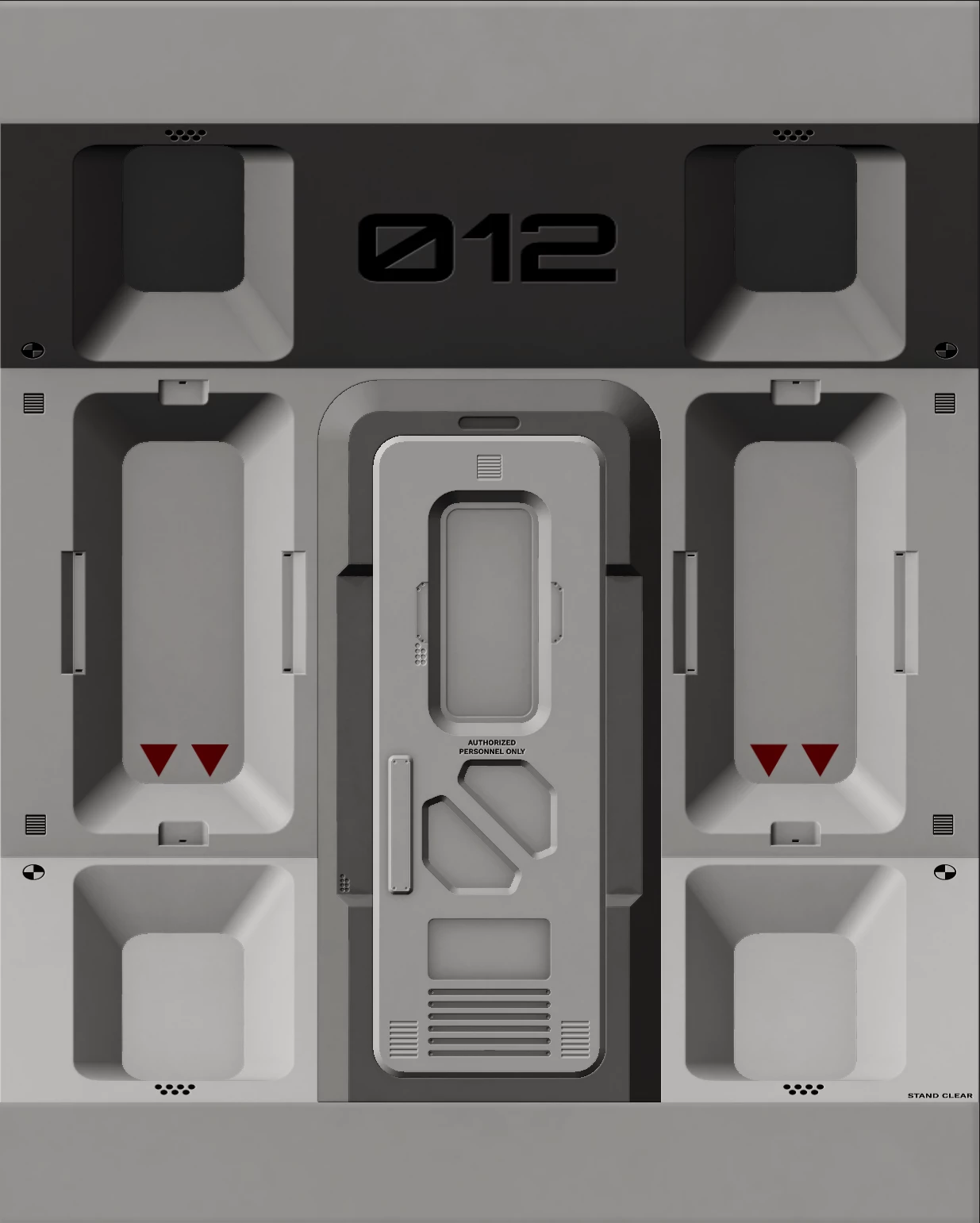
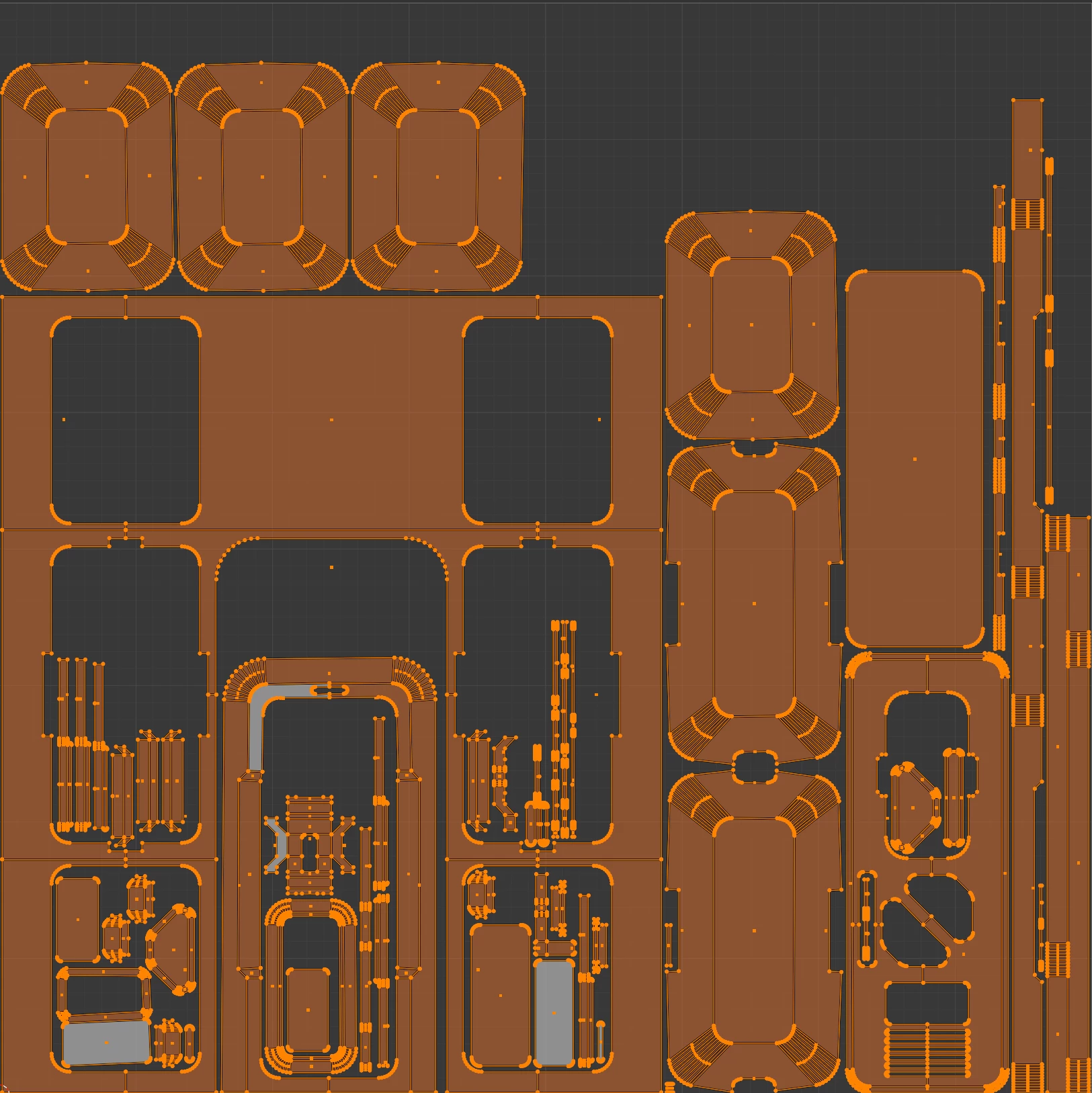
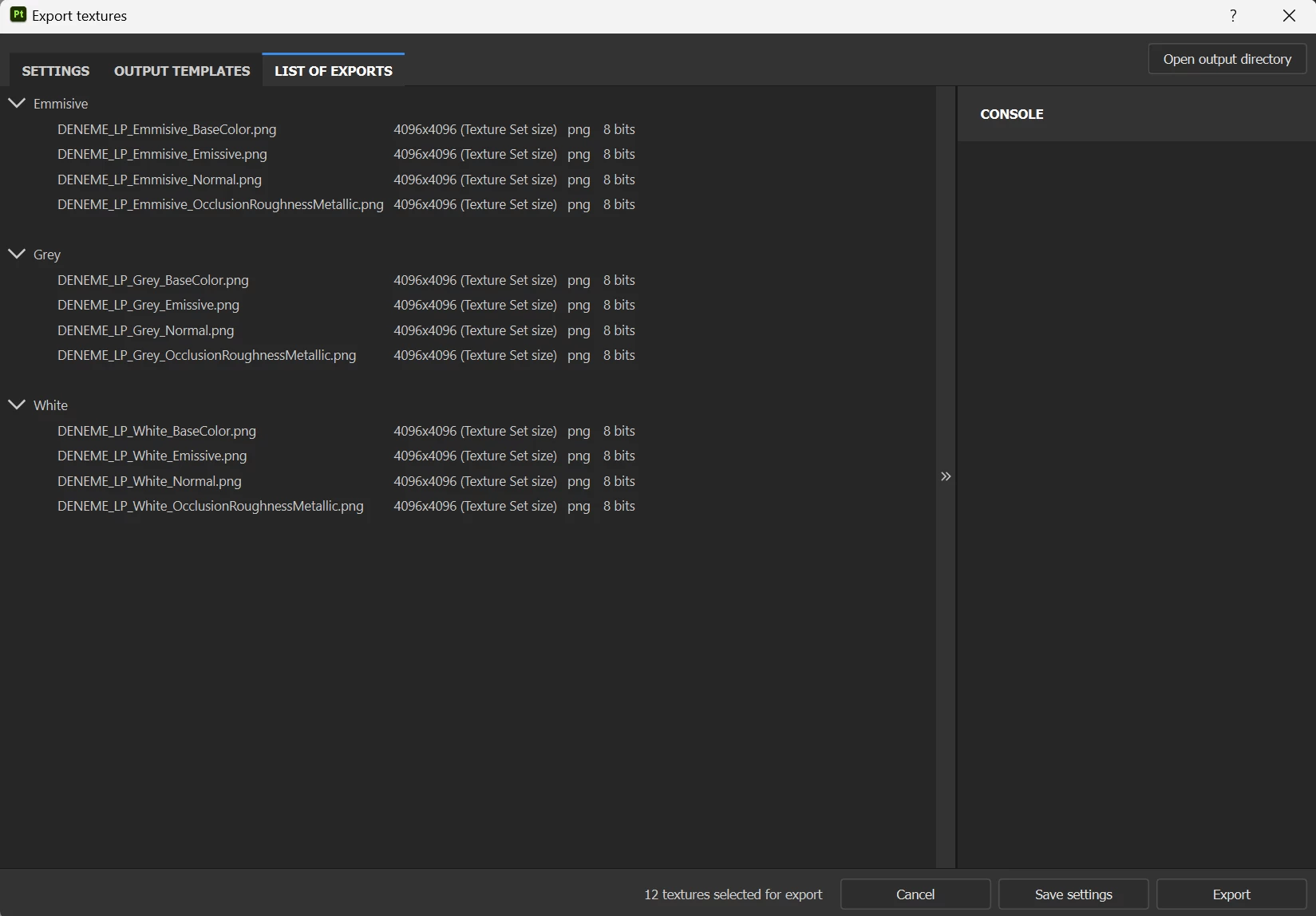
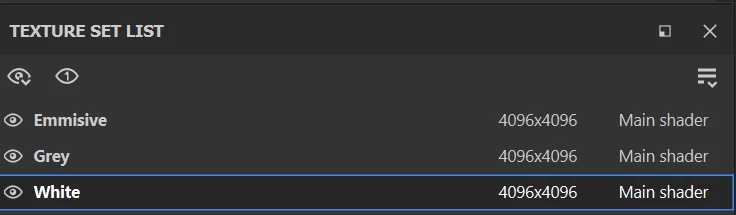
I textured the model, which I created with 3 different material IDs and a single UV map, in the substance painter program. When exporting, I want to combine these texture sets into a single UV map. Substance painter creates 3 separate texture files even though 3 different texture sets are included in the same uv map. Isn't it possible to create the texture of this object in a single texture set? Having 3 different textures causes the file size of the project to increase, I want to avoid this.

thank you!


1 reply

Cyril Dellenbach
Community Manager
Community Manager
May 10, 2024

Hello @Emre35481319zqck,


Thanks for your message.


If you're using a single texture set, why keeping 3 distinct material IDs? You can apply a single material on your entire model and send it to painter.


This way, you'll have a single Texture Set containing your entire UV set.


Best Regards,

Cyril Dellenbach (Micro) | QA Support Artist | Adobe
Participant
November 27, 2024

because he wants to bake objects that are on top of each other and for that he wants to use mesh by name and to be able to use mesh by name he needs each object to have its material name, while all objects are on the same UV. In this case it is a huge problem with sbustane painter. It may bake your model correctly but it leaves you with a lot of material and that means a lot of textures.

Cyril Dellenbach
Community Manager
Community Manager
November 28, 2024

Hello @David32729965dqib,


I have a feeling that it's more about what you want than what he wants. The bake matching by name from Substance Painter doesn't use Material data. It uses geometry's name.


Therefore you need to have similar names between your submeshes and not between your materials. Which means you can have a single Material ID for several submeshes if you want ; and that's why the bake matching by name shouldn't bring isssues with your Texture sets or UV Tiles.


Regards,

Cyril Dellenbach (Micro) | QA Support Artist | Adobe