



Question
How to export literally (1:1) what I see in the right window?
So I am completely new to Substance. I do have some experience in 3D, but I am primarily a 2d designer.
I feel like I want to do something pretty simple, but I can't seem to figure it out. I want to export the UV maps from the (default) right window, exactly as I see it, but in full res. I was expecting an "Edit in Photoshop" button somewhere, but I can't seem to find it.
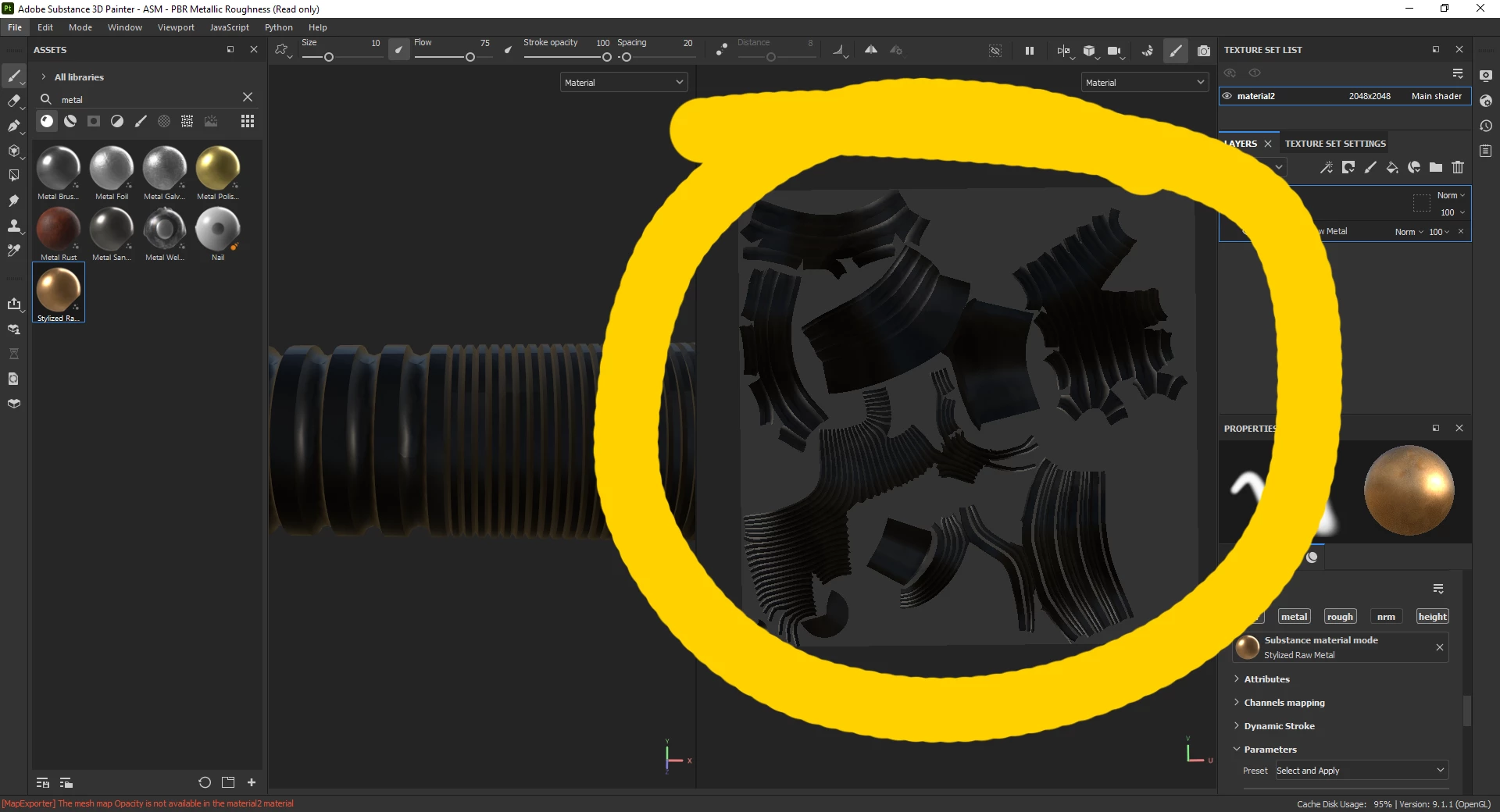
So simply put: I want to export what I see in the right window, exactly as I see it (but in its original resolution), so I can edit it in Photoshop.
(Sorry if I chose the wrong topics. I don't know what I'm talking about)
 AdChoices