


Question
How to fix Random Grey patches?
I get this Issue occassionally where substance painter just adds random grey patches when I bake models, I often fix it but I forget how to so I'm asking how.
I've tried:
exporting as an fbx and an obj file
reunwrapping several times, with smart uv and regular unwrap
remaking the faces that bug out
merging the model by distance
triple checking the uvs are not overlapping
no other meshes are nearby
no uv islands are hidden
below is how the model looks in Substance Painter vs Blender
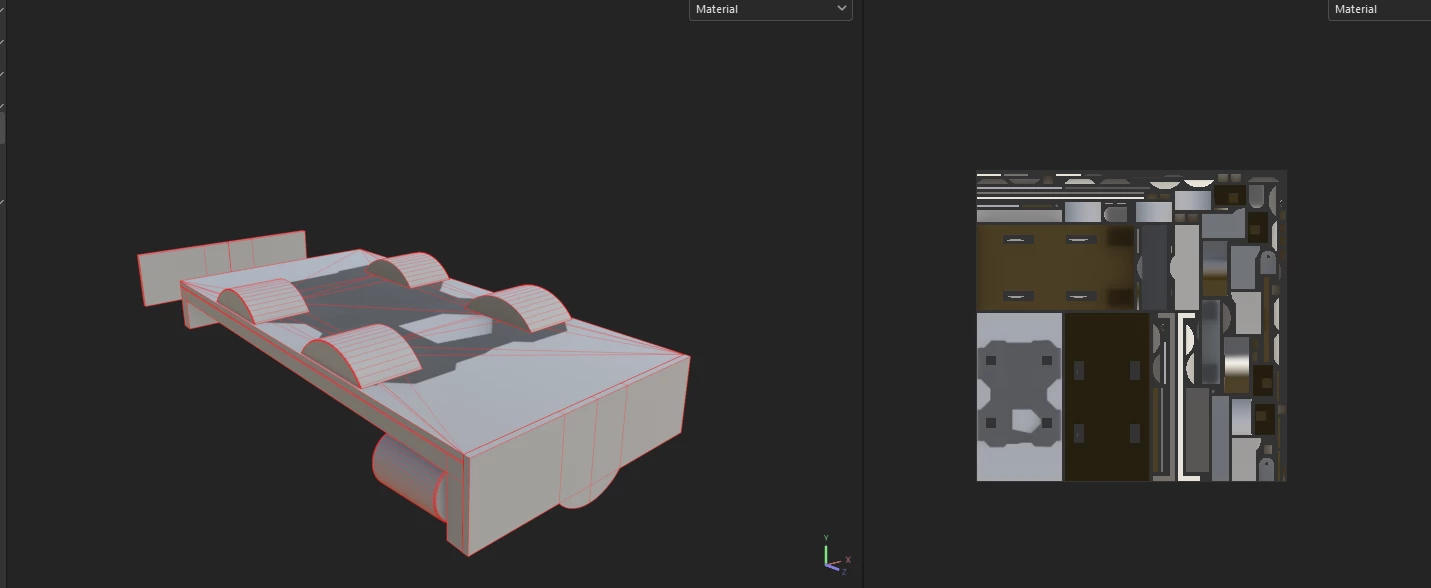
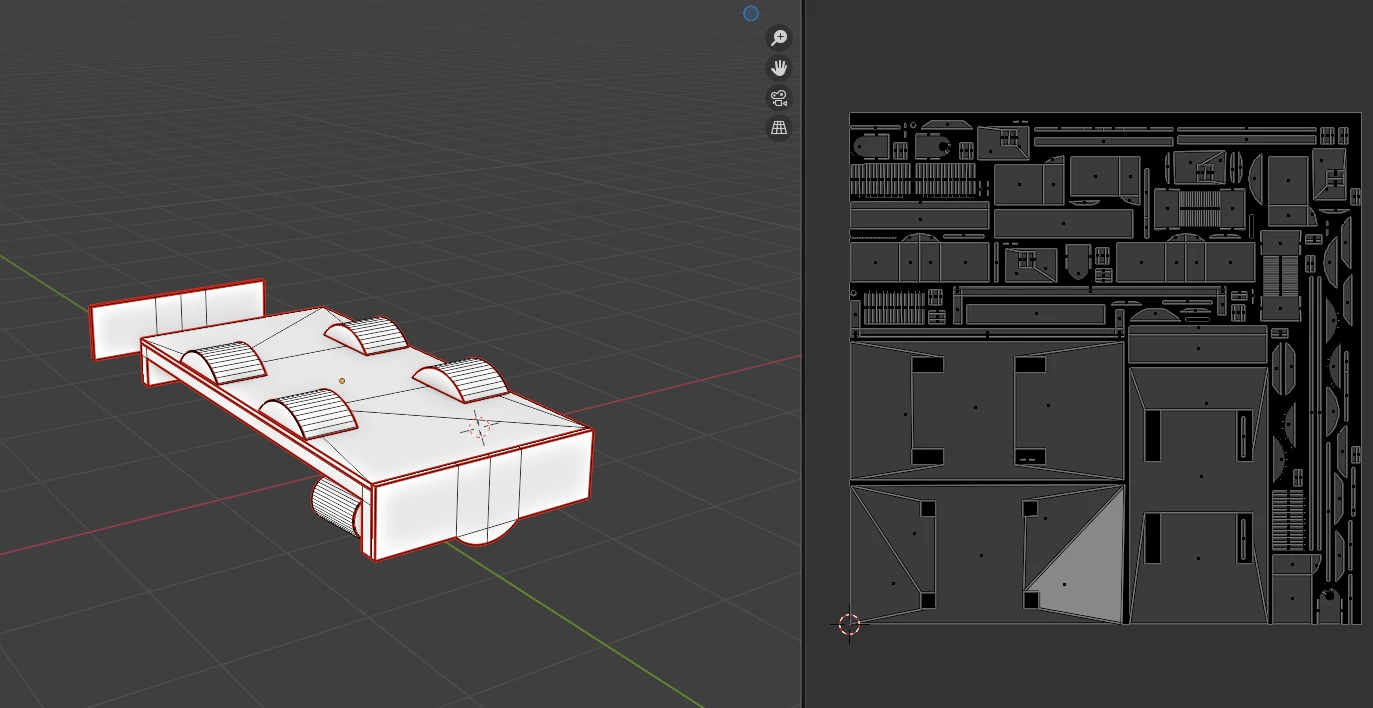
Help would be very appreciated!
 AdChoices