


Participant
May 10, 2023
Answered

How to get all material layers to show

  • May 10, 2023
  • 1 reply
  • 509 views

Hi there!


I created a painted wood material as you can see from the pic. Previous to that I created the wooden planks that I would like to show as part of the material (it's for a saloon building) but I'm having issues getting the planks to show with the material unfortunately.
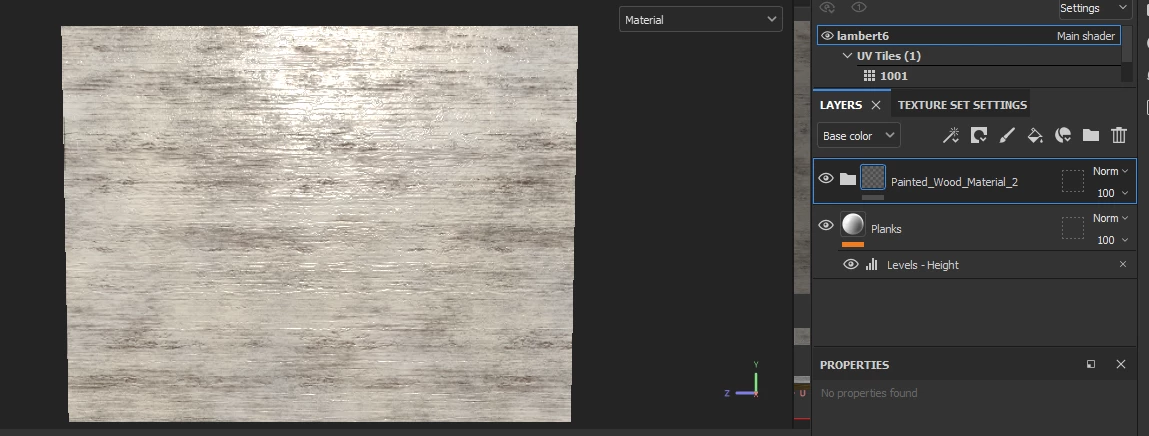
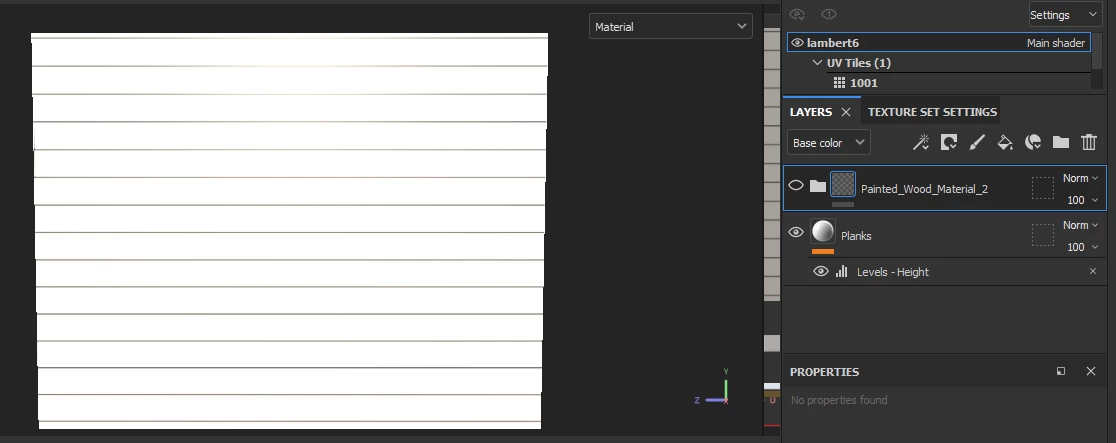
However if I hide one of the base layers I made then it shows slightly but obviously not how I would like as I want the full material to show
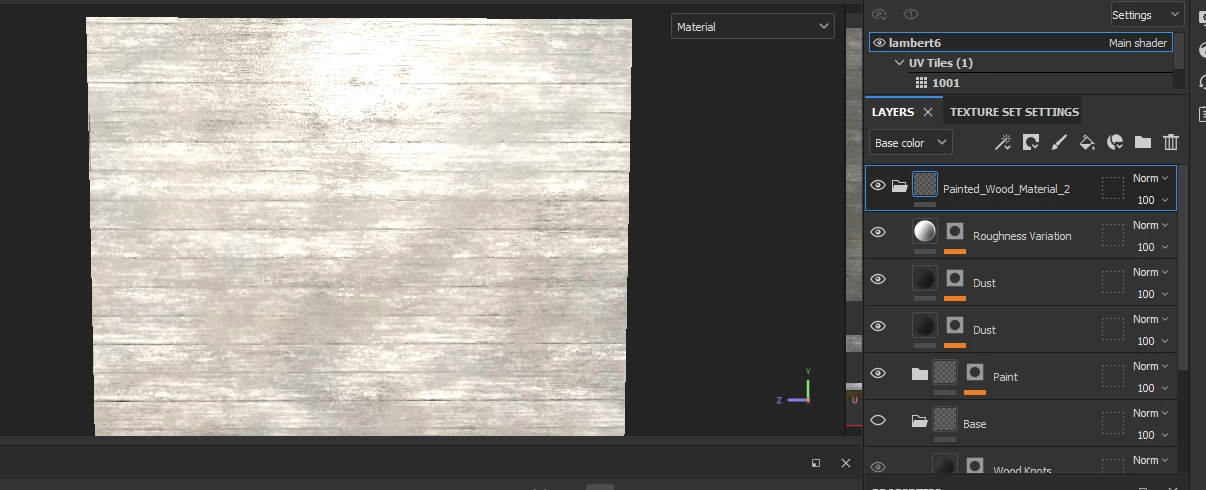
 

can anyone give any help or advice? tia!

This topic has been closed for replies.
Correct answer Cyril Dellenbach

Hello Hannah,


I'm glad you've found a solution.


I also thought the issue was with the blending modes. 


Have a nice day,


1 reply

Participant
May 10, 2023

nvm, I appeaer to have found the fix, have planks as first (top) layer then choose multiply and it shows both layers!

Cyril Dellenbach
Community Manager
Cyril DellenbachCommunity ManagerCorrect answer
Community Manager
May 10, 2023

Hello Hannah,


I'm glad you've found a solution.


I also thought the issue was with the blending modes. 


Have a nice day,


Cyril Dellenbach (Micro) | QA Support Artist | Adobe