


Answered

Cyril DellenbachCorrect answer
Community Manager
March 21, 2023
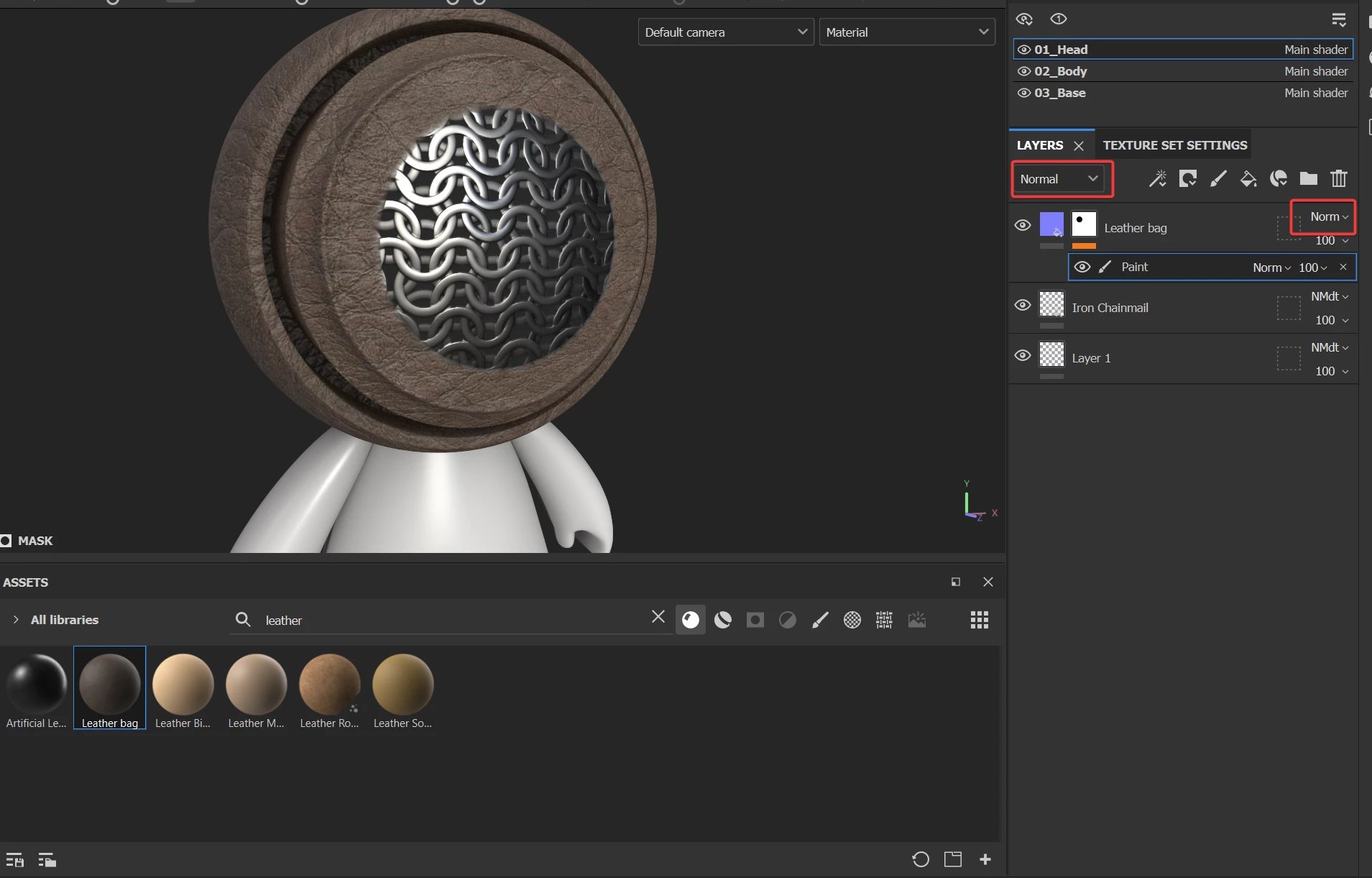
No problems! This is very likely a blending mode issue. Try to turn the top layer (the leather) normal/height blending mode to normal. Make sure you selected the correct channel before switching the blending mode.
Best regards,
Cyril Dellenbach (Micro) | Product Manager | Substance Painter
 AdChoices