Participant
May 2, 2023
Answered

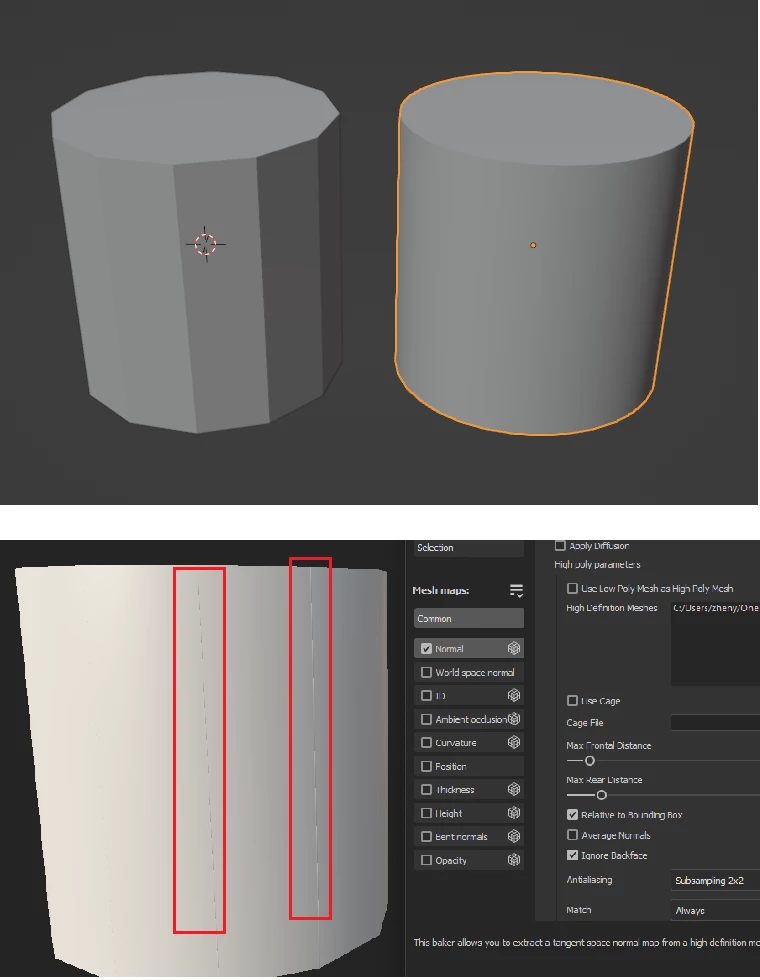
How to improve normal baking

Is it possible to get rid of these lines? I highlighted them in red boxes.
 

This topic is closed to new replies. Start a new post to keep the conversation going.
eee29278417gaexCorrect answer
Participant
May 2, 2023

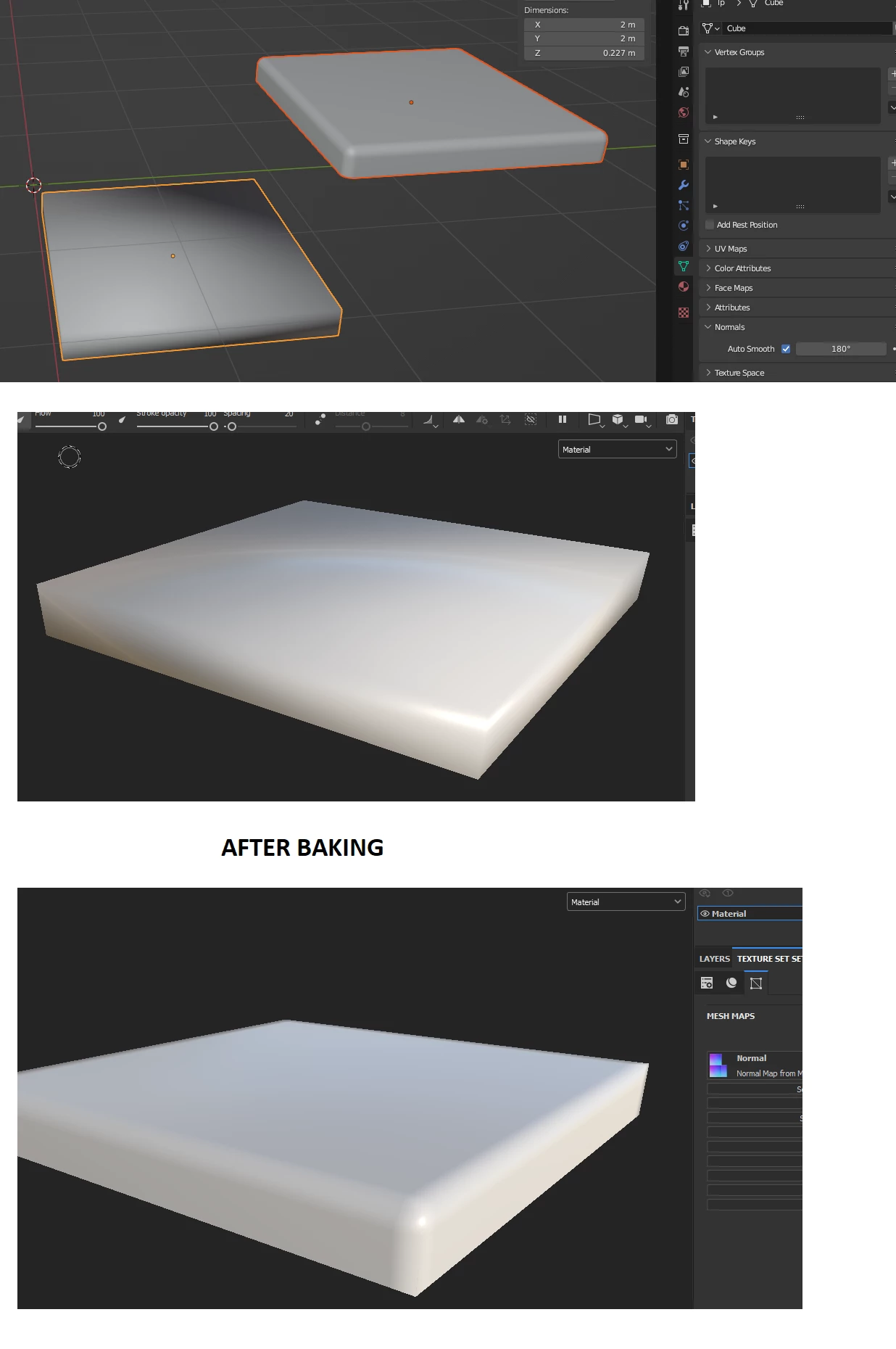
It seems I have found a solution. I am using blender. I had to apply a Smooth Shader with a VERY high angle value (180), which caused the low poly model to look really bad in blender. But in the painter after baking it looks OK!

2 replies

eee29278417gaexAuthorCorrect answer
Participant
May 2, 2023

It seems I have found a solution. I am using blender. I had to apply a Smooth Shader with a VERY high angle value (180), which caused the low poly model to look really bad in blender. But in the painter after baking it looks OK!

Translate
Participant
May 2, 2023

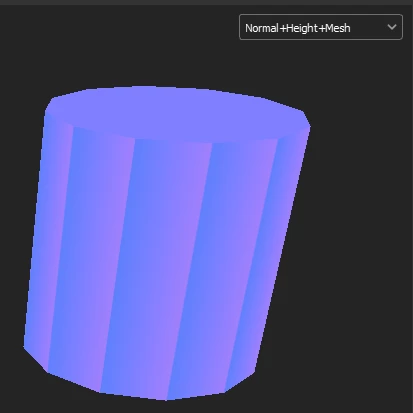
Proof: this is what it looks like if Shade Smooth has only 45 angles

Translate