
Answered
How to not "overlap" at mirror edge?
Hey,
I am relatively new to the whole 3d texturing stuff and I was wondering if there is some simple way to not have brushes "overlap" whatever you are drawing over the mirror line.
Here is an example:
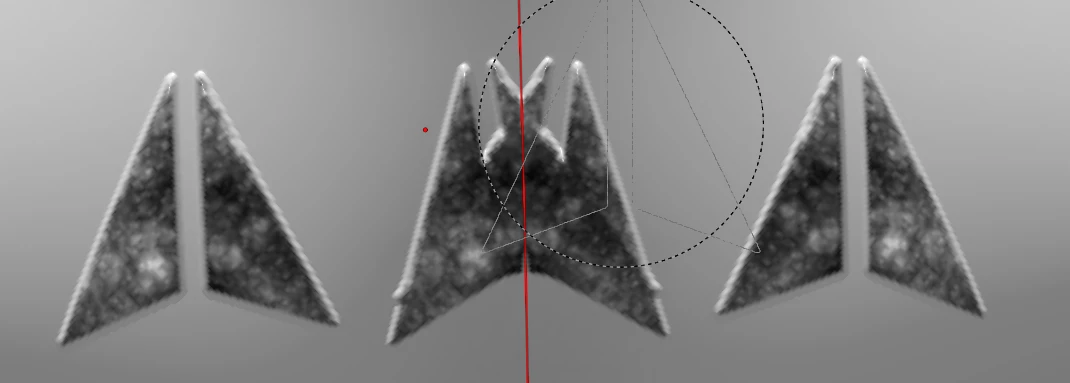
In the center it is drawn on both sides entirely, but what I want it to look like in this example would be something like that:
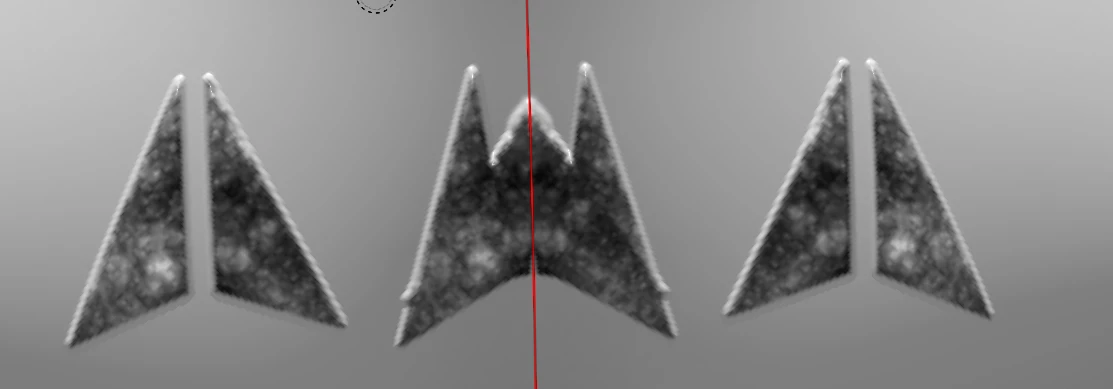
Is there an option somewhere that I missed? Or how is something like this usually done with more detailed stuff?
Maybe a visually better example:
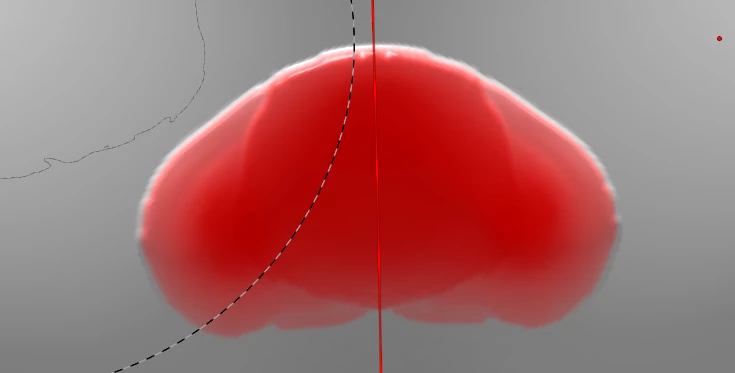
The height and colour in the middle is clearly stronger due to overlap. How would I fix this?
Thanks


 AdChoices