


Participant
August 10, 2025
Answered

How to prevent shadows from one model from baking onto others?🤔

  • August 10, 2025
  • 2 replies
  • 248 views

Hello everyone! I have three models: Cape, Torso and Arms, and Pants. When I bake them, the shadow from the Cape affects both 'Torso and Arms' and 'Pants.' I dont want that. I thought removing the Cape from the texture set list in the baking menu and rebaking , but that didnt help. How can I eliminate the Capes shadow?
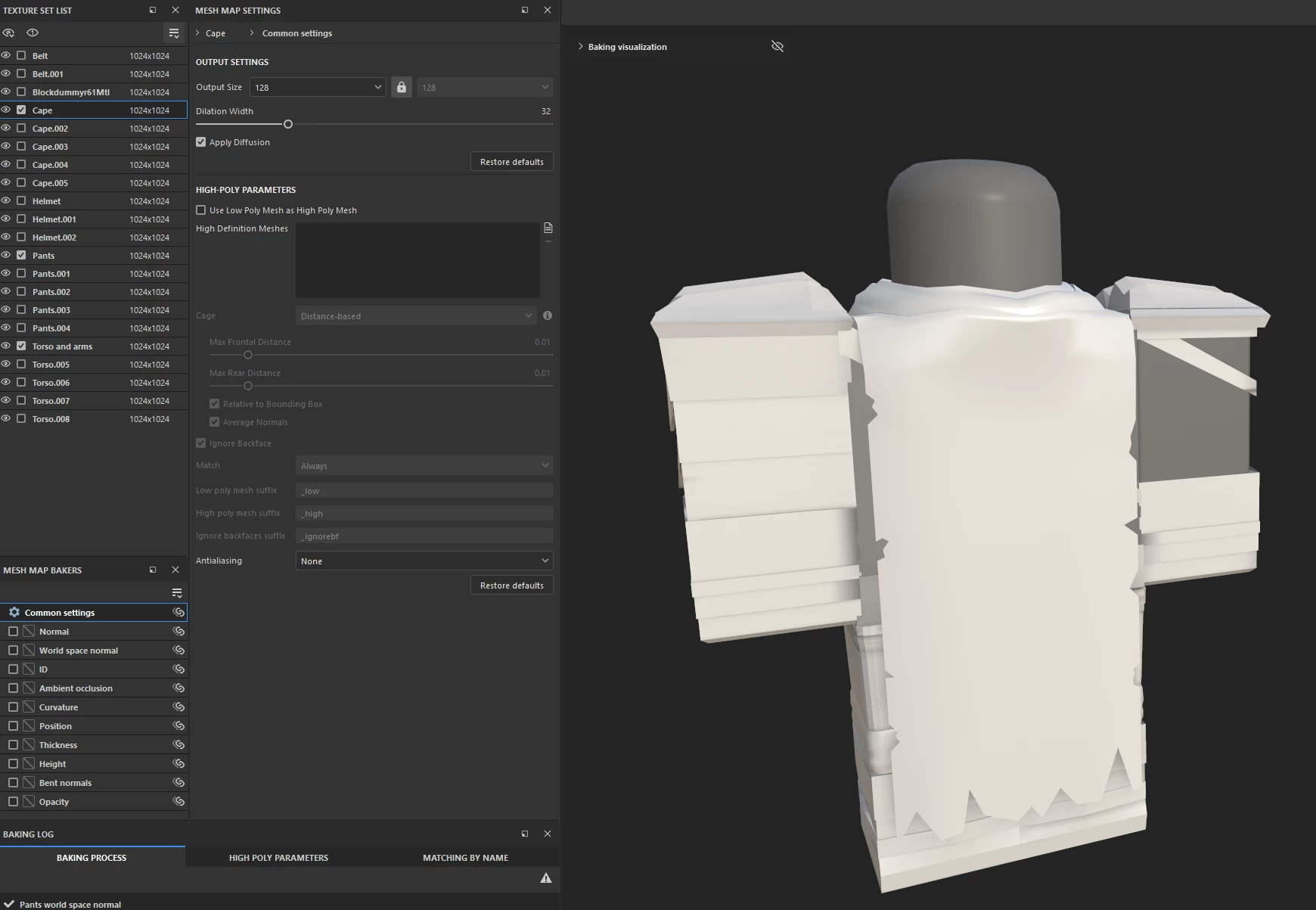
 

When i baking textures:
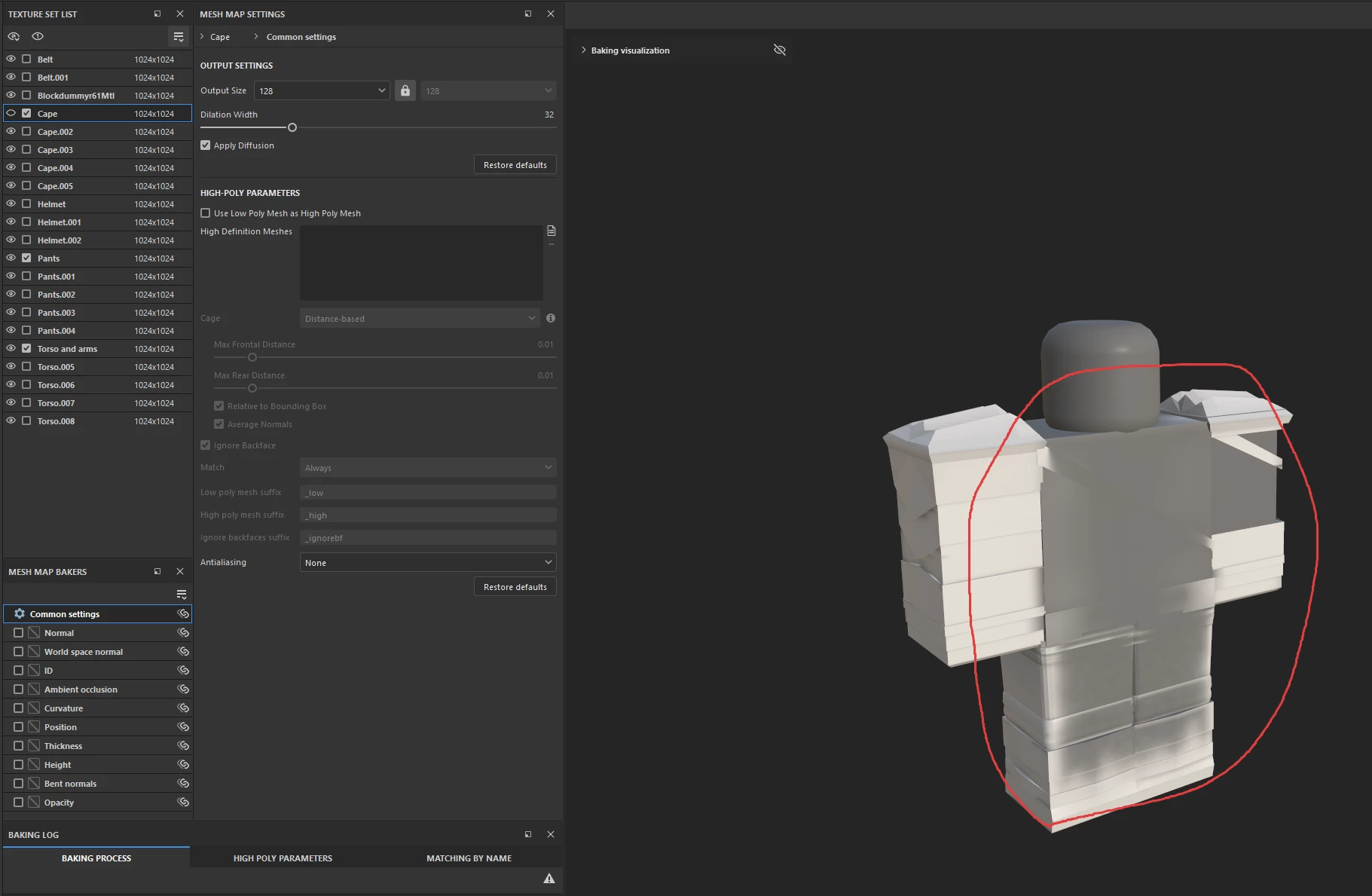
Im so sorry for my english!

Correct answer Cyril Dellenbach

You can make bake matching by name or try to bake the Torso only, but in the AO parameter, switch the Self Occlusion to "Only Same mesh name".


Best regards,


2 replies

Cyril Dellenbach
Community Manager
Cyril DellenbachCommunity ManagerCorrect answer
Community Manager
August 12, 2025

You can make bake matching by name or try to bake the Torso only, but in the AO parameter, switch the Self Occlusion to "Only Same mesh name".


Best regards,


Cyril Dellenbach (Micro) | QA Support Artist | Adobe
Participant
August 12, 2025

This worked! Thank You!

Cyril Dellenbach
Community Manager
Community Manager
August 11, 2025

Hello,


Thank you for the video, could you also share a screenshot of your UVs?


Cyril Dellenbach (Micro) | QA Support Artist | Adobe
Participant
August 11, 2025

Thank you for answer!

Cape

Pants

Torso And Arms