
how to stop painter uv mapping image input
Hi All,
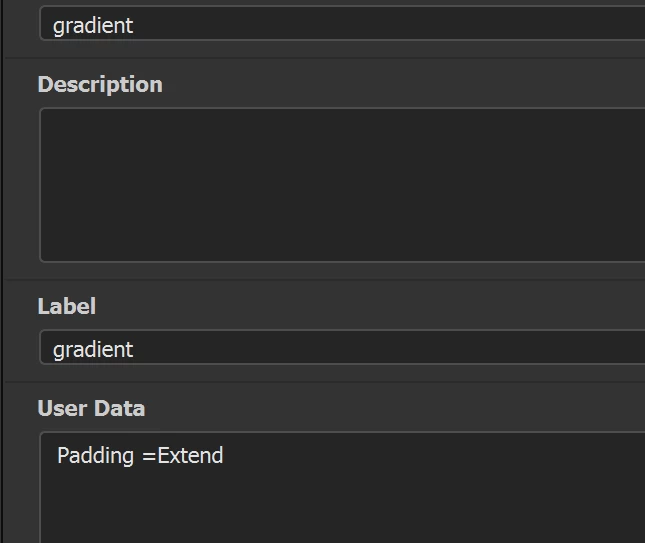
When creating custom filters in designer when it gets to painter, painter appears to map all image inputs into UV space, I can't see a way to tell it to leave the input image alone unless I want it uv mapped. Thought there might be something in User data | Substance 3D Painter (adobe.com) but can't see anything (as a side note where can I find all the options I can use in that like padding etc. would be useful).
I'm taking the base color from painter baseColor channel, that's fine to be uv mapped, but the gradient image I want left alone so I can remap the values to the basecolor channel via pixel processor which works great in designer but as soon as it's in painter it looks like it re-projects the second input image and leaving black cutouts etc. I just want this left as is as a lookup for pixel processor.
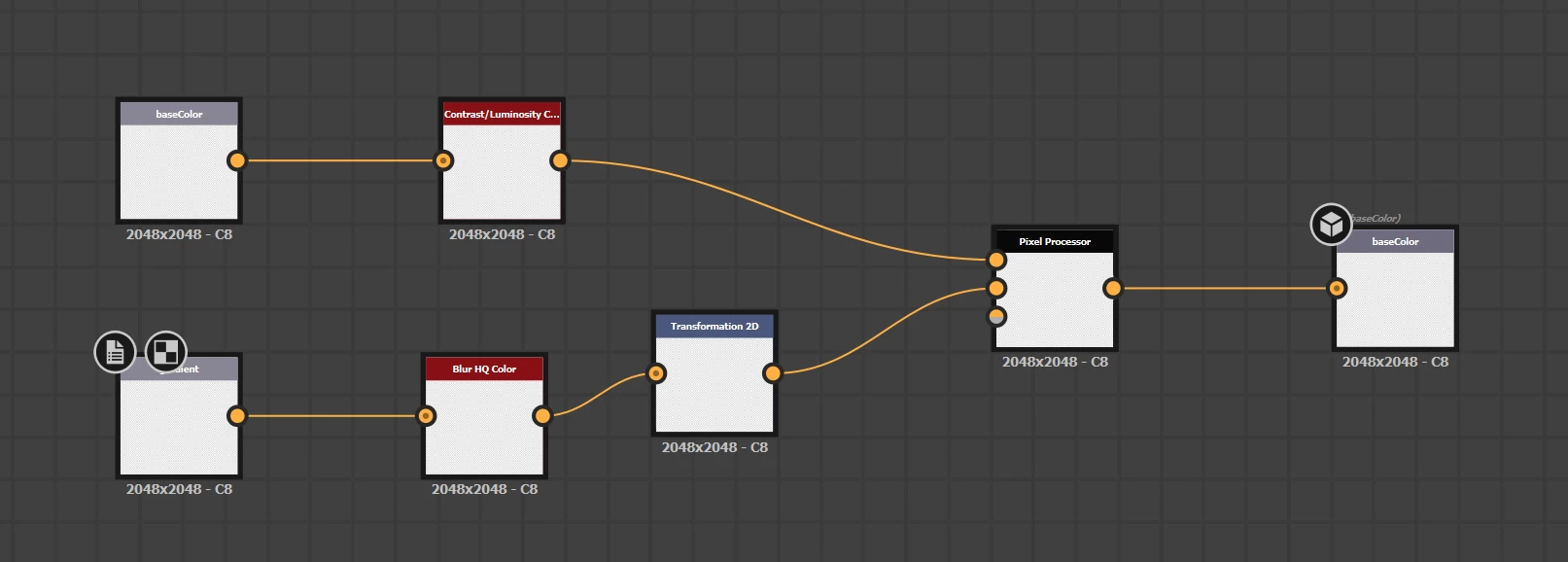
You can see here, this is basecolor that I want to remap to a color gradient
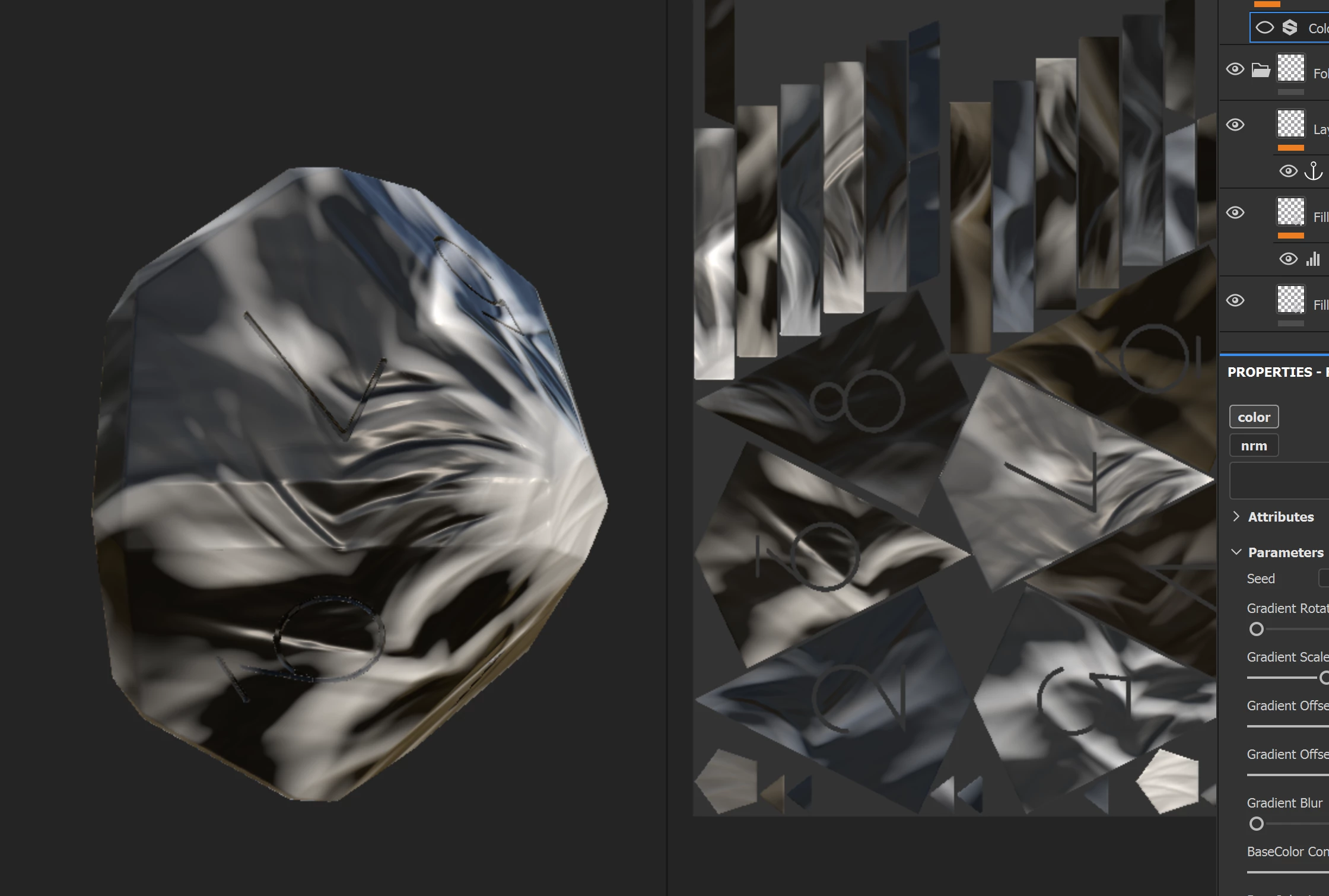
If I drop a square gradient image in it uv maps it so when it's samples it's all over the place
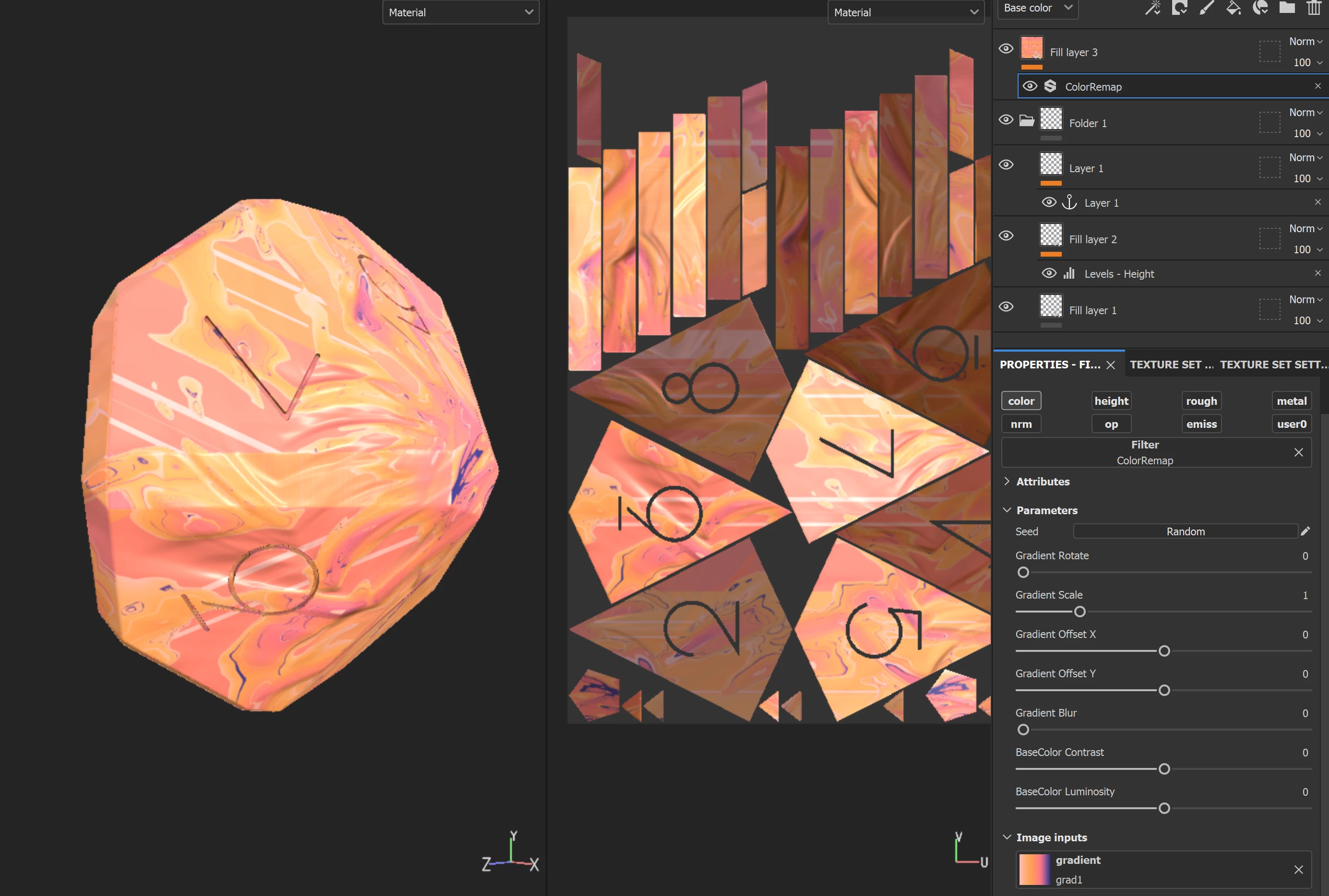
I can sort of work around it by creating 1 px wide gradient or dropping a gradient creator in there which i think does same thing making output 1px wide and scaling it
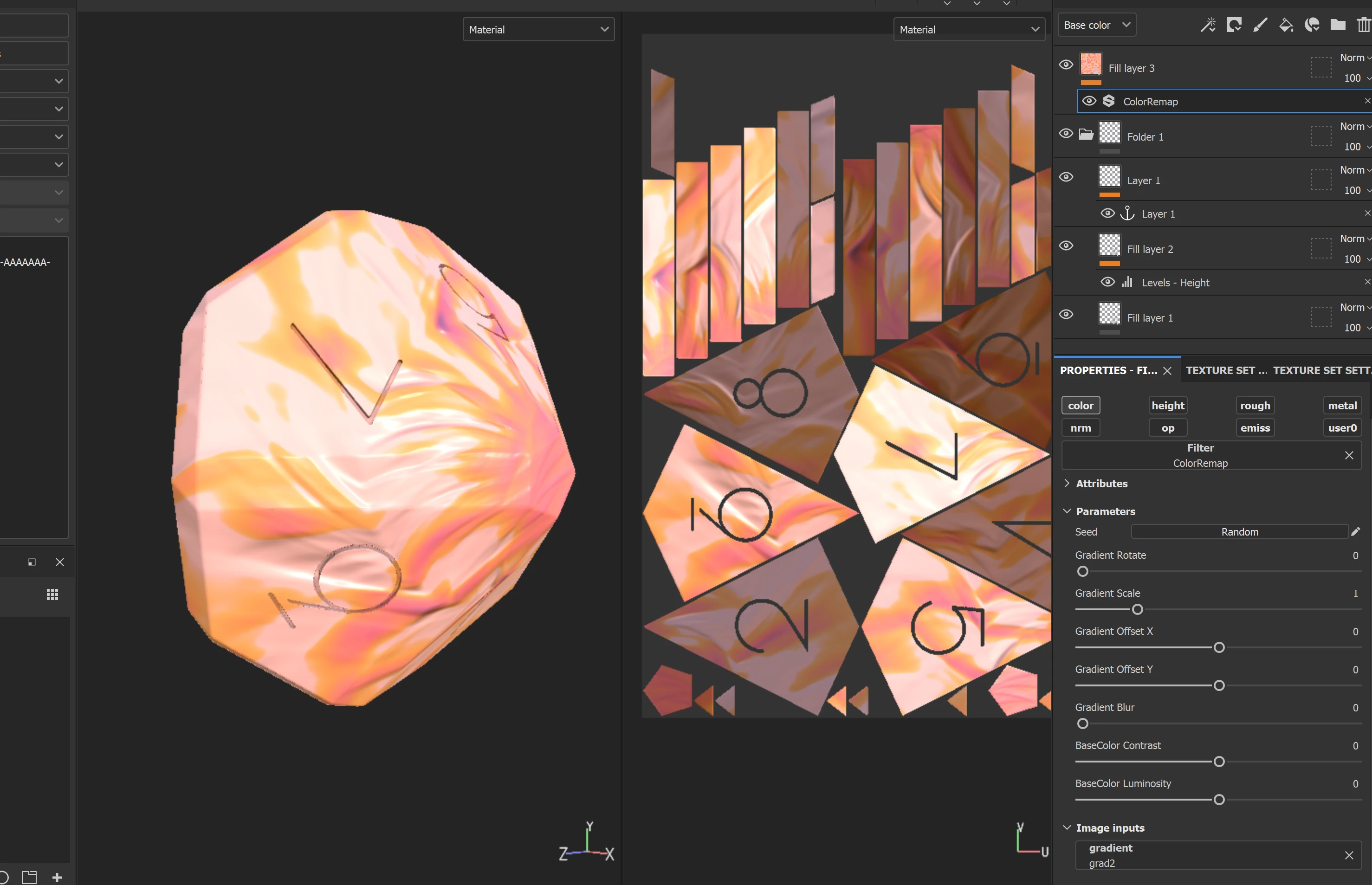
But I want to be able to transform / blur etc the input image the pixel processor is sampling without painter mapping it. I can do it all procedurally in designer works fine but want to let others use it without learning designer etc.


 AdChoices