
Question
How to turn off mesh normals being exported in normal map?
I'm wondering if this is a known issue and how can I turn it off?
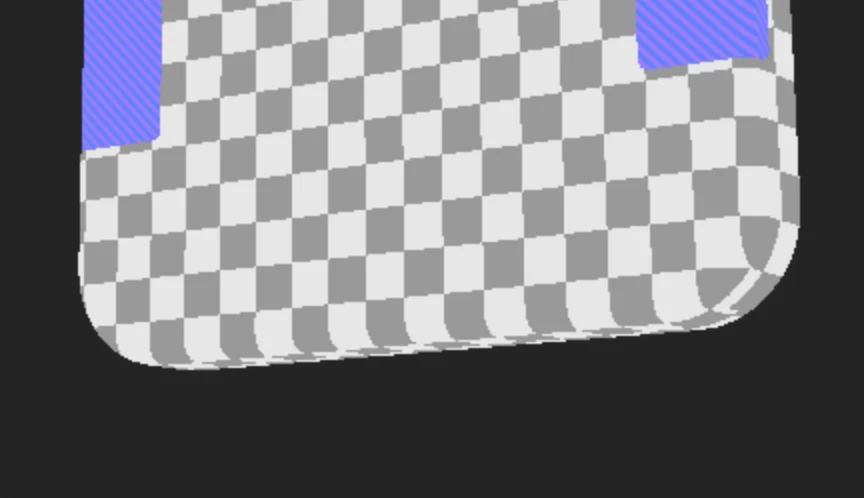
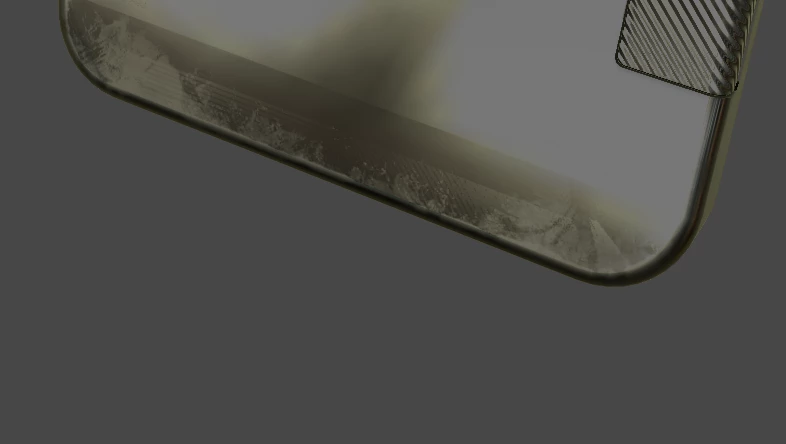
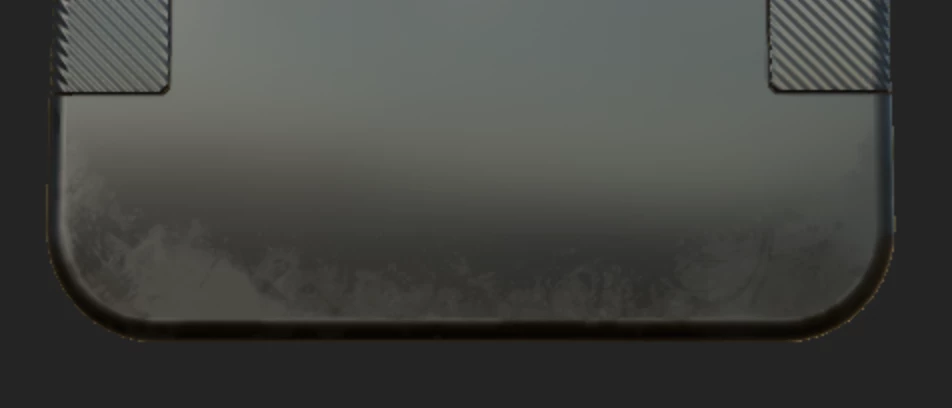
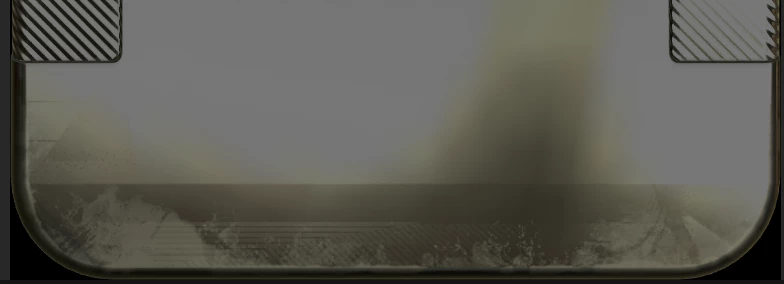
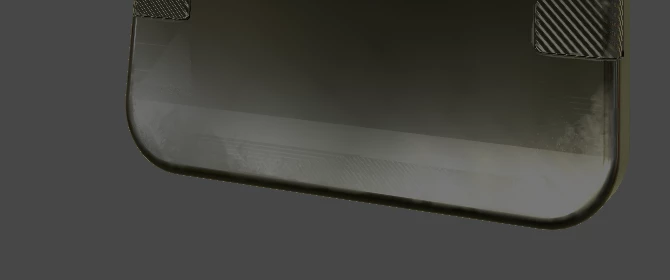
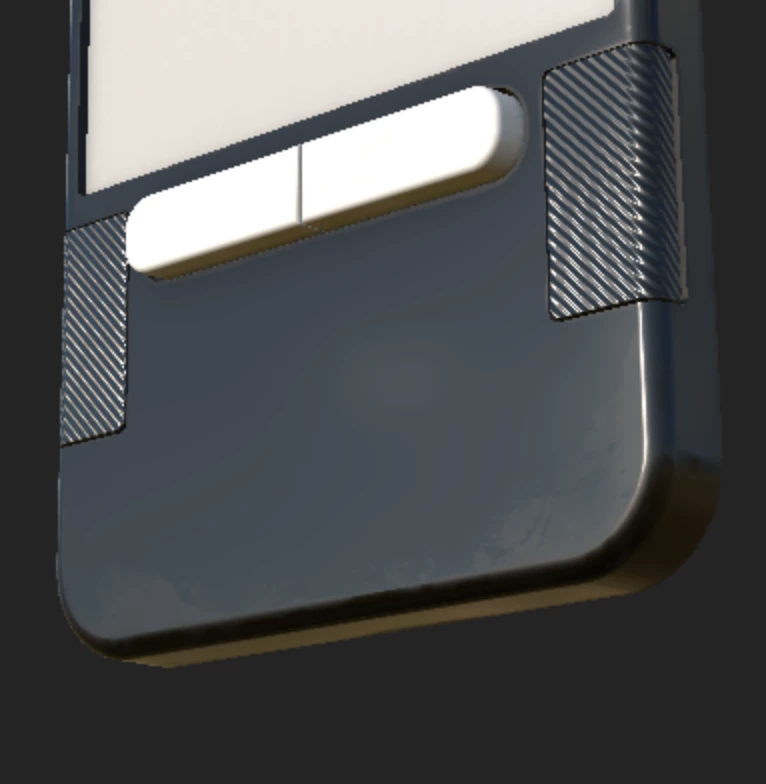
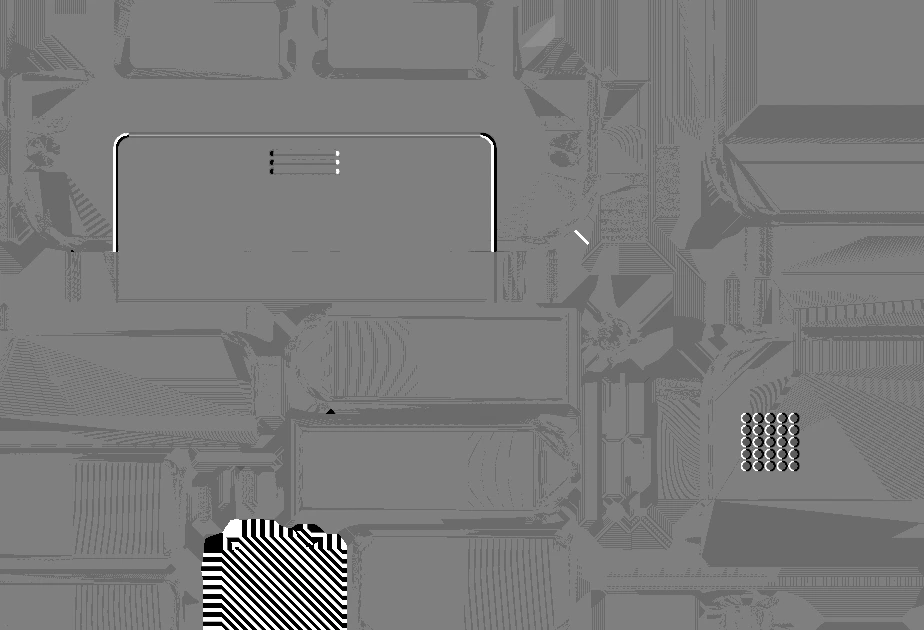
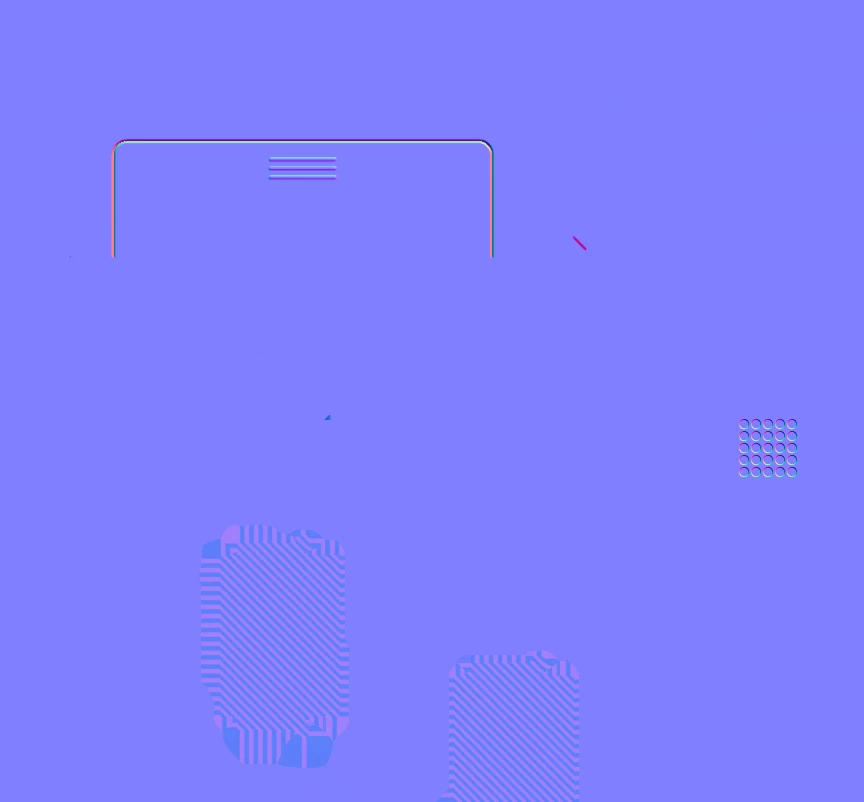
My normal map appears fine inSubstance 3D Painter, but on export, the resulting OpenGL RGB normal map has noise in it derrived from the triangles on the mesh. It is very faint but when angled so specularity is seen, the extra normal data is visible on flat surfaces.
This effect is unwanted, currently I am removing by hand in photoshop. Is there a way to stop Substance 3D Painter from adding this extra normal data?


 AdChoices