


Question
Inconsistent t-shirt appearance in Painter after exporting from CLO3D
Hi,
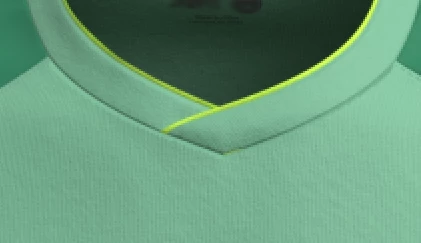
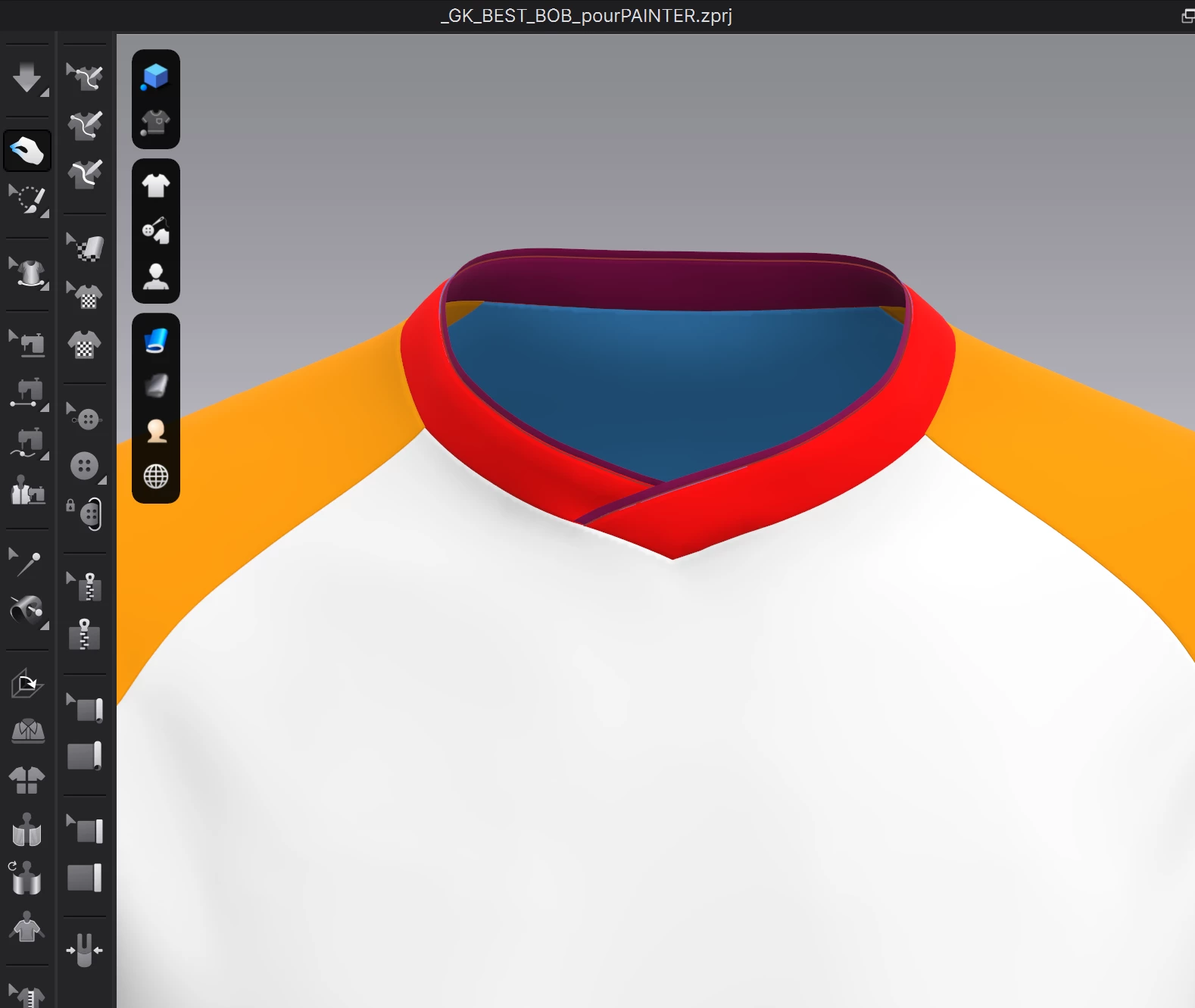
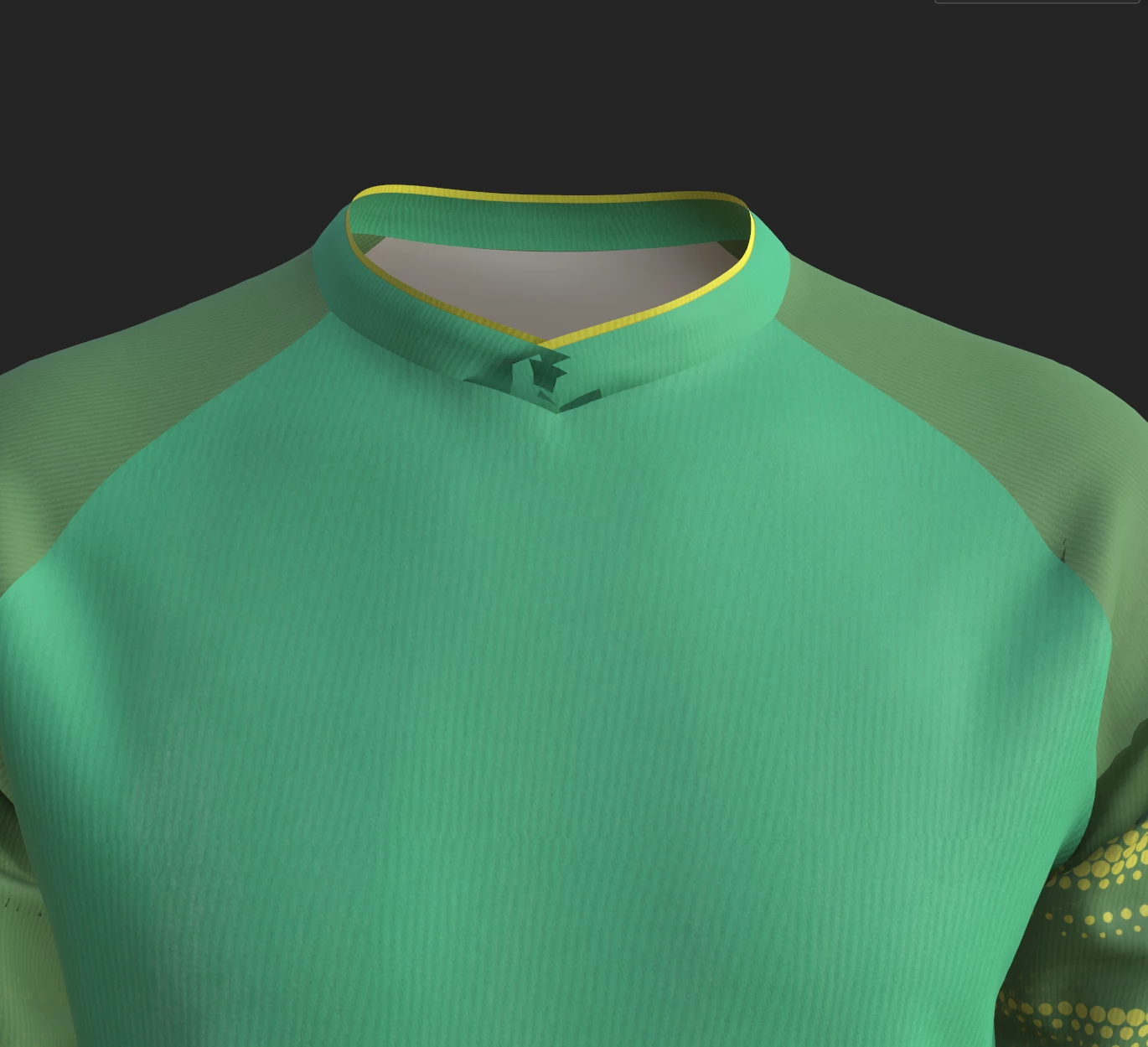
I’m experiencing an issue with the appearance of a T-shirt in Substance Painter after exporting it from CLO3D. I've attached three images to illustrate the problem:
- The first image is a rendering of the T-shirt in CLO3D.
- The second image shows the T-shirt prepared for export in Substance Painter.
- The third image is what I get in Substance Painter after baking the mesh maps.
Here's the process I followed:
- I baked the UV maps in CLO3D.
- I exported the T-shirt as an FBX file from CLO3D to Substance Painter.
- In Substance Painter, I baked the mesh maps at 4096 resolution.
Despite following these steps, the T-shirt doesn't appear correctly in Substance Painter. Could someone please help me understand why the T-shirt's appearance is not consistent and how I can fix this issue?
Thank you in advance,
 AdChoices