


Participant
May 30, 2024
Question

Is it possible to edit UVs weird

  • May 30, 2024
  • 1 reply
  • 117 views

So essentially, I want to edit my UV islands so that it only paints as if I was only paiting on the UV islands, without affecting other parts of the messh.
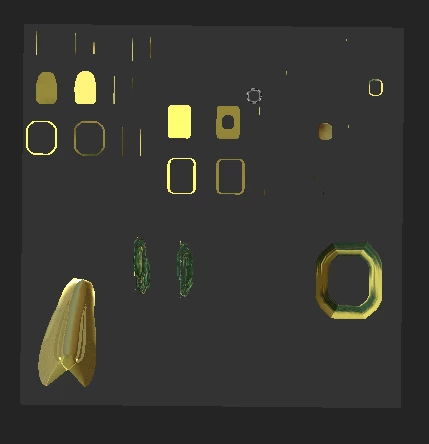
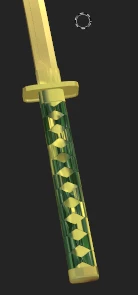
 

As you can see I only am try edit those two UV islands for the handle wrap but wheni paint on those it affects a far way uv island

This topic has been closed for replies.

1 reply

Cyril Dellenbach
Community Manager
Community Manager
May 31, 2024

Hello @Student_Lurner,


Thank you for the message.


You can make sure the painting is contrained to UV islands' limits by switching the brush Alignement for UV.


That being said, I advise you to increase the size of your UV islands so they can take as much space as possible in their UV tile. I also advise you to check there's no overlapping geometry in the UVs.


Regards,

Cyril Dellenbach (Micro) | QA Support Artist | Adobe