evany90292982
Known Participant
January 8, 2024
Answered

Is there a way to have color profile activated by default?

  • January 8, 2024
  • 1 reply
  • 232 views

Is there a way to have color profile enabled by default and have a desired LUT be already applied to the viewport whenever a new project is created?

This topic has been closed for replies.
Correct answer Cyril Dellenbach

Hi @evany90292982,


In fact, you can. Activate the Color Profile, select the desired LUT and File > More Save Options > Save as template


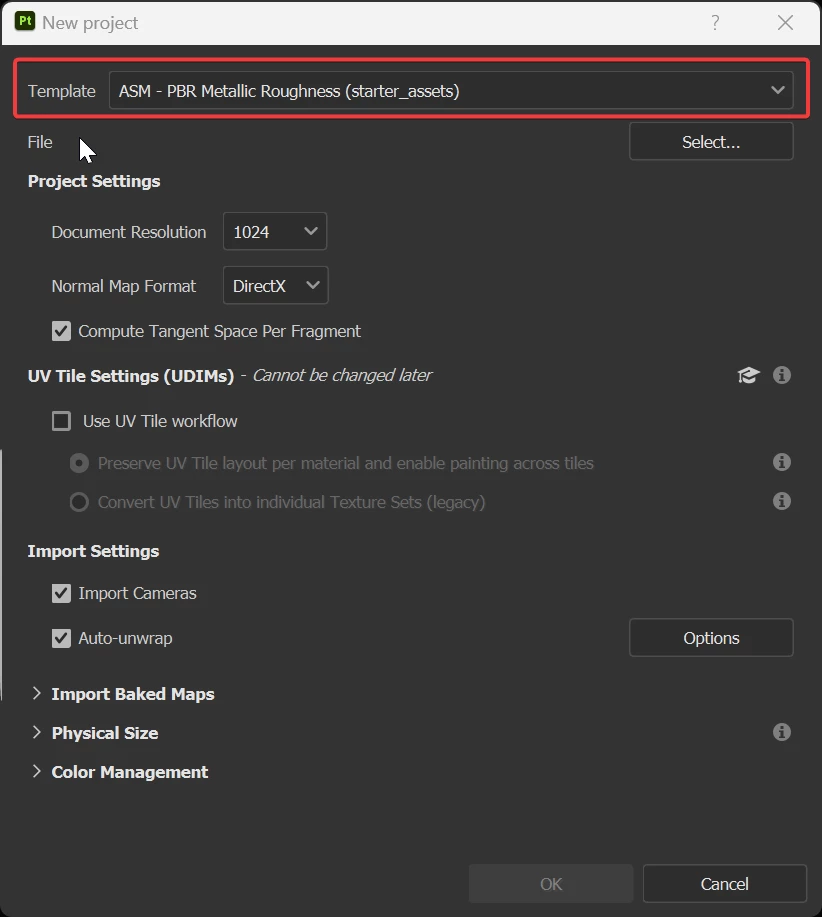
The template is now saved and usable at the start of a new project.


Regards,

1 reply

evany90292982
Known Participant
January 13, 2024

I guess not???

Cyril Dellenbach
Community Manager
Cyril DellenbachCommunity ManagerCorrect answer
Community Manager
January 15, 2024

Hi @evany90292982,


In fact, you can. Activate the Color Profile, select the desired LUT and File > More Save Options > Save as template


The template is now saved and usable at the start of a new project.


Regards,

Cyril Dellenbach (Micro) | QA Support Artist | Adobe
evany90292982
Known Participant
January 15, 2024

That worked, thanks a bunch!