


Participant
July 25, 2023
Question

Issue when baking overlapped texture sets.

  • July 25, 2023
  • 1 reply
  • 166 views

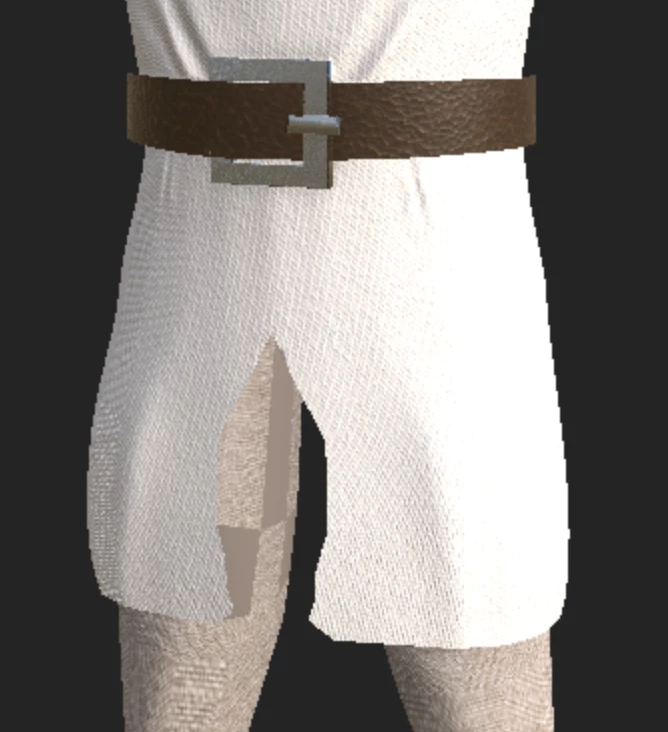
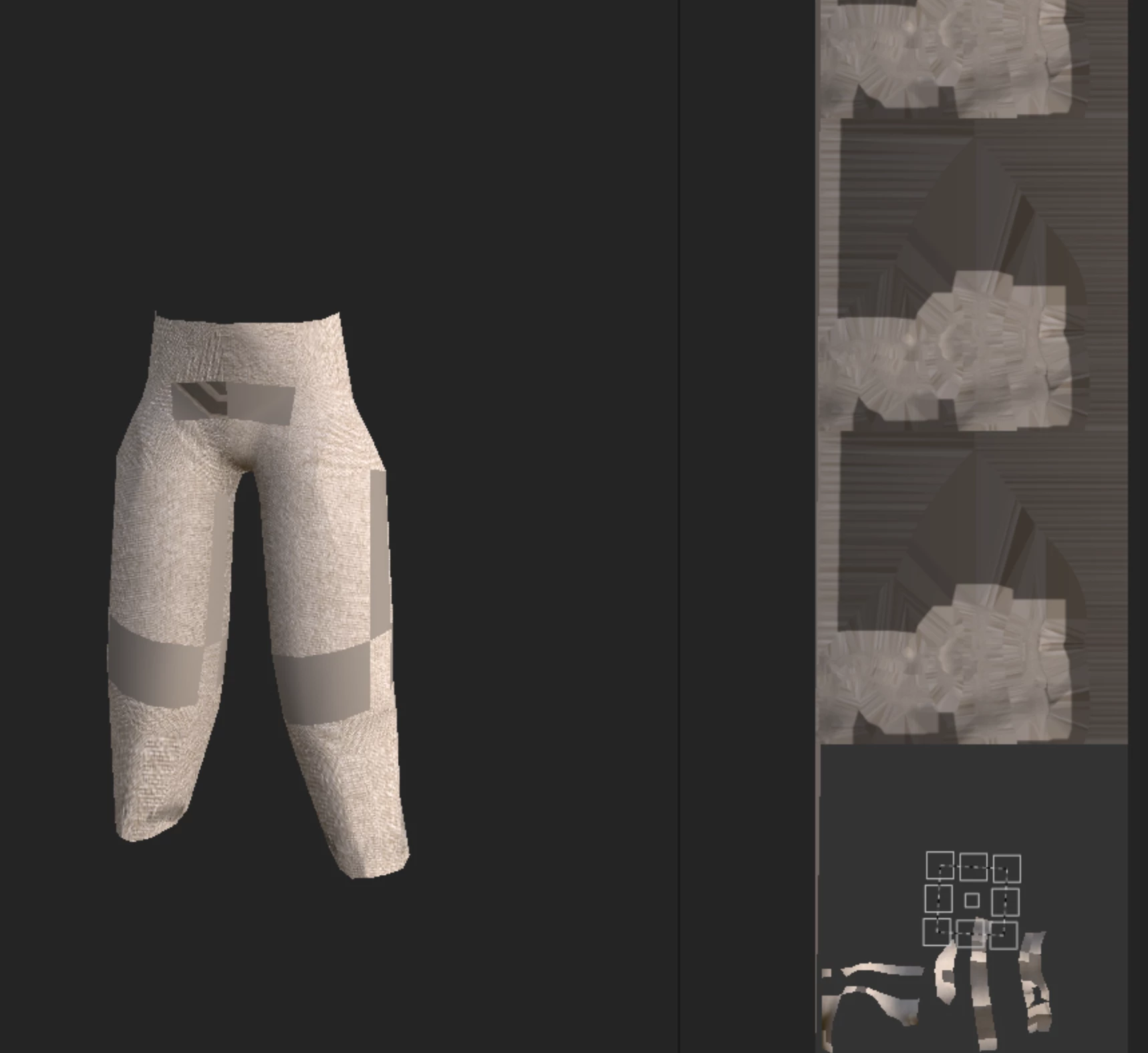
I have a model that when I bake the texture set underneath is having problems.  I need to have my texture set separate so that I can reference it in Unity.  The model was done in ZBrush.  I have many other models that will have this same issue, so I need to figure out for one model first.


Kindly advise. 


Here is the view with the overlap:
 

Here is what the map looks like for the texture set.  The repeated sections above are quite odd.


This topic has been closed for replies.

1 reply

Cyril Dellenbach
Community Manager
Community Manager
July 26, 2023

Hi @andym24733770,


Thanks for the message.


Can we have a better look at the UVs (the 2D view)? Or even better, would you mind sending me your .SPP file at cdellenbach@adobe.com ?

Let me know,


Cyril Dellenbach (Micro) | QA Support Artist | Adobe
Participant
July 26, 2023

I actually solved my problem myself.  What I did was bake the texture sets from the outside in.  In this model, I have texture sets for chain coat, coif, head, eyes, boots, pants, belt, buckle and tabard.   I baked them separately in this order:

  1. Belt and buckle
  2. Tabard and boots
  3. Chain coat and coif
  4. Head and pants
  5. Eyes


This was just a few extra steps, but it solved my problem.