RAMWolff54
Inspiring
May 24, 2023
Answered

Issue with using a Stencil!

  • May 24, 2023
  • 1 reply
  • 627 views

Hiya,

So I assume that a stencil is if your working to lay down color information with all the details in tact. I can't get it to work for me. Is there a tutorial on how to set that up properly? I'm using a paint layer and nada is happening!

Thanks so much

Richard

This topic has been closed for replies.
Correct answer Cyril Dellenbach

Hello Richard,


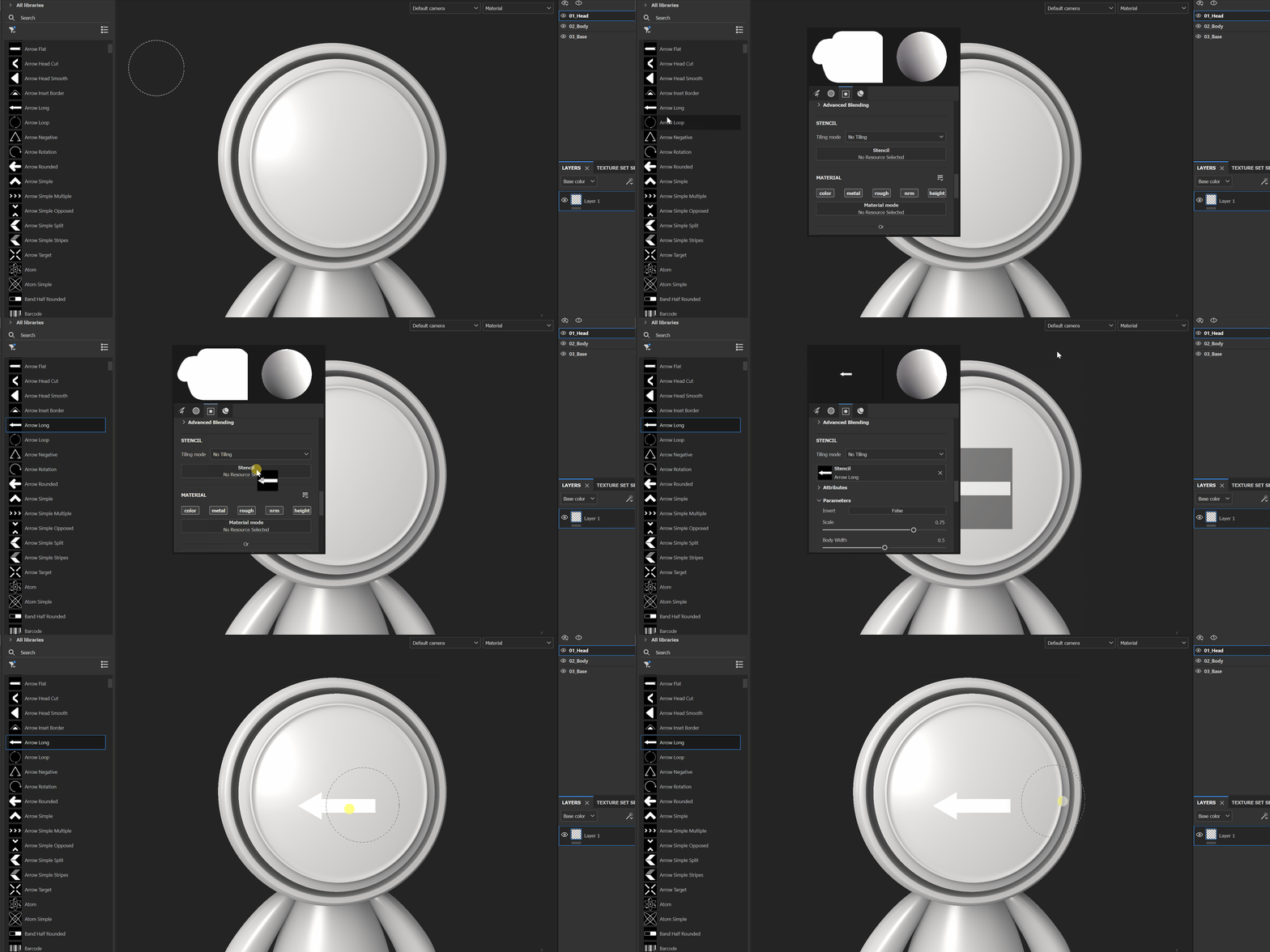
The Stencil is kind of mask from the viewport perspective. Usually, it is used trough the Projection Tool, but you can also add a Stencil to you current brush/eraser.


You'll simply have to add a grayscale map in the Stencil slot of the brush and now all the painting will be applied only trough the Stencil.


Here is a tutorial for the Projection tool and here is a tutorial for the Stencil of the brush/eraser.


Best regards,


1 reply

Cyril Dellenbach
Community Manager
Cyril DellenbachCommunity ManagerCorrect answer
Community Manager
May 25, 2023

Hello Richard,


The Stencil is kind of mask from the viewport perspective. Usually, it is used trough the Projection Tool, but you can also add a Stencil to you current brush/eraser.


You'll simply have to add a grayscale map in the Stencil slot of the brush and now all the painting will be applied only trough the Stencil.


Here is a tutorial for the Projection tool and here is a tutorial for the Stencil of the brush/eraser.


Best regards,


Cyril Dellenbach (Micro) | QA Support Artist | Adobe