


Question
Matching colors between Substance Painter and Unreal Engine
Hey guys, before the introduction of the color management tool in Substance Painter, there was a workflow covered by the youtuber William Faucher (https://www.youtube.com/watch?v=Yu8wR4df0IE&t=359s) that applied a LUT on painter's viewport in order to make it match the colors displayed on Painter with those displayed at Unreal Engine.
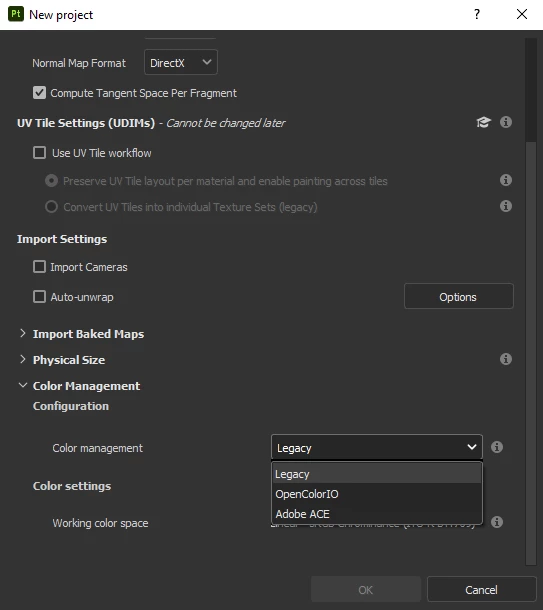
I was wondering, since we've got this color management tool for a while now, is there a better way to achieve this result and have my textures in painter match those in Unreal? Should I keep using the "legacy" color management in combination with that old LUT workflow, or is there a better way to sync both apps?
Thanks!
 AdChoices