Participant
January 28, 2025
Question

Material Inconsistencies

  • January 28, 2025
  • 1 reply
  • 116 views

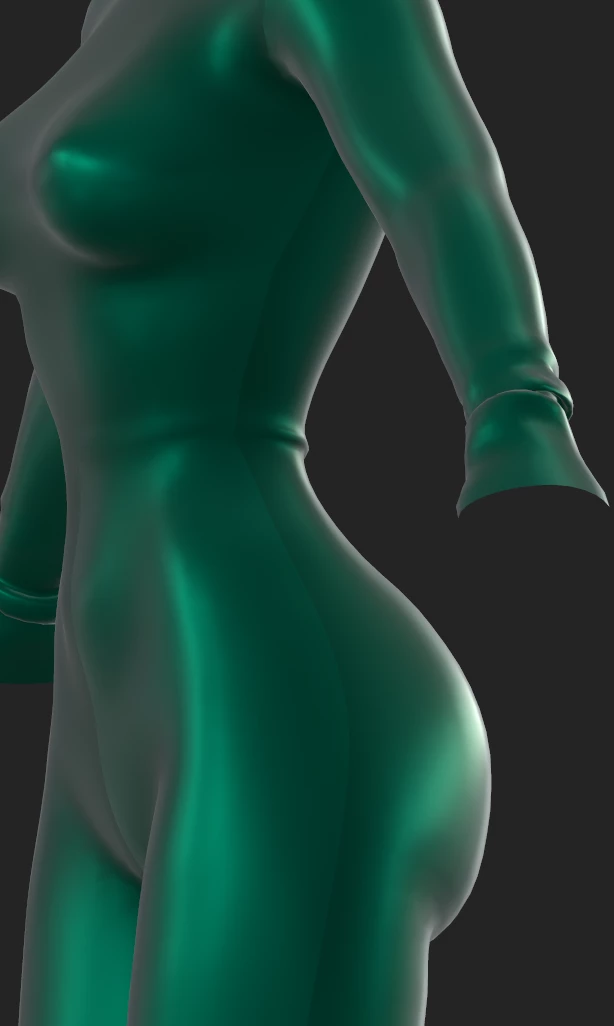
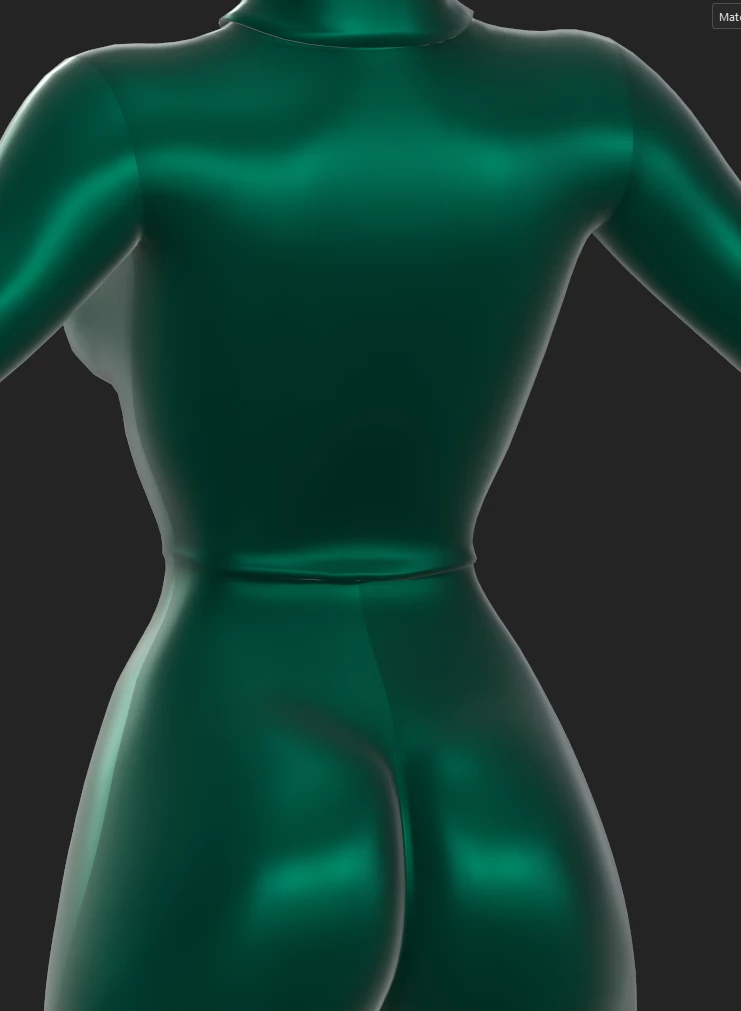
Hi, I continuously run into this issue with substance and it's driving me insane. Sometimes, not all the time, when I bring a model into substance. The materials lay different throughout the model. My workflow is always the same, yet, this happens sometimes. I have no clue what is causing some models to do this and others don't. They appear perfectly fine in blender and zbrush but for some reason, acts this way in substance. Does anyone have any idea what could be causing this? I've made sure the model and edges are set to smooth.

1 reply

Cyril Dellenbach
Community Manager
Community Manager
January 28, 2025

Hi @shairose,


Thank you for the message.


Are you talking about the visible seams? If so that could be due to several things. Usually that's a UV issue, but depending on the resources being used, that could also come from a smart material. If you're using a MatFinish resource as instance, it is entirely built in the Normal Channel, therefore it can't hide seams.


Can I have a look at your UVs? I also advise you to isolate each layers until you find the one bringing trouble.


Best regards,


Cyril Dellenbach (Micro) | QA Support Artist | Adobe