


Participating Frequently
June 14, 2022
Question

Materials in the viewport are shown in low resolution

  • June 14, 2022
  • 1 reply
  • 253 views

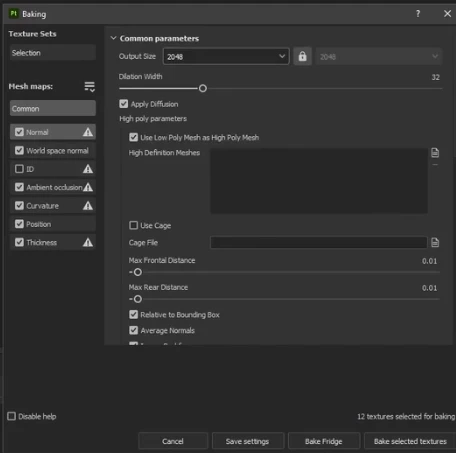
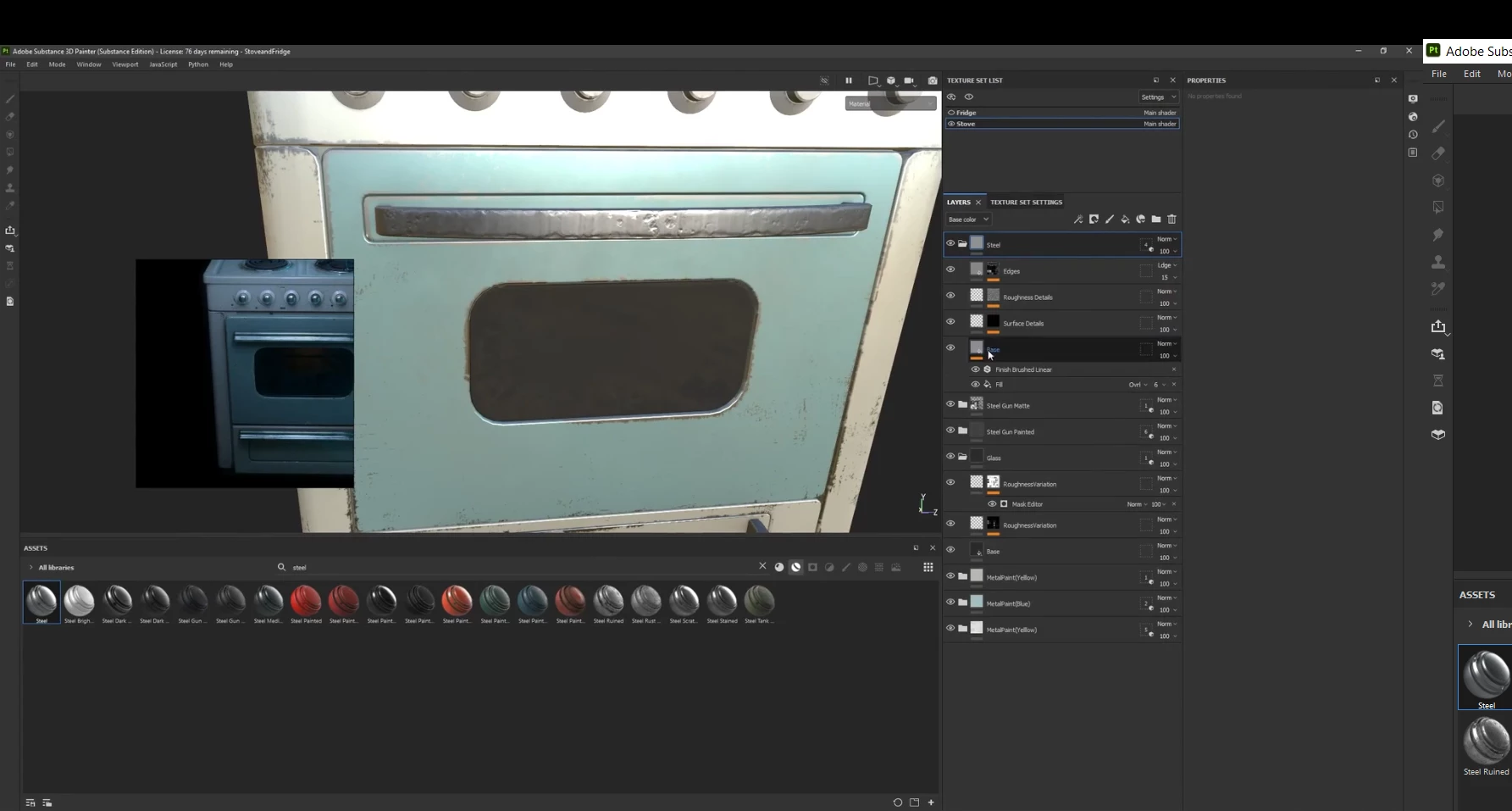
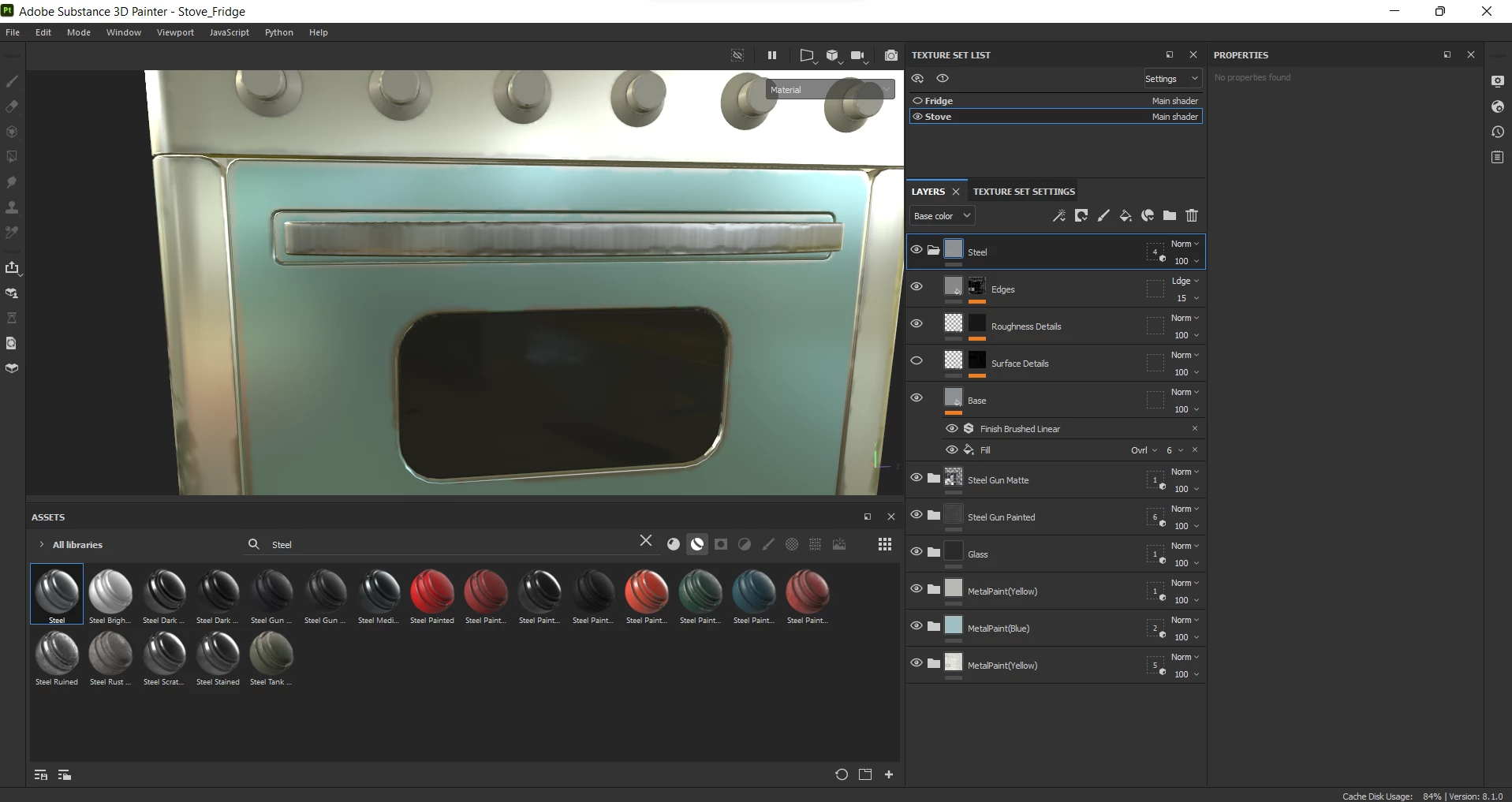
Good afternoon community. Tell me how you can increase the resolution of the smart material? I have texture settings as in the screenshot, visually and the resolution should be higher.
I tried again to click on the Bake Selected texture, for some reason the quality of the materials for all is no more than 512 px although it is set as 2048 px.
This topic has been closed for replies.

1 reply

GeoffroySC
Community Manager
Community Manager
June 14, 2022

Hi, 

The resolution of your textures is highly dependent on how you laid out your UVs. Be aware that your bake resolution and texture set resolution are different, the first defines the "maximum" resolution of your bake while the latter describes the resolution displayed in your viewport.
I can't say where the issue comes from in your case since I lack information: how are your UVs laid out and what is your texture set resolution.

Thank You,

Kind Regards,

Geoffroy SC