


Inspiring
December 21, 2023
Question

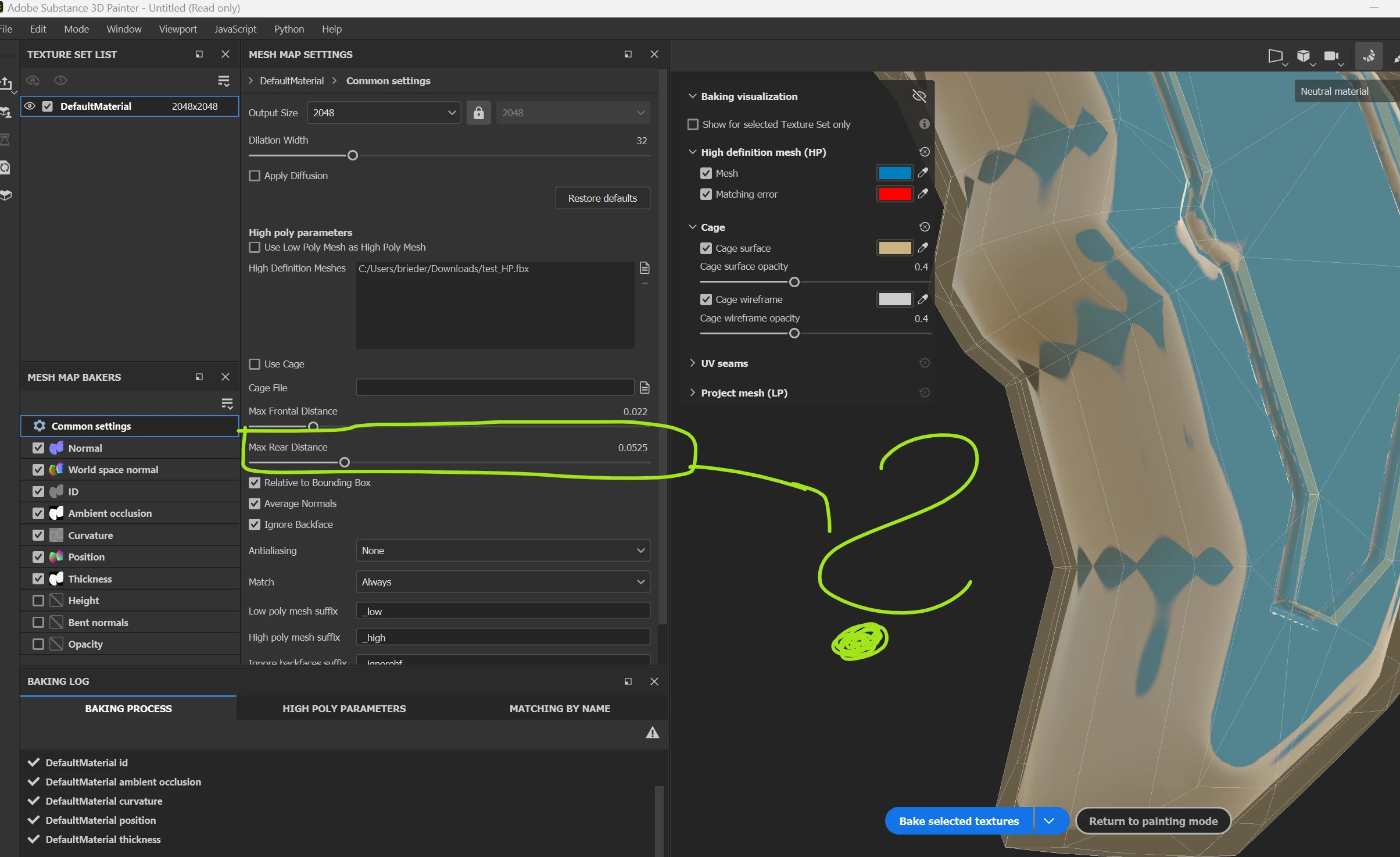
Max Rear Distance - How to Visualize when baking?

  • December 21, 2023
  • 1 reply
  • 4788 views

Max Rear Distance - How to Visualize when baking?

I was wondering, how to preview the Max Rear Distance in the 3D Viewport?
I can't visualize and see the rear distance. 
What am I missing here?

thx a bunch for any ideas!

This topic has been closed for replies.

1 reply

Cyril Dellenbach
Community Manager
Community Manager
December 21, 2023

Hello @PixelFun,


The Max Frontal Distance is basically the cage from where the rays (for the baking) are shot from. By definition, this cage will envelop the 3D mesh, and therefore can easily be previewed.


However, The Max Rear Distance is where the rays will stop. Also by definition, it will be inside the mesh, so more complicated to represent.


Currently, the Max Rear Distance value can't be previewed.


Regards,

Cyril Dellenbach (Micro) | QA Support Artist | Adobe
PixelFunAuthor
Inspiring
December 22, 2023

Thank you, that all makes sense. But I wonder, how to use this feature if you can't pre-visualize?

Without that, it's a hit or miss, like shooting in the dark.

Or any recommended use cases?

Cyril Dellenbach
Community Manager
Community Manager
December 22, 2023

The Rear distance value is usually not the one that brings issues. However, as the Frontal distance has a preview, you can have a fair guess on how the Rear distance will behave. I personally set a value close the the frontal distance one.

I admit it looks a bit like a shot in the dark, but it probably won't bring any trouble.


Regards,

Cyril Dellenbach (Micro) | QA Support Artist | Adobe