Participant
Nov 28, 2022 9:28 PM UTC
Question

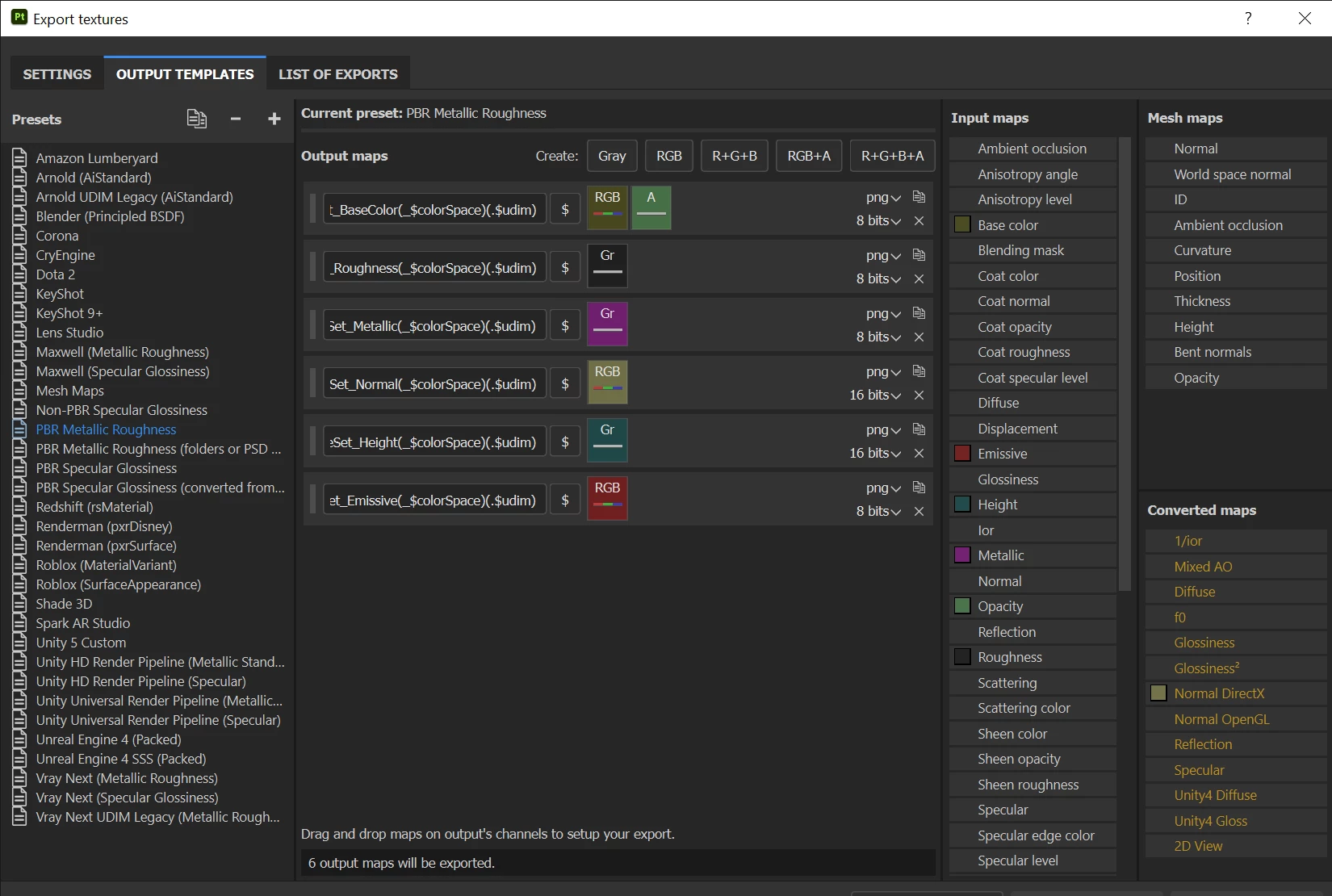
Maybe its just me but when I export my mesh it looks like a DirectX normal but I have the project se


This topic is closed to new replies. Start a new post to keep the conversation going.

4 replies

Participant
Nov 29, 2022 12:52 AM UTC
I am not sure why I was sent this discussion on mesh. Is there a program I
can use to paint 3d models.
Translate
davescm
Community Expert
Community Expert
Nov 29, 2022 9:48 PM UTC

@david gs46984878 You have joined another user's discussion on normal map outputs. Please start your own if you have questions.

You can use Substance Painter to paint 3D models.

Dave

Translate
Participant
Nov 28, 2022 9:34 PM UTC

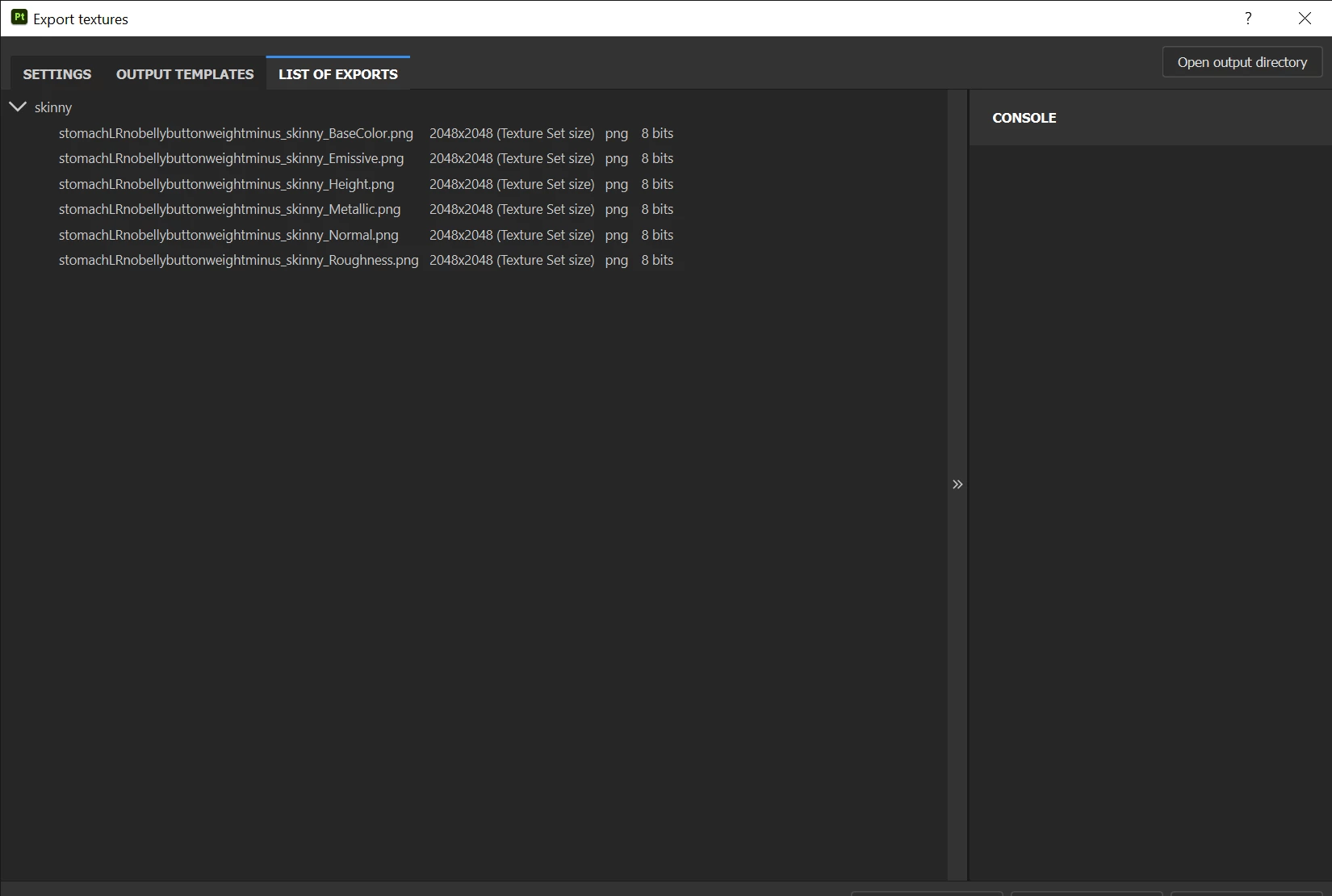
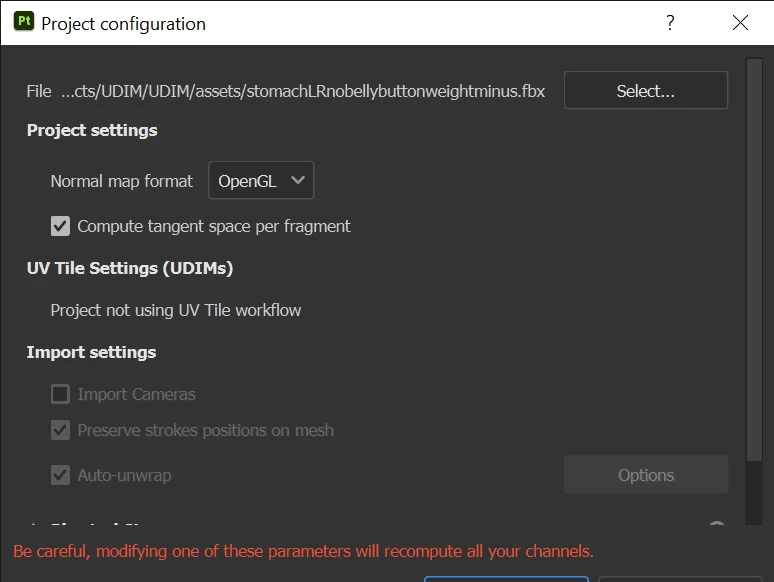
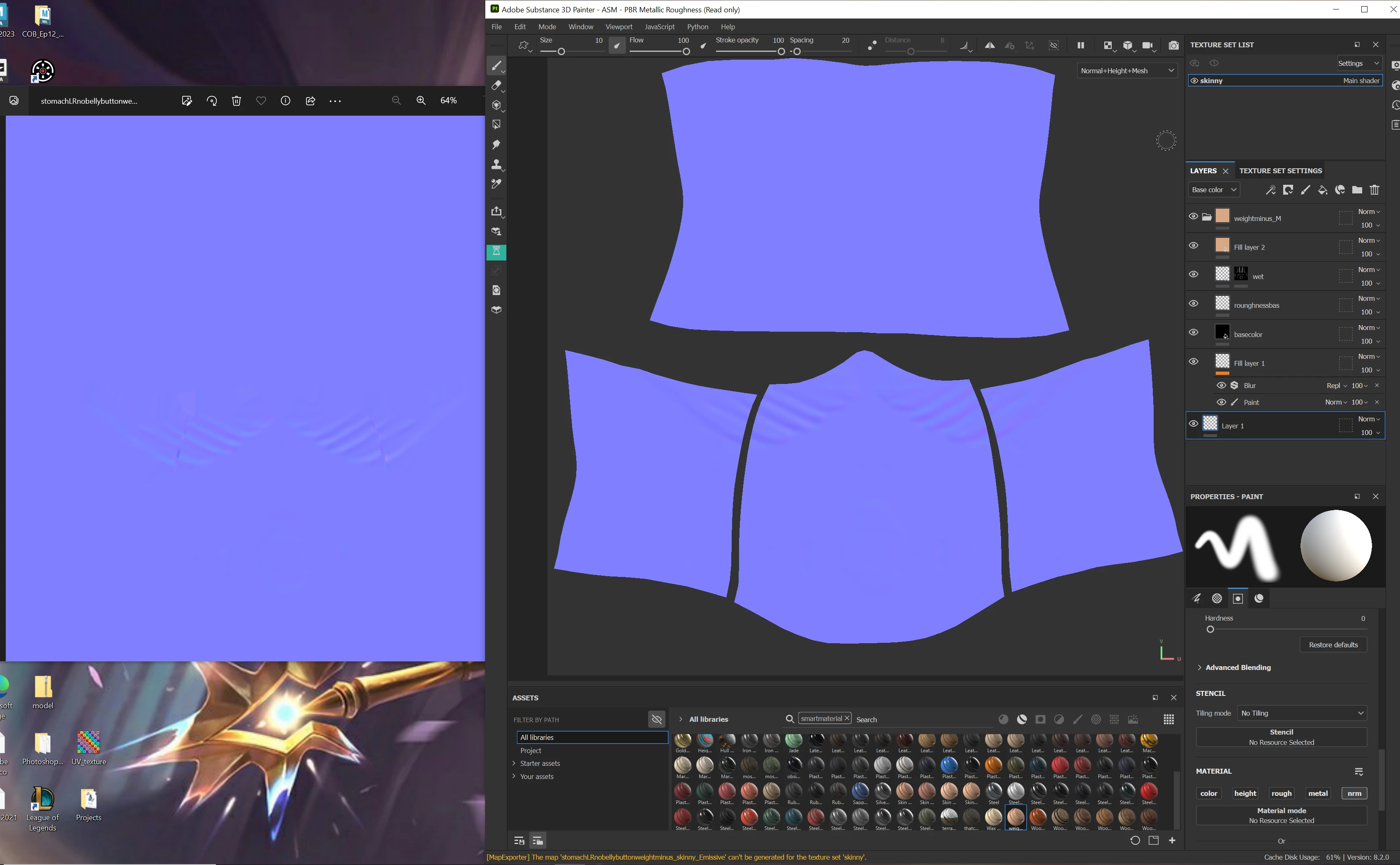
Maybe its just me but when I export my mesh it looks like a DirectX normal but I have the project set to OpenGL. It looks right in substance but for whatever reason it wont export the same. What am I doing wrong?


(Idk why it got cut off)

Translate
davescm
Community Expert
Community Expert
Nov 29, 2022 9:47 PM UTC

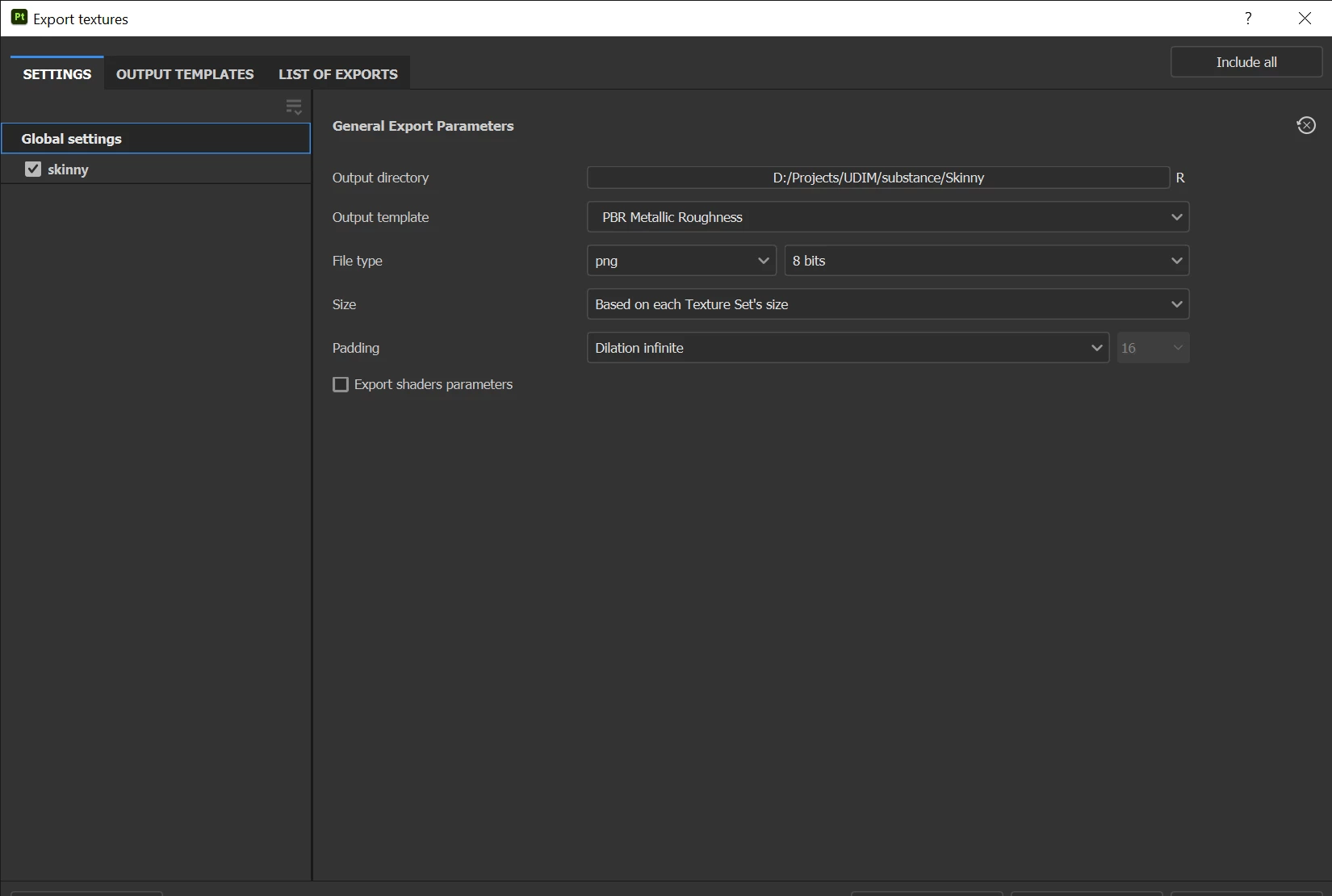
Your project is set to Direct X but your export is set to use the Normal Direct X converted map. The converted map uses height and normal info in its normal output.  You can export either, so to use the Open GL map instead, just drag the Normal Open GL converted map into the same export slot.
 

Dave

Translate