


Question
Mirroring and stacking UVs leads to tangent discontinuity and seam
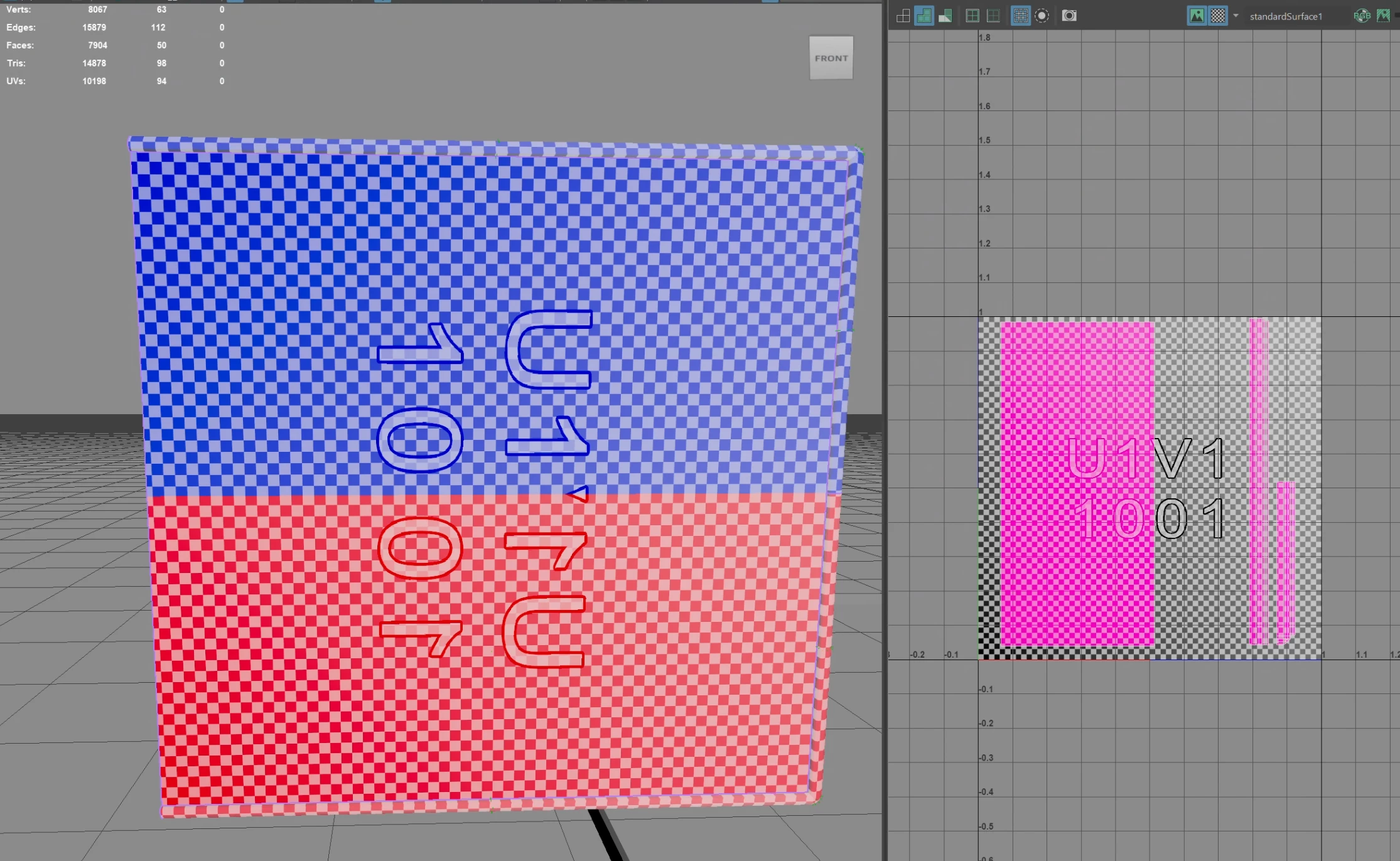
In Maya I have a mesh where I mirrored the top half of the geo, which also mirrored and stacked the uvs. I did this to increase texel density. I then exported as a .fbx file and made sure to export smoothing groups but not tangents and binormals. Next I imported the mesh into Substance Painter and checked the box to "compute tangent space per fragment"
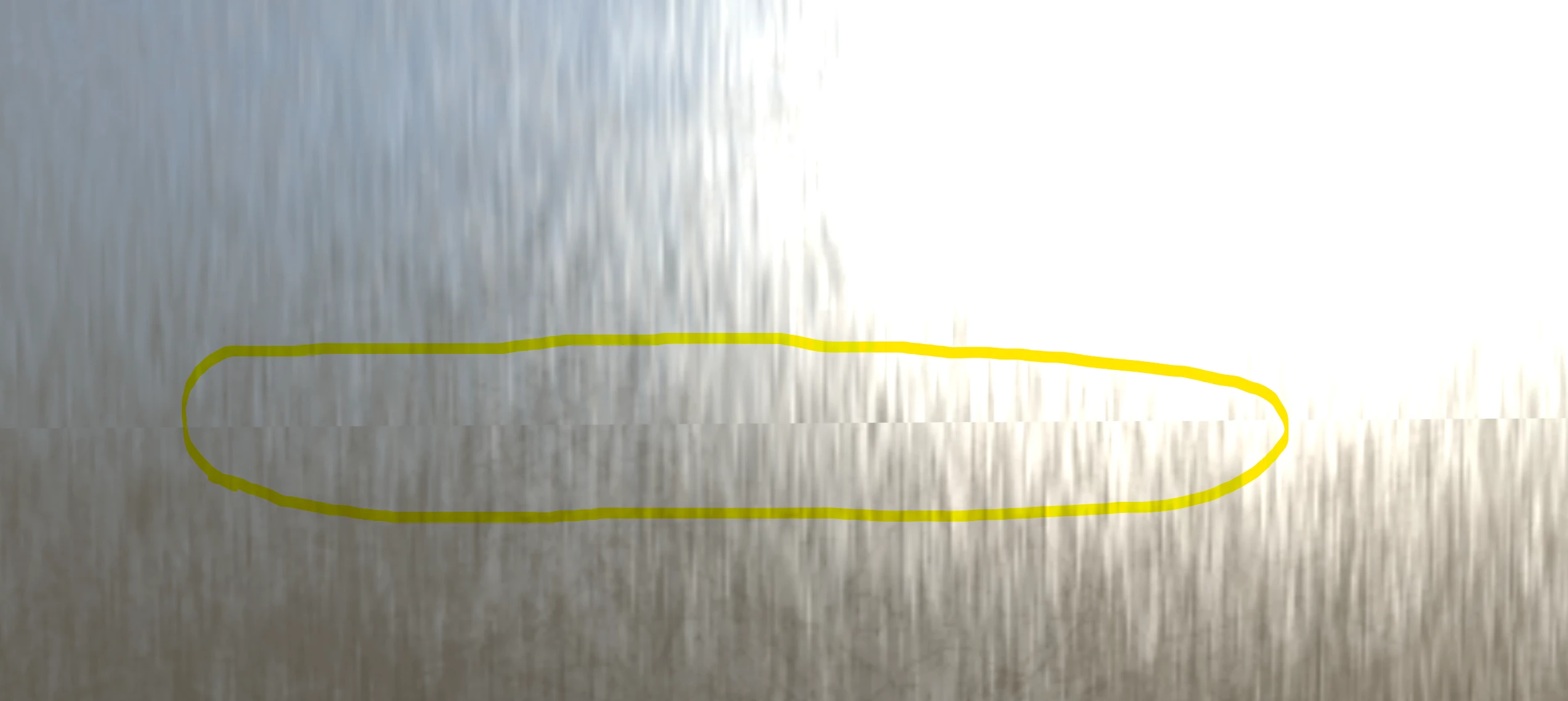
I didn't bake, but just applied a brushed metal material (not even a smart material). I see very visible seams where the geo was mirrored, please see the screenshot below:
Here is the uv layout in Maya. The checkerboard pattern is aligned so I would think the pattern should be contiguous:
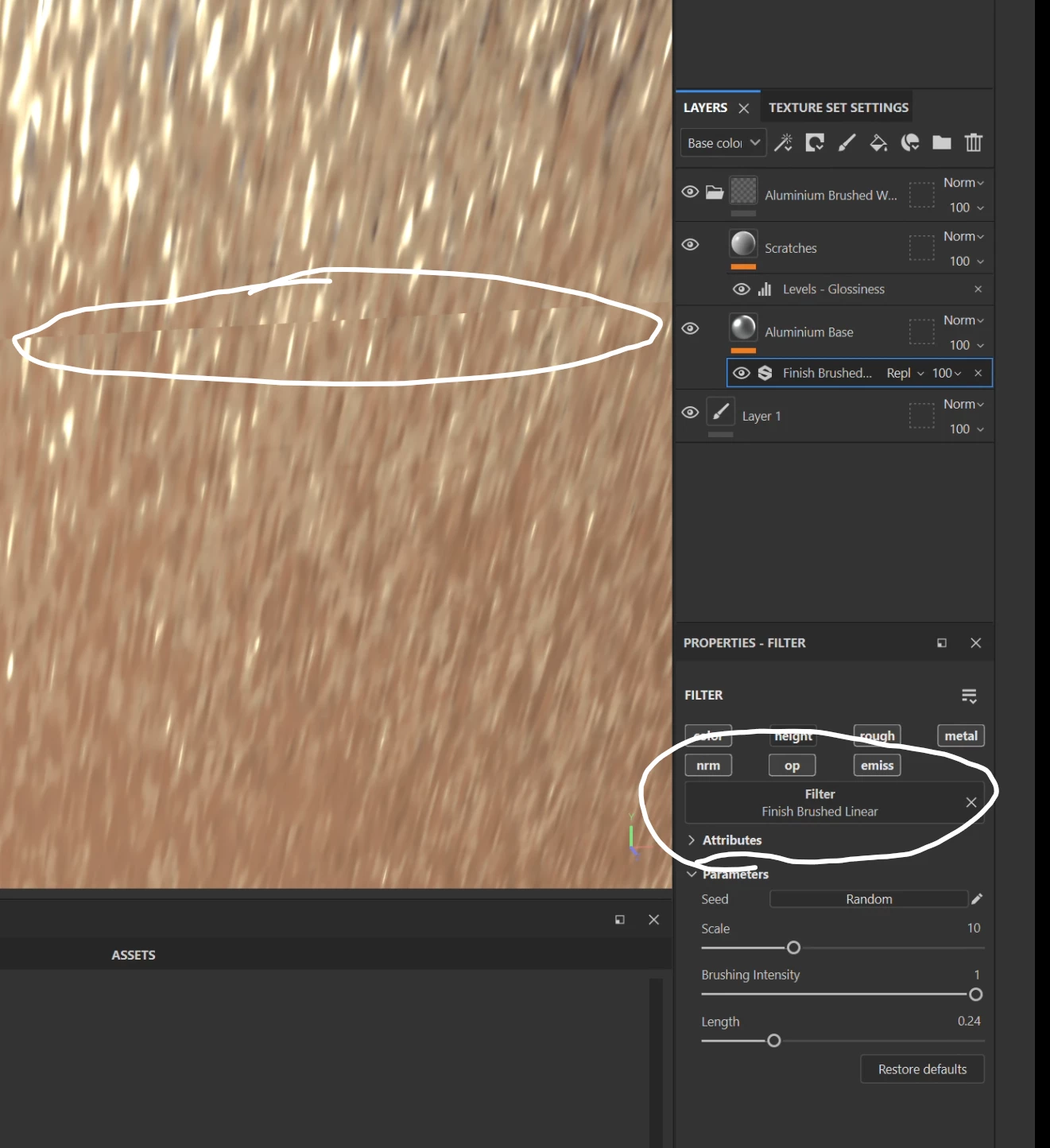
Could it be related to the filter?
 AdChoices