

Participant
April 12, 2023
Answered

My textures don't want to show in Roblox

  • April 12, 2023
  • 3 replies
  • 2440 views

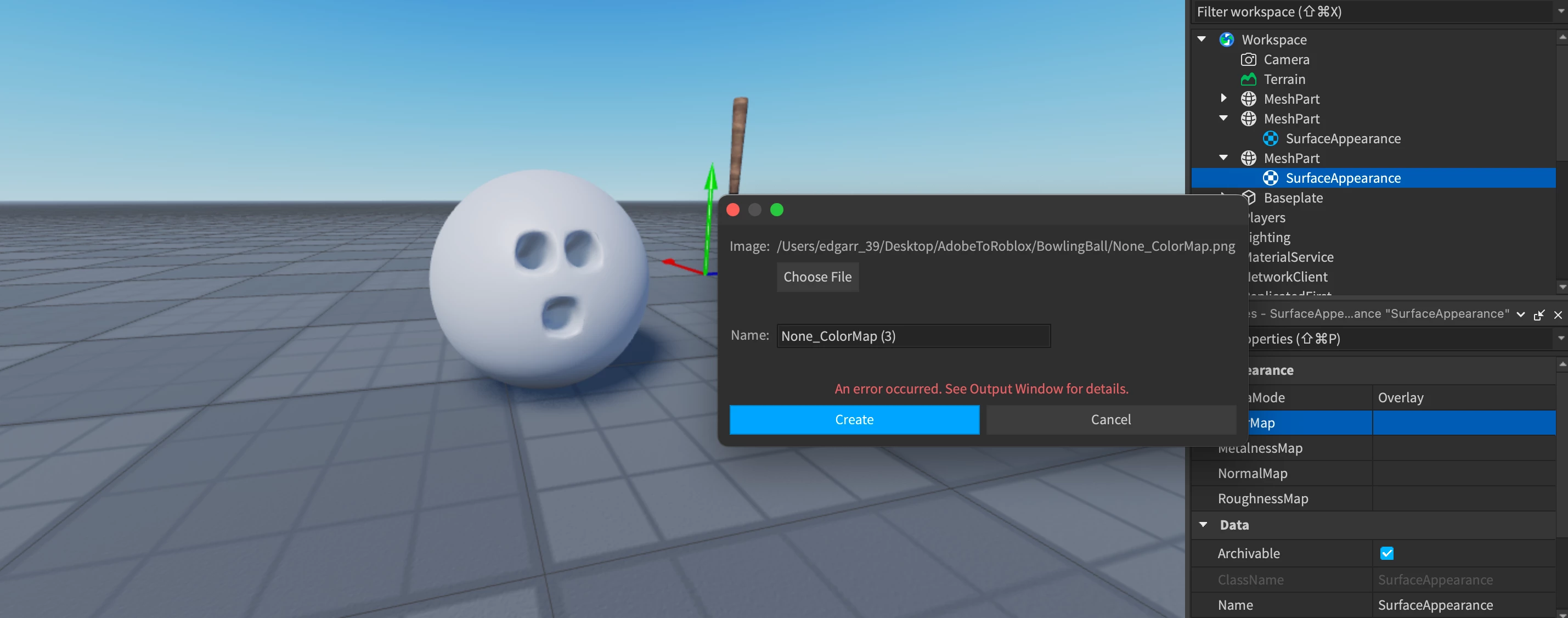
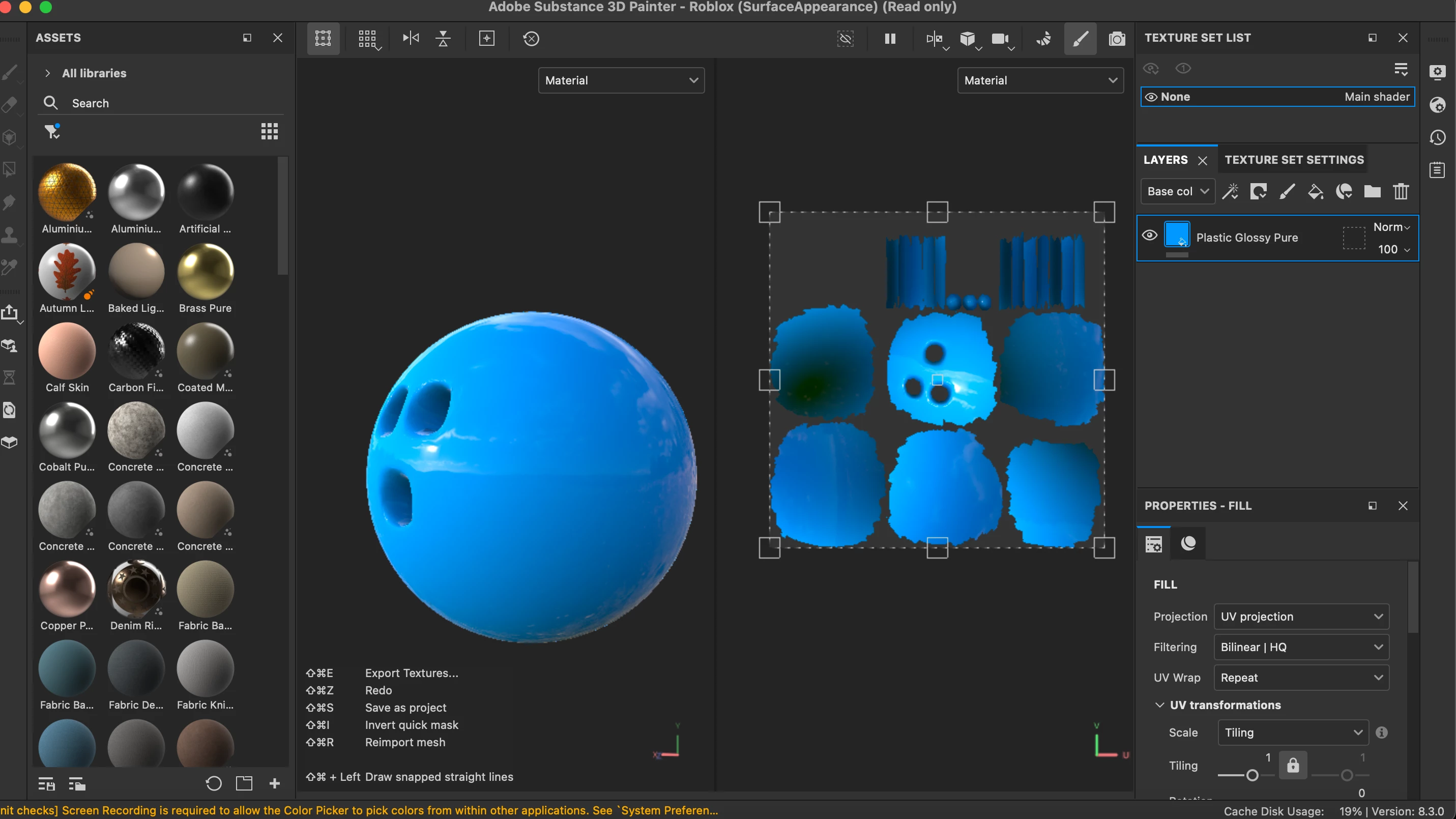
I have a problem where I put my texture into roblox studio so it can add it into my mesh but for some reason it gives me errors. Does anyone know how to fix it? plz help

Correct answer davescm

Hi

I also don't use Roblox, however did find this which may be of some use:

https://devforum.roblox.com/t/substance-painter-to-studio-tutorial-surfaceappearance/866962


It describes how to build a texture export template, the naming conventions and also a caveat that applied in 2020 (I don't know whether it still does) of a 1024 x 1024 limit.

It might be worth working through to see if there are any differences between that and the workflow that you used.


Dave

3 replies

bellajack
Participant
March 19, 2026

In Roblox Studio, textures usually don’t show because of a wrong asset ID, moderation delay, or incorrect part/face settings.

davescm
Community Expert
davescmCommunity ExpertCorrect answer
Community Expert
April 14, 2023

Hi

I also don't use Roblox, however did find this which may be of some use:

https://devforum.roblox.com/t/substance-painter-to-studio-tutorial-surfaceappearance/866962


It describes how to build a texture export template, the naming conventions and also a caveat that applied in 2020 (I don't know whether it still does) of a 1024 x 1024 limit.

It might be worth working through to see if there are any differences between that and the workflow that you used.


Dave

Cyril Dellenbach
Community Manager
Community Manager
April 13, 2023

Hello Edgar,


Unfortunately, I know nothing about Roblox, but if the software expect .png, you should'nt have any issue. Maybe something to check at the import.


Best regards,


Cyril Dellenbach (Micro) | QA Support Artist | Adobe
