


Need Help Converting Photoshop Layer to match in Substance Blending Modes
Since Adobe doesn't want to make it so we can export textures into Photoshop using "Paint Across UDIMs"
I started to export the masks one by one, copying the hexdec color and making the layers in Photoshop.
But when I get to a layer that uses Overlay in substance it doesn't function the way Overlay functions in Photoshop and wondering if there is any trick that can be done to get the correct Blending in Photoshop to match the texture I am exporting.
Thank you so much for any ideas and Adobe if you could I would be so grateful if you could make exporting to Photoshop work across UDIM style Substance Painter files.
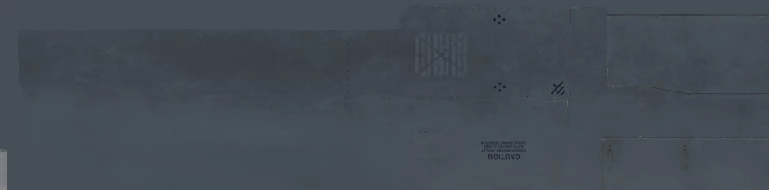
Here is what the texture looks like from Substance.
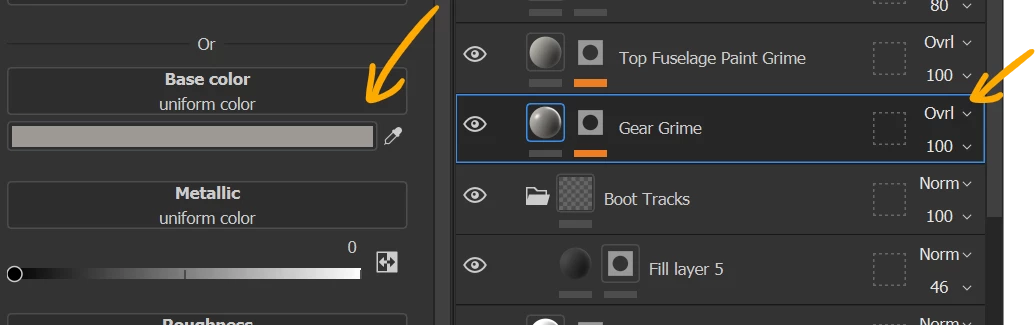
Here is that layer's setting in Substance
Here is how it looks in Photoshop as Overlay means something entirely different between the programs and how they display.
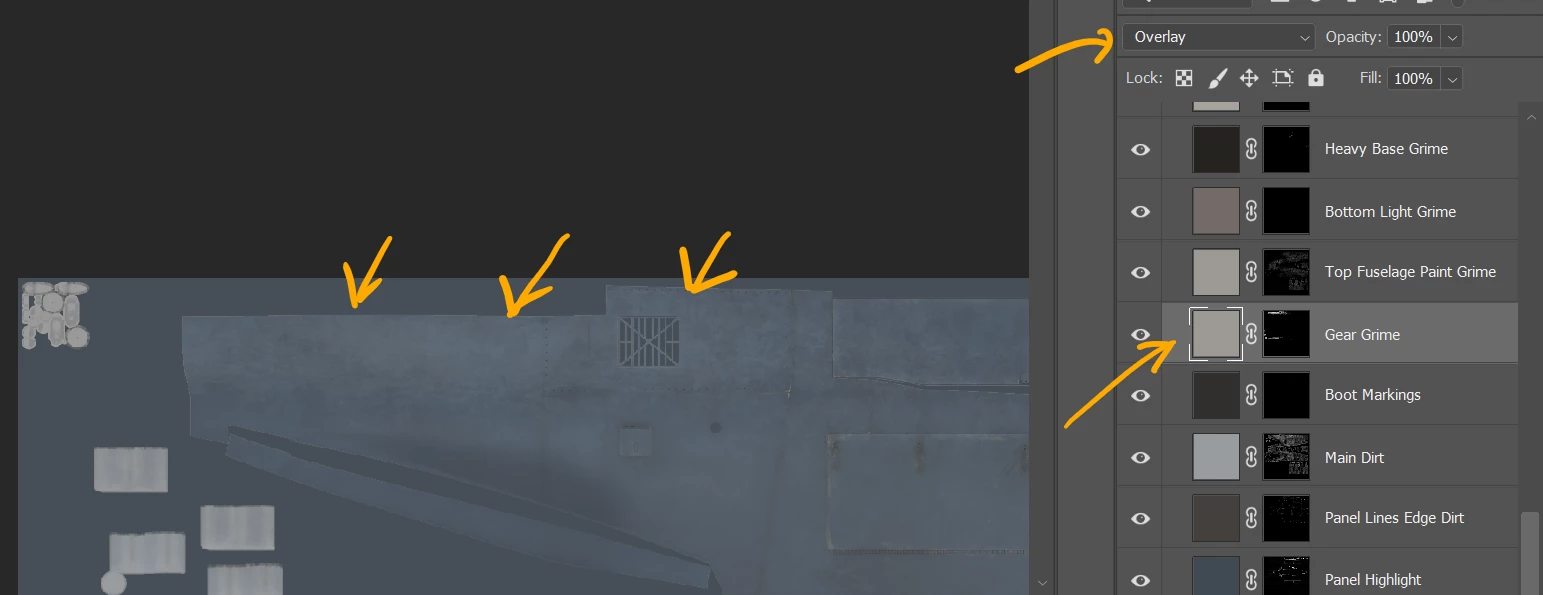
As you can see the Photoshop Layer is as you would except a since the color is light displaying as it should be in Substance Painter it makes it dark and the desired effect.
Any Ideas?
Thanks.
 AdChoices