Participant
July 13, 2022
Question

Need help with this wierd shading thing

  • July 13, 2022
  • 1 reply
  • 215 views

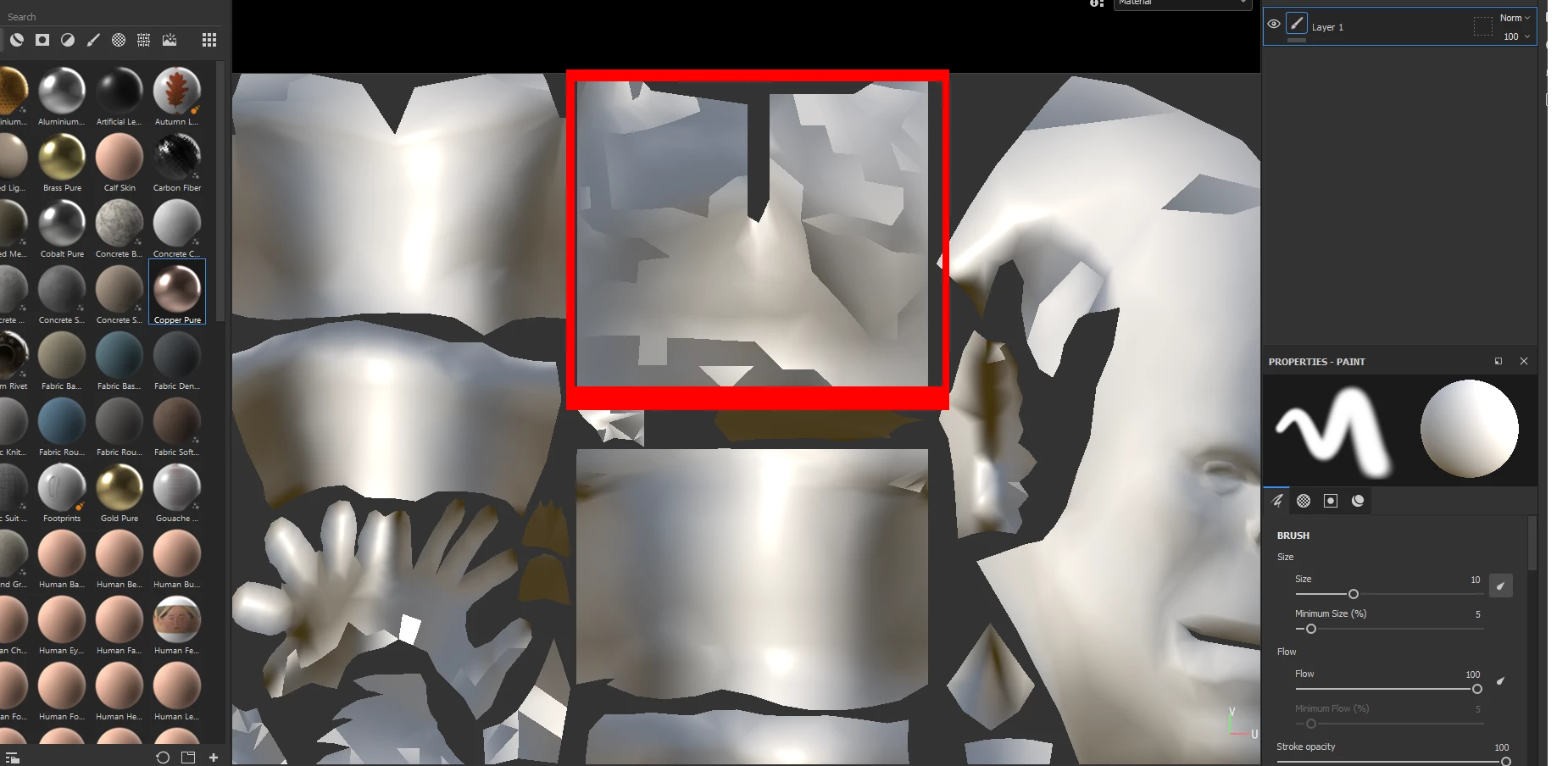
hey what are these black jagged spots?

i googled alot some say they are normals facing the wrong way but when i look inside blender it all looks fine all of them the same color

i even turned backface culling on and it looks the same....

they dont appear on the model itself in the 3d viewport..

can anyone tell me how to fix it in 2d viewport?

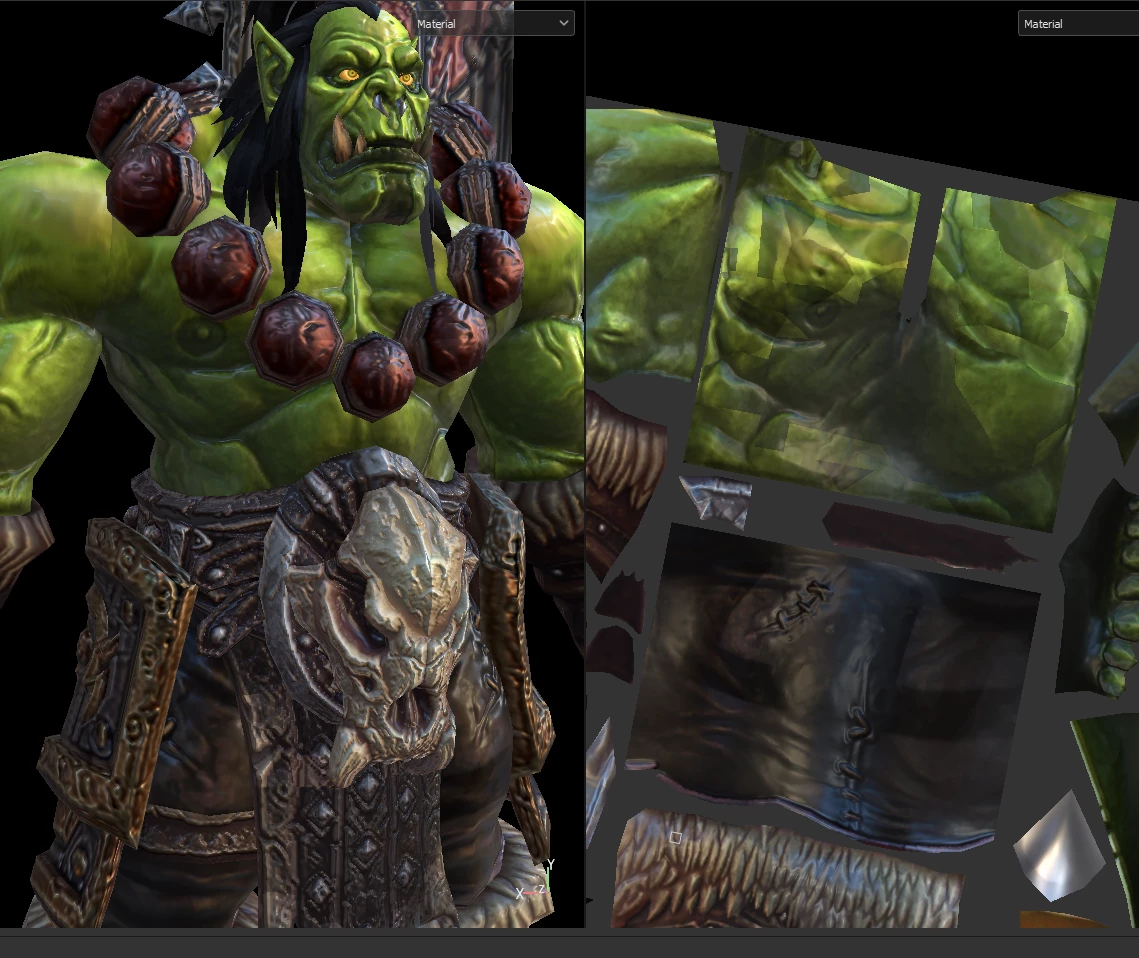
need the textures combined into 1 map because im modding an old game so using the 2dxport option and i need it without errors any setting ive overlooked? thanks for your  time
  

This topic has been closed for replies.

1 reply

jdhart[3D] -Jonathan
Participating Frequently
July 14, 2022

do you have sharp shading inside of the 3d application the original mesh was made in?   Also maybe welding verts around those area and check to see if you have shade smooth on that section of the mesh 

Participant
July 14, 2022

Hey i checked it and no its all smooth shading... think it might be the uvs are mirrored that causes this error ive given up trying to solve it and found a work around by exporting maps to photoshop and redoing the texture there... but still wondering if theres some setting i can turn off since it seems to come from the ambient occulusion thats on by default and i dont know how to turn it off