Participant
March 16, 2022
Answered

Non Square Texture Support

  • March 16, 2022
  • 4 replies
  • 8647 views

This has been asked for for years and years now and it has been aknoledged a billion times.
When will we finally see actual non-square texture support ? 
This is such an important feature to have in game development, I have no idea how this isnt a number 1 priority. This should be a basic functionallity for any serious game development texturing software.

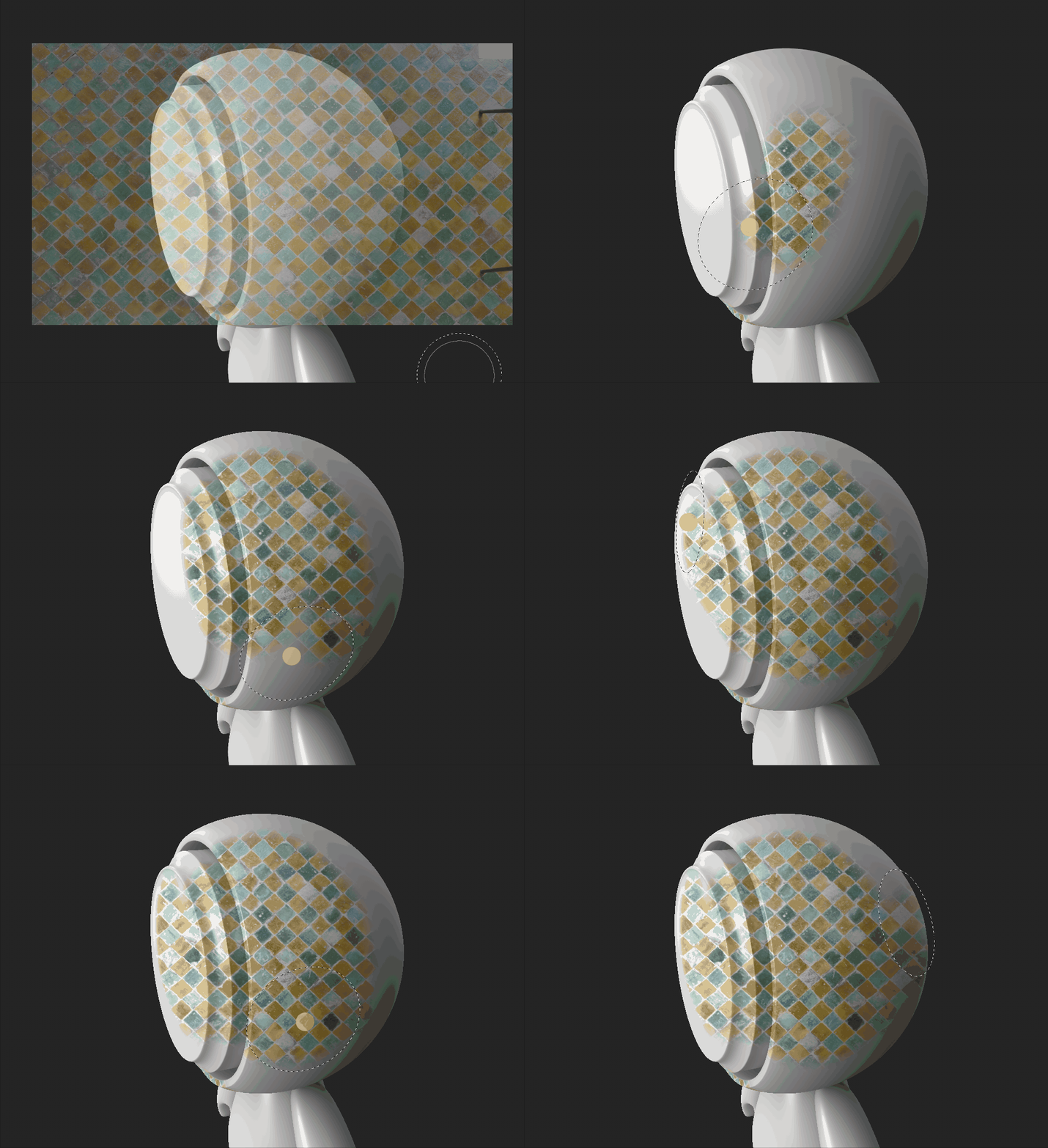
The only way of getting half descent results is by changing UV transformation settings inside each and every layer to a power of 2 ratio, which is a ridiculously tedious task on complex models and doenst solve all problems every time.
Setting Texture Set Settings to non-square doenst make any meaningfull difference as it is not reflected in the 2D and 3D viewport.

Test best results i could come up with was using clinched UVs and non-square bakes, with square Texture Set and export settings, while changing UV transform settings to the power of 2 .

How does no one seem to care ?
Is there a magic plugin everyone but me knows about ? 
Seriously tho, what am I missing here?
Clearly I cant be the only missing this feature.

Correct answer Cyril Dellenbach

Hello everyone and thanks @DavidFL40889 for your message,


I don't think you are the only one missing the non square ratio and I can assure you our teams care about this missing feature. 


Unfortunately, I cannot tell you much more about it, but I can consider this thread as a suggestion and bring it up to the team. Therefore, if you feel like this is a really important feature, don't hesitate to like the post from @DavidFL40889 (this kind of metrics are important). 


With that being said, I can offer you one more workaround (if you don't already know about it):

The Projection tool supports the non square ratio.


I know this is not the same as a simple Fill Layer, but I think it might help depending on the situation.


Best regards,


4 replies

akbarali.ch
Participant
October 8, 2025

Everyone is facing the same issue. We at our studio generally didnt face much of an issue since for any kinds of map, be it square or non-square, we always took square map but mapped the UVs only to the portion needed. This helps us incase there were parts of the mesh tweaked further and re-mapped, everything was in the square map so we wouldn't face aspect ratio issues. Once everything was final and model has passed through all the QC, then we finally crop the texture and adjsut the UV, that is, scale the UV 2x in that direction. Kind of headache, but was only in the end.
though this works for most part, its tricky for tiling, non-tiling maps.

Participant
March 24, 2024

It's 2024. Another year goes by and still we're stuck with 1:1. What is going on here, and communicate with us what's the hold up?


As a new user of this product I am shocked this isn't available. This is a disgrace and a disappointment. You're dragging your feet Adobe and it's time pick it up! We're paying for this "leading industry software".


How am I suppose to import and work with an existing uv that is 1:2 ratio? Tell me.

Participant
February 1, 2023

I find myself having to set Physical Scale in the Layer and then using a Transform Filter to adjust

Participant
January 27, 2023

7 likes and no comment in almost a year.
Seems I really am the only one missing this feature. 

Known Participant
March 10, 2023

You're not alone friend. Surprised industry standard program like Painter doesn't have this support.

I've always had to just bake out at biggest dimension then manually squish it down in photoshop. Really unncessary hassle.