
Normal map differences between Document channels and all export templates in Painter
I have created a new file containing only 1 layer, a material from Substance source. I have not modified the settings of the material.
When I export the textures using "Document channels + Normal + AO (No alpha)" it creates a normal map that is visually identical to the one displayer in the viewport. Further, when using this material in the maya substance integration this is the same normal map that is generated, and, when using this material in designer it is the same normal map exported.
However, if I use any other export preset in Substance painter (PBR, Arnold aiStandard, a custom template) the normal map looks very saturated and wrong! This is not an OpenGL/DX issue, both versions have this problem.
What is the difference in the way the normal map is being interpreted using document channels vs the export templates? I am tempted to believe the document channels option is correct, since so many other substance systems generate the same output.
Using Templates:
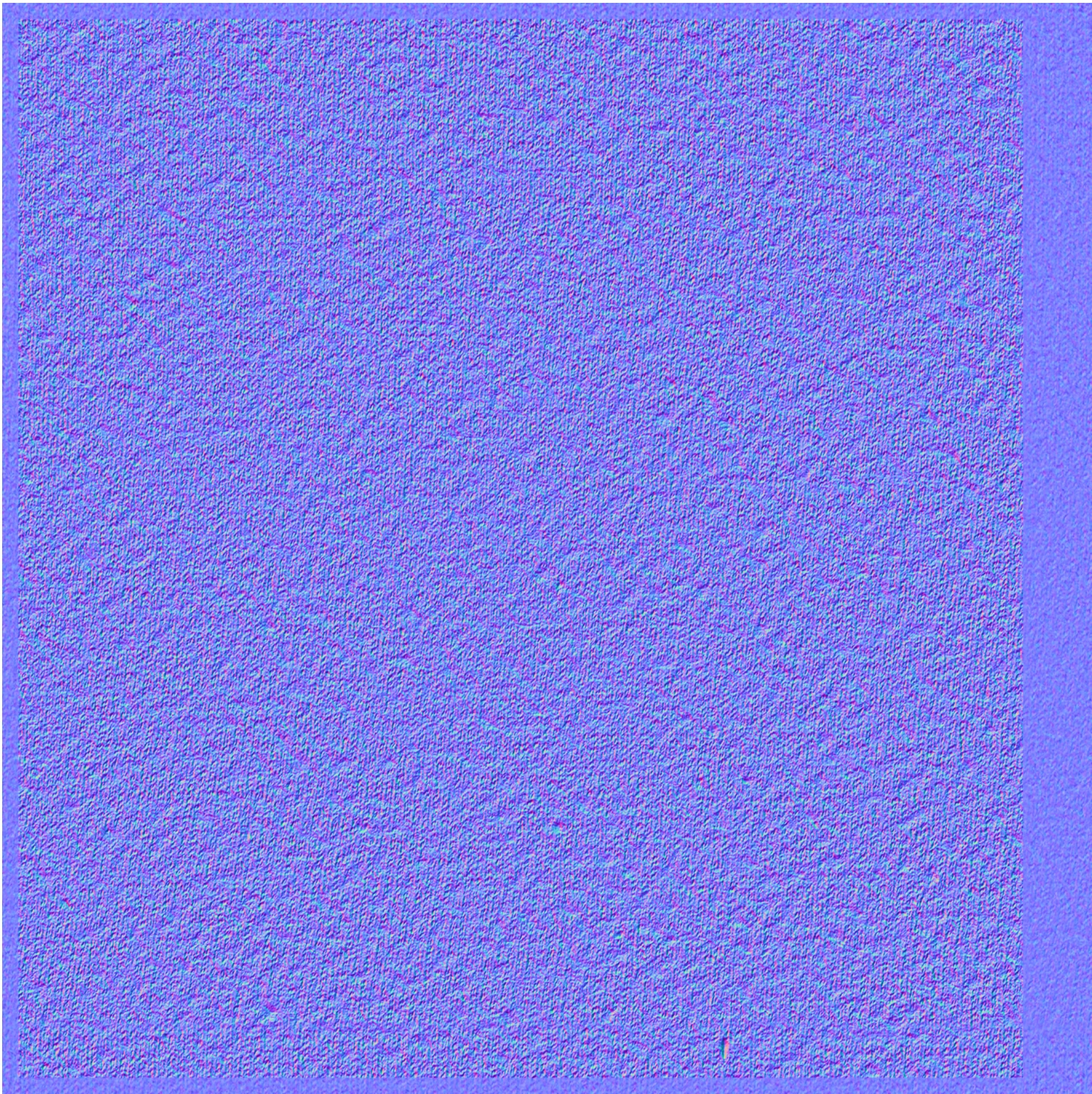
Using document channels, integrations, or designer:

 AdChoices