


Question
Normal Map Misaligned?
Hello, im rather new using adobe substance painter. However ive been using blender for a little while and ive made a model recently with UDIM tiles and applied my normals with them. However when applying my normals into adobe substance painter. It seems the normals go wayyy off, and im not rather sure how to fix this? In blender its perfectly fine with the normals perfectly aligned.
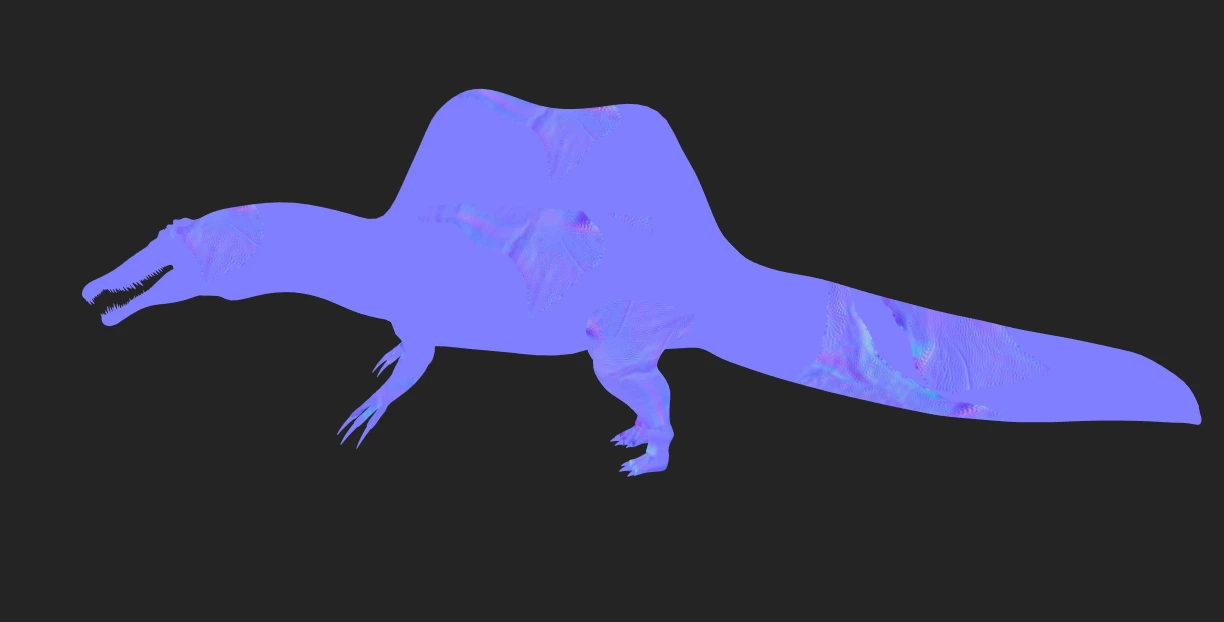
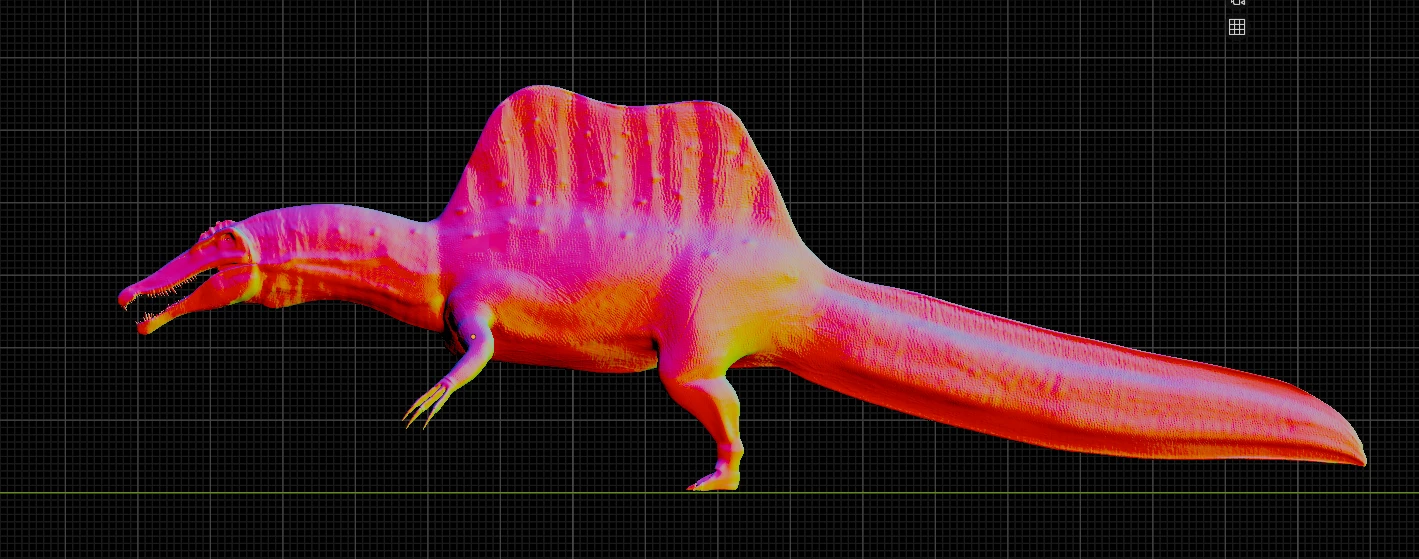
The purple one being the example of the model within substance painter. And the red one being within blender.
Thanks!
 AdChoices