


Answered
normal map seams
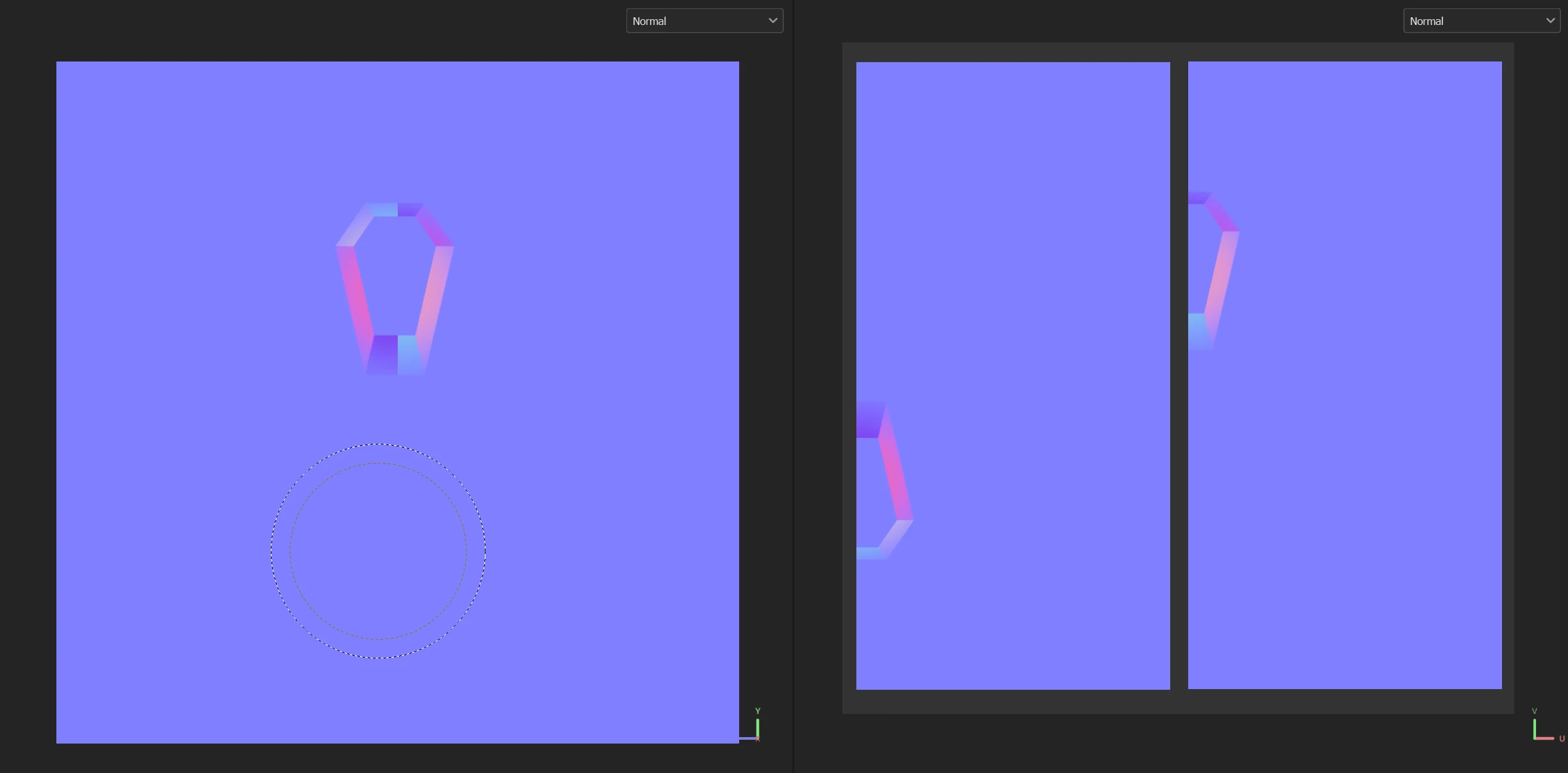
Hello everyone, I'm new here. Currently, I'm working on creating my first stylized low-poly (game-ready) model. When baking high to low-poly in Substance Painter, everything looks good with all mesh maps and material view. However the normal map (mesh map) has visible seam lines.
After searching online, I found a few potential solutions to this problem:
I've already tried raising the bake resolution, but it's already at 8k.
I made sure that my UV islands have 32 pixels padding between them when Substance Painter's dilation is set to 32, so they should not be affected by each other.
I attempted painting the seams of the normal map with the average color of the normal map, which did make the seams disappear, but it caused imprecise results around the seam areas and even were noticble in matirial view.
I haven't attempted aligning the UV island seams with the UV grid, as I need to optimize the model for gaming, and aligning might cause issues with UV packing.
does anyone have suggestions how to fix this issue? or is it even importent to fix the normal map seams if they dont show up in matirial view ? Thank you!


 AdChoices