Participant
July 26, 2023
Answered

object not visible

  • July 26, 2023
  • 1 reply
  • 621 views

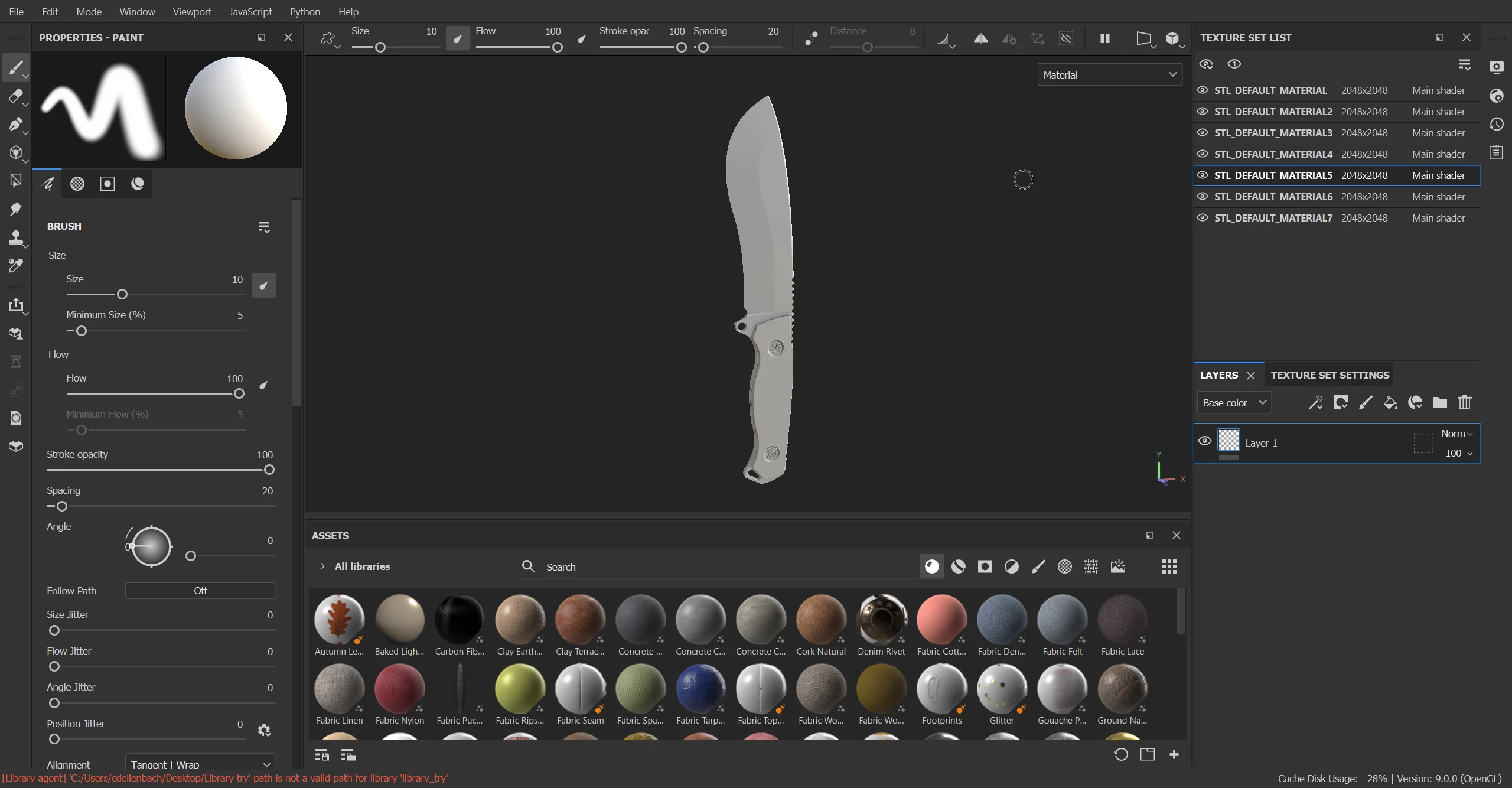
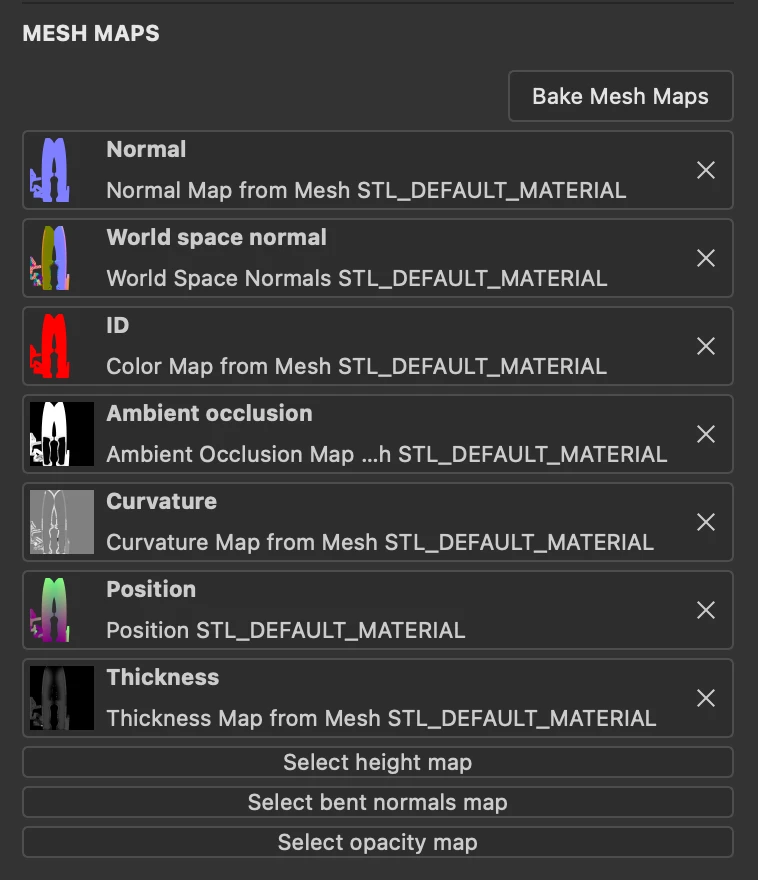
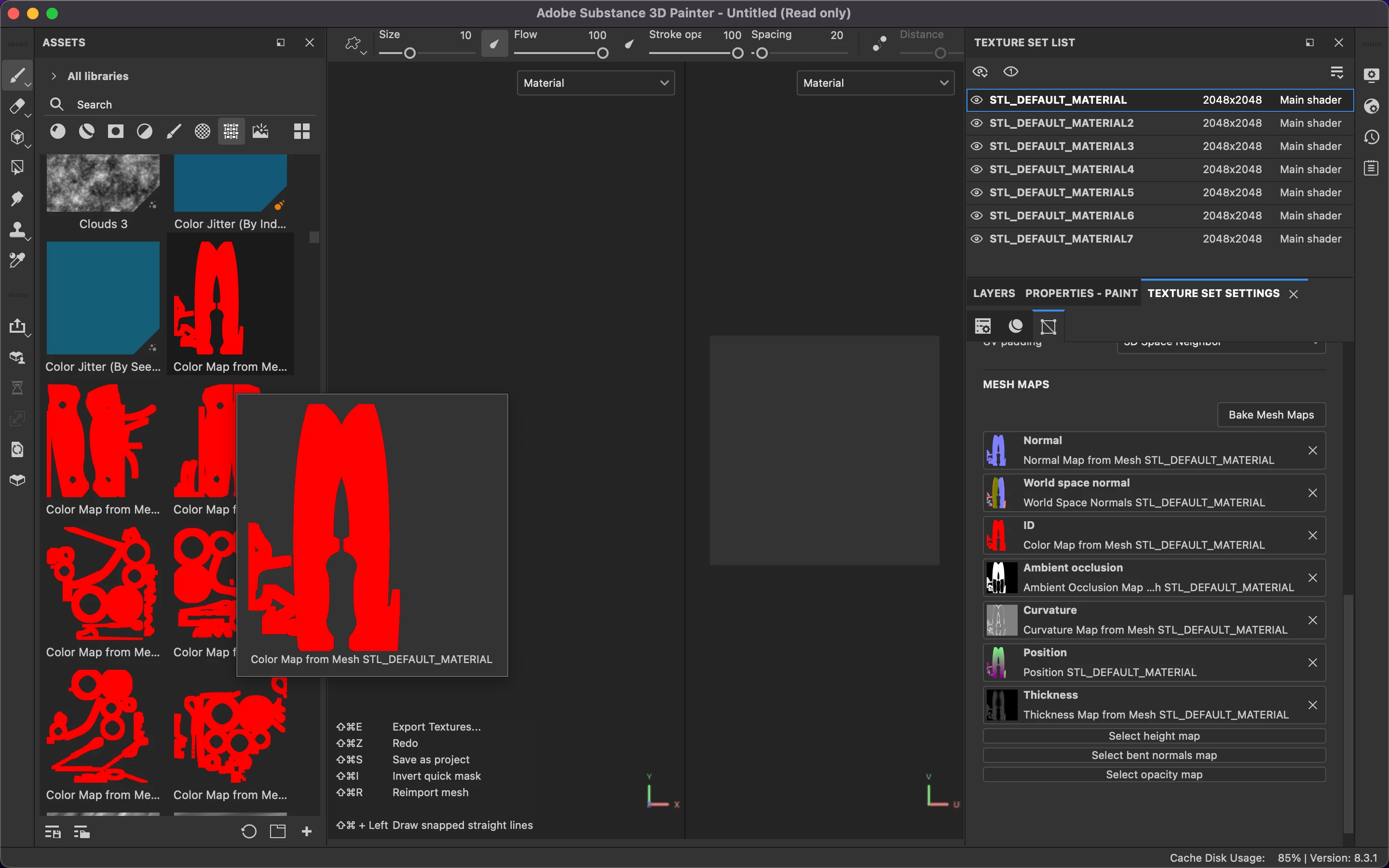
Hello everyone, I have a problem that I can't solve. I created a 3D model with Fusion 360 and exported the files in STL format to assemble it in Adobe Substance 3D Stager and later export it to USDZ format to work on it in Adobe Substance 3D Painter. In Painter, the objects are indeed imported, but they appear invisible. When I try to apply Mash Maps, I can see the presence of the object, but the screen doesn't show any objects. What could be the problem? How can I resolve this situation?

This topic has been closed for replies.
Correct answer Cyril Dellenbach

Hi @Ico93,


Everything worked as it should on my side.


Would you mind sharing your log (help > export log…), so I may take a deeper look?


Let me know,


1 reply

Cyril Dellenbach
Community Manager
Community Manager
July 26, 2023

Hello @Ico93,


Thanks for reporting.


You could try to hit the F key, which is supposed to center the model, but I'm unsure it will work this time. Would you mind sending me your file at cdellenbach@adobe.com so I can take a deeper look?

Let me know.


Cyril Dellenbach (Micro) | QA Support Artist | Adobe
Ico93Author
Participant
July 27, 2023

Thank you for the prompt response. Despite compressing the file, the model is still not visible. I am proceeding to send you the file now. Thanks for your cooperation.

Cyril Dellenbach
Community Manager
Cyril DellenbachCommunity ManagerCorrect answer
Community Manager
July 27, 2023

Hi @Ico93,


Everything worked as it should on my side.


Would you mind sharing your log (help > export log…), so I may take a deeper look?


Let me know,


Cyril Dellenbach (Micro) | QA Support Artist | Adobe