
Inspiring
October 17, 2021
Answered
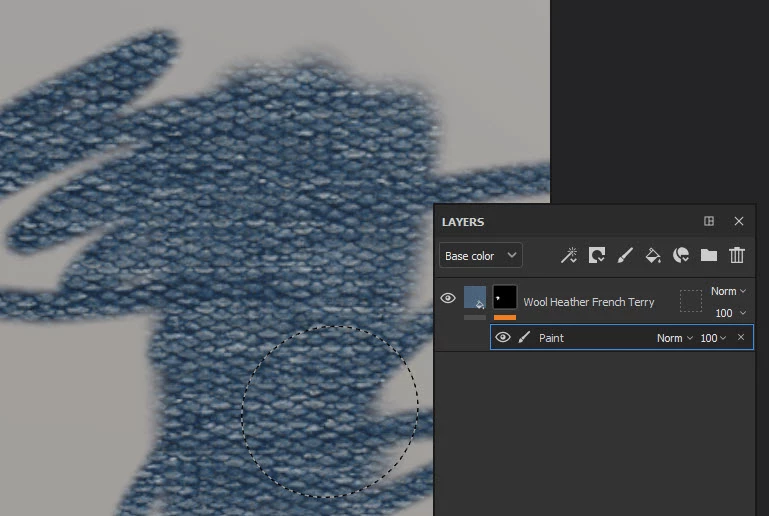
Poor texture quality
- October 17, 2021
- 6 replies
- 15348 views
Hi! Sorry if my English is not perfect. I have a problem with texture’s quality in Substance Painter, it’s pretty ugly. I checked google, it’s often due to a poor UV mapping or bad settings. So, I checked all the settings I could find and tried to apply my texture on the Substance Painter starter mesh, the robot (kinda), assuming it has good UV’s. I tried on a Blender’s basic sphere too (which I’m sure it has good UV mapping) but the problem still occurs. (See Pictures)
I don’t think it comes from the texture itself because I found it in a Substance’s library and it looks good in Substance Alchemist.
I’m on a 4k Monitor with an Nvidia RTX 3070, all pilots up to date.
Thanks a lot, just started Substance yesterday and already struggling ^^


 AdChoices