


possible bug with height map?
Hey everyone! I've been making materials in Substance Designer and exporting them to Unreal without any issues. I also exported my material to Substance Sampler, and the results were good!
However, when I decided to put my materials together in a trimsheet using Substance Painter, the program wouldn't read my height map correctly. It would turn black and only show a few small spots of the height map.
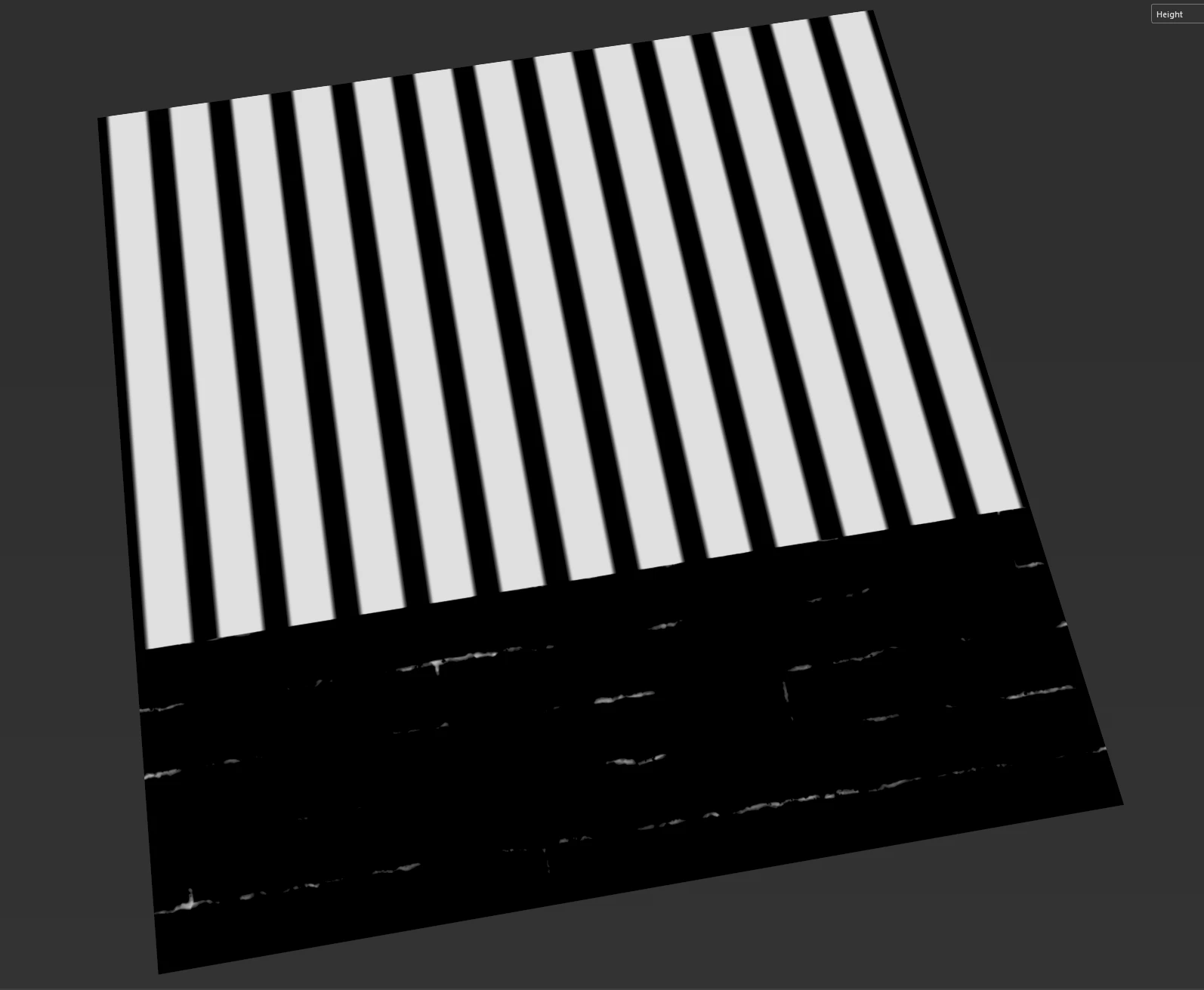
So I decided to fix it by manually importing the height map and adjusting the levels. Which worked in the viewport. but had the same results when exporting. The height map would be just mid grey with barely any details.
More Details:
I am exporting channel packed AO,Roughness and height together. and yes i had no trouble with any other map except for height texture.
And my export settings are correct i assume because i tried everything. is this a bug or am i skipping a hidden step?
 AdChoices