


Known Participant
March 28, 2024
Question

Presets - Output Templates

  • March 28, 2024
  • 1 reply
  • 236 views

Hi,

How can I move Presets up and down the list?
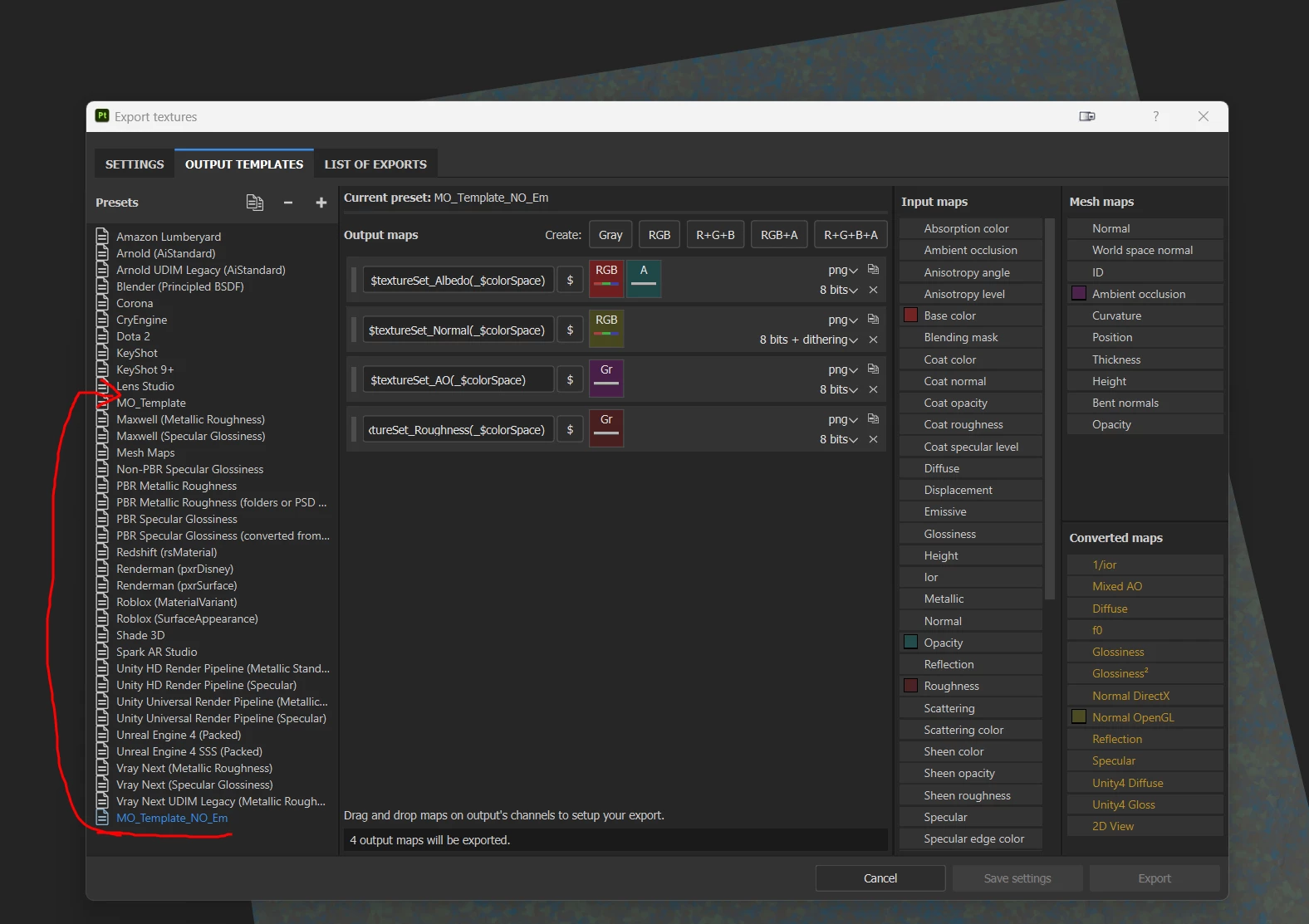
 

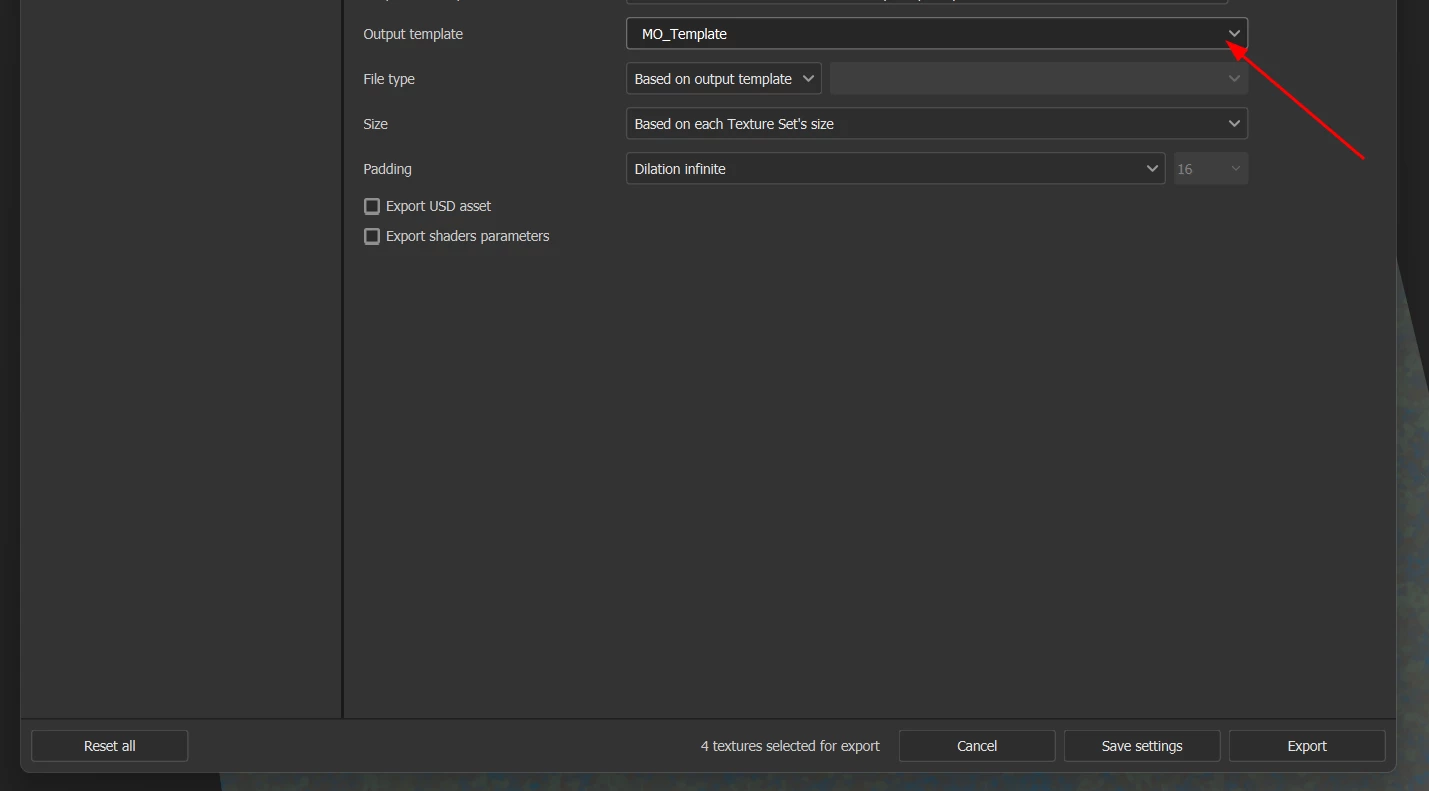
Also, is there a way to make a particular presest the default one? So I don't have to go through the ist everytime I export?

Same for Output Directory. I want to choose a specific folder and have Painter save only in that particular folder (everytime I open a new file).
 

Thanks.

This topic has been closed for replies.

1 reply

Cyril Dellenbach
Community Manager
Community Manager
April 12, 2024

Hi @RoxanaMD,


Sorry for the delay in response.


You can't edit the list's order. The list is arranged alphabetically expect for the newly created preset, those will be at the bottom of the list until restart.


For a different default Path Location and Preset, you can save everything in a Project Template.


Open the export window, change the path location and preset, save export settings, close the export window and save the current project as a Template (File > more save options > Save as template...).


Now you can select your custom template when launching a new project, and all edited parameters will be the default ones.


Regards,


Cyril Dellenbach (Micro) | QA Support Artist | Adobe