Participant
September 24, 2022
解決済み

Problem exporting maps

  • September 24, 2022
  • 返信数 1.
  • 4552 ビュー

Hi, 

I'm new to Adobe 3D Substance Painter, and I ran into a problem while exporting maps to PNG files. 

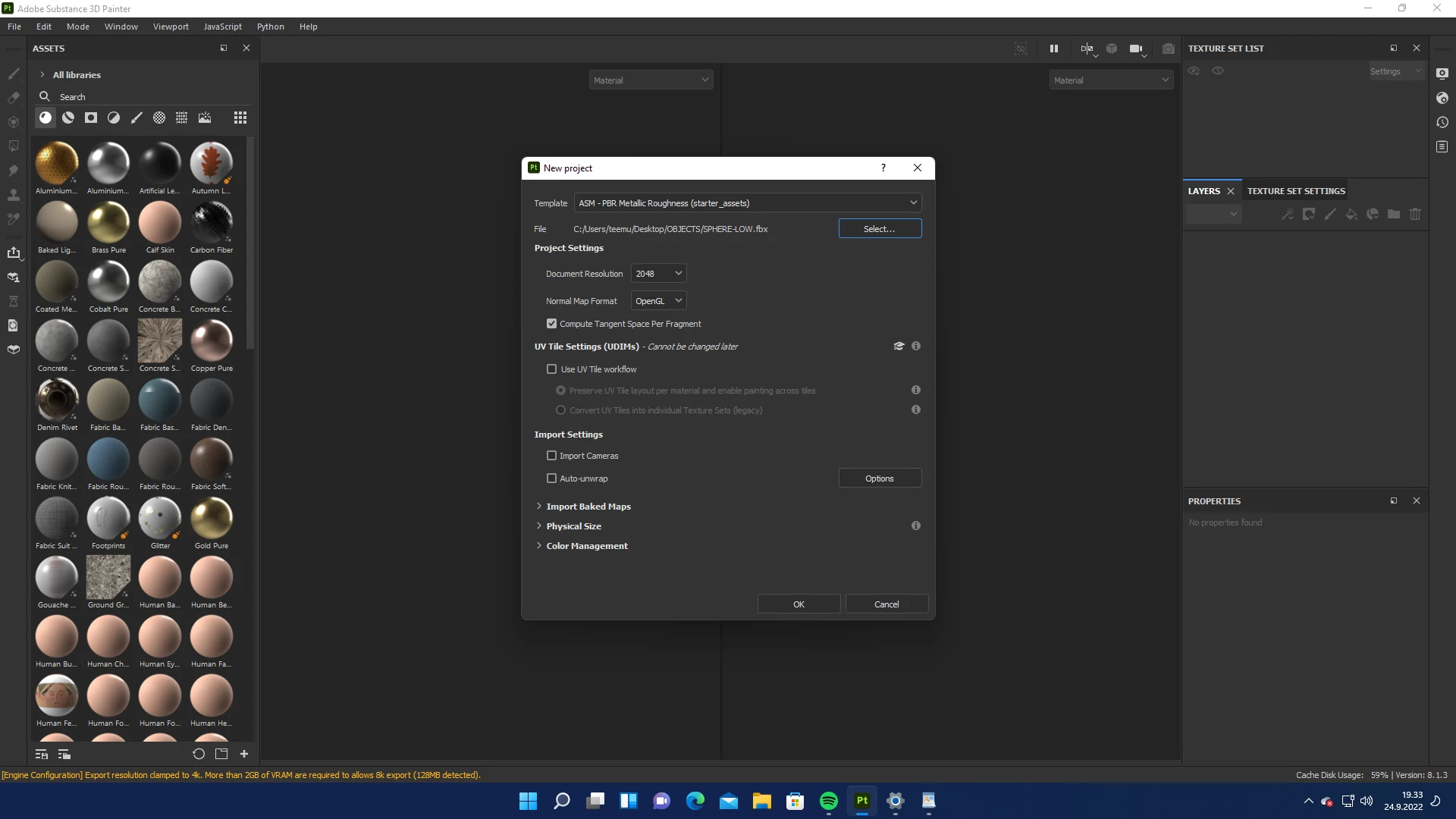
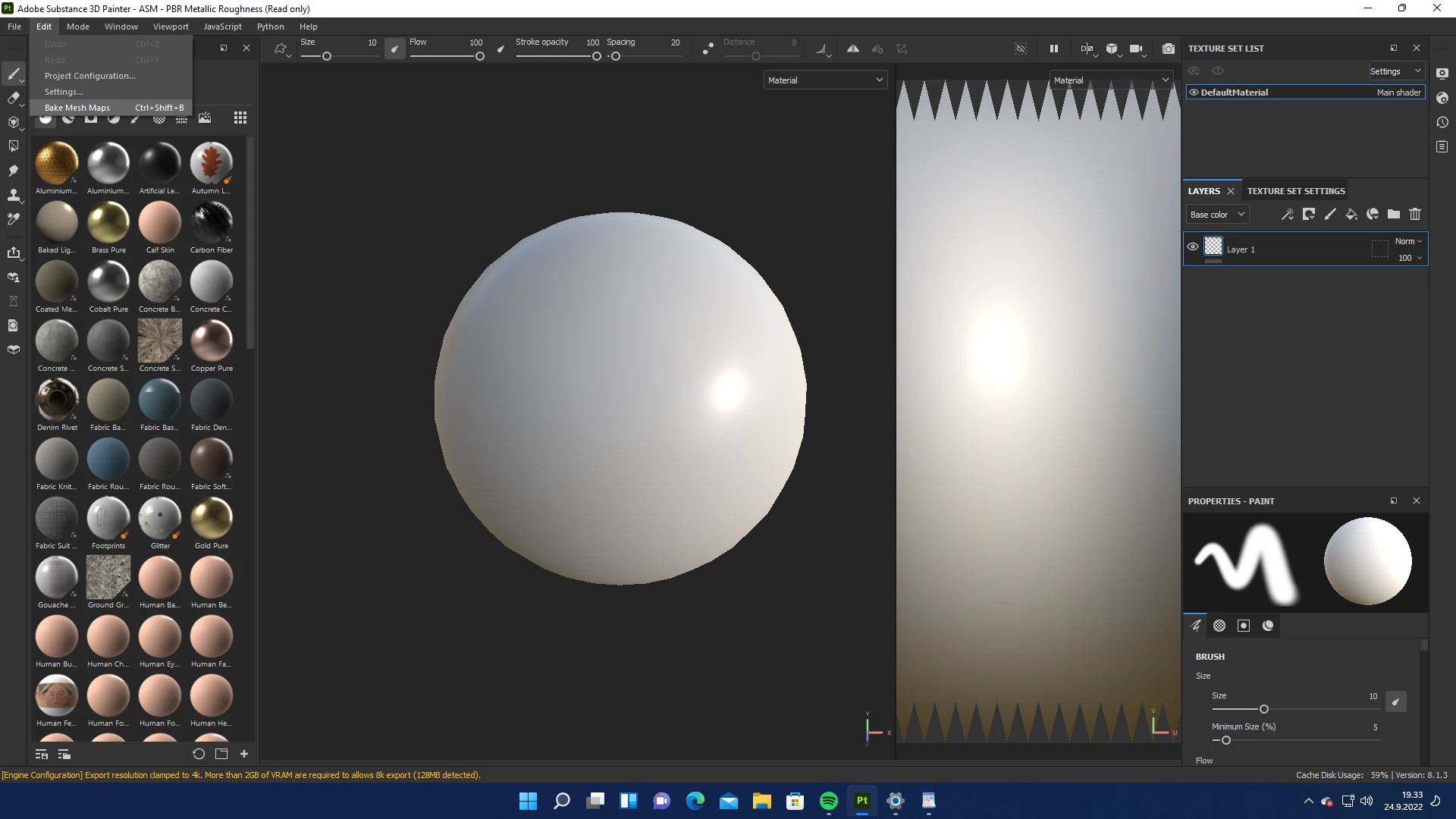
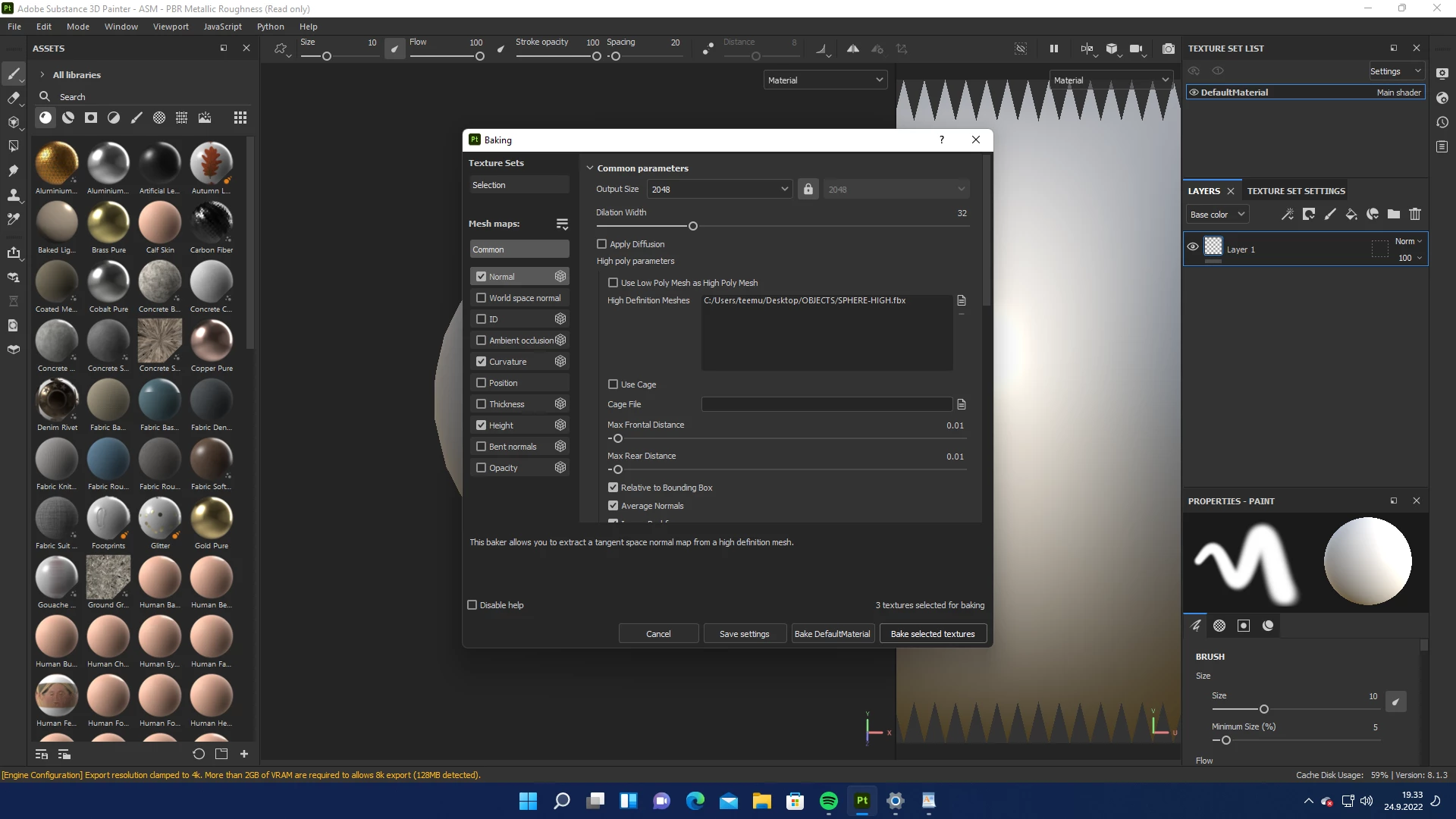
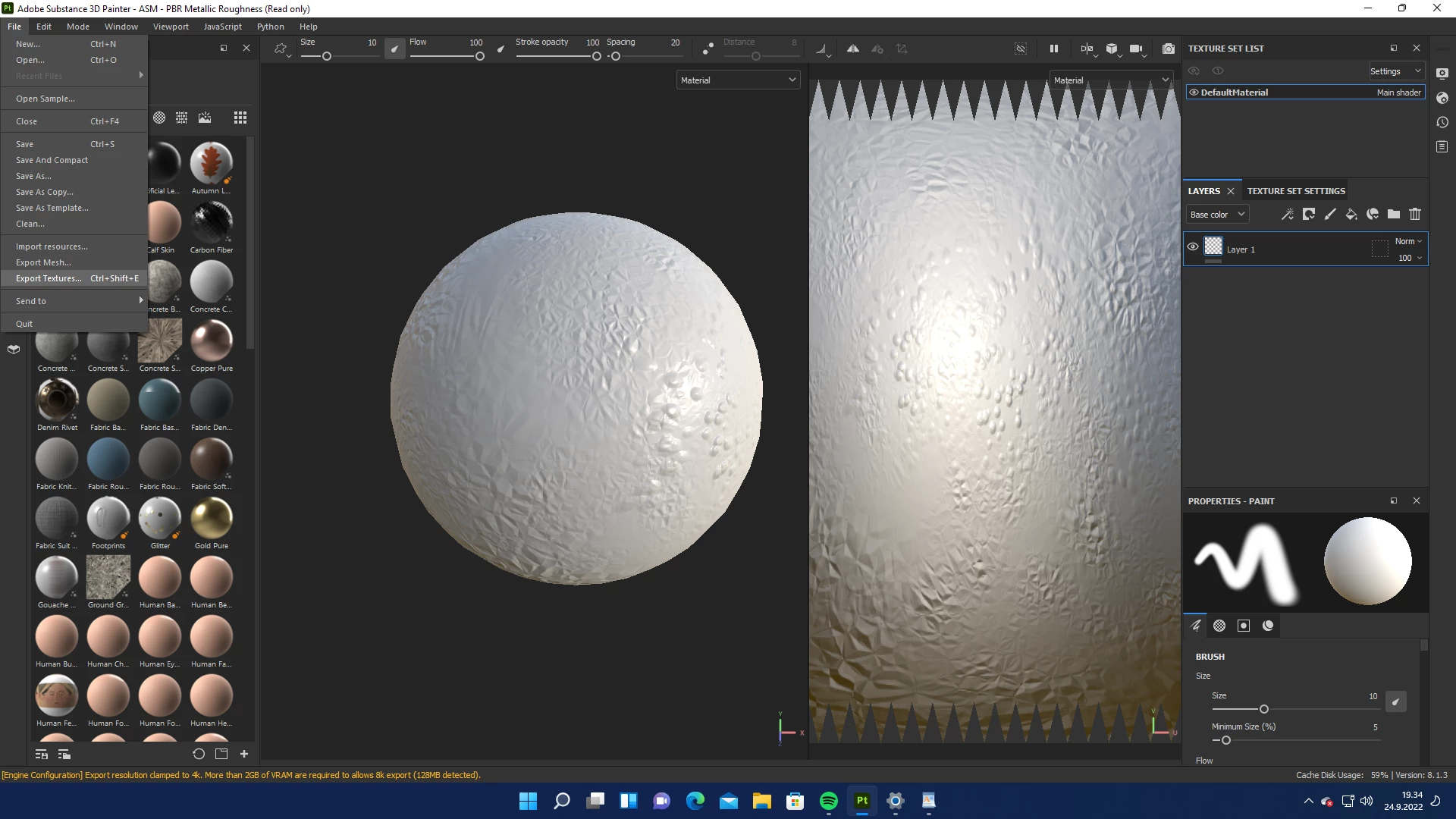
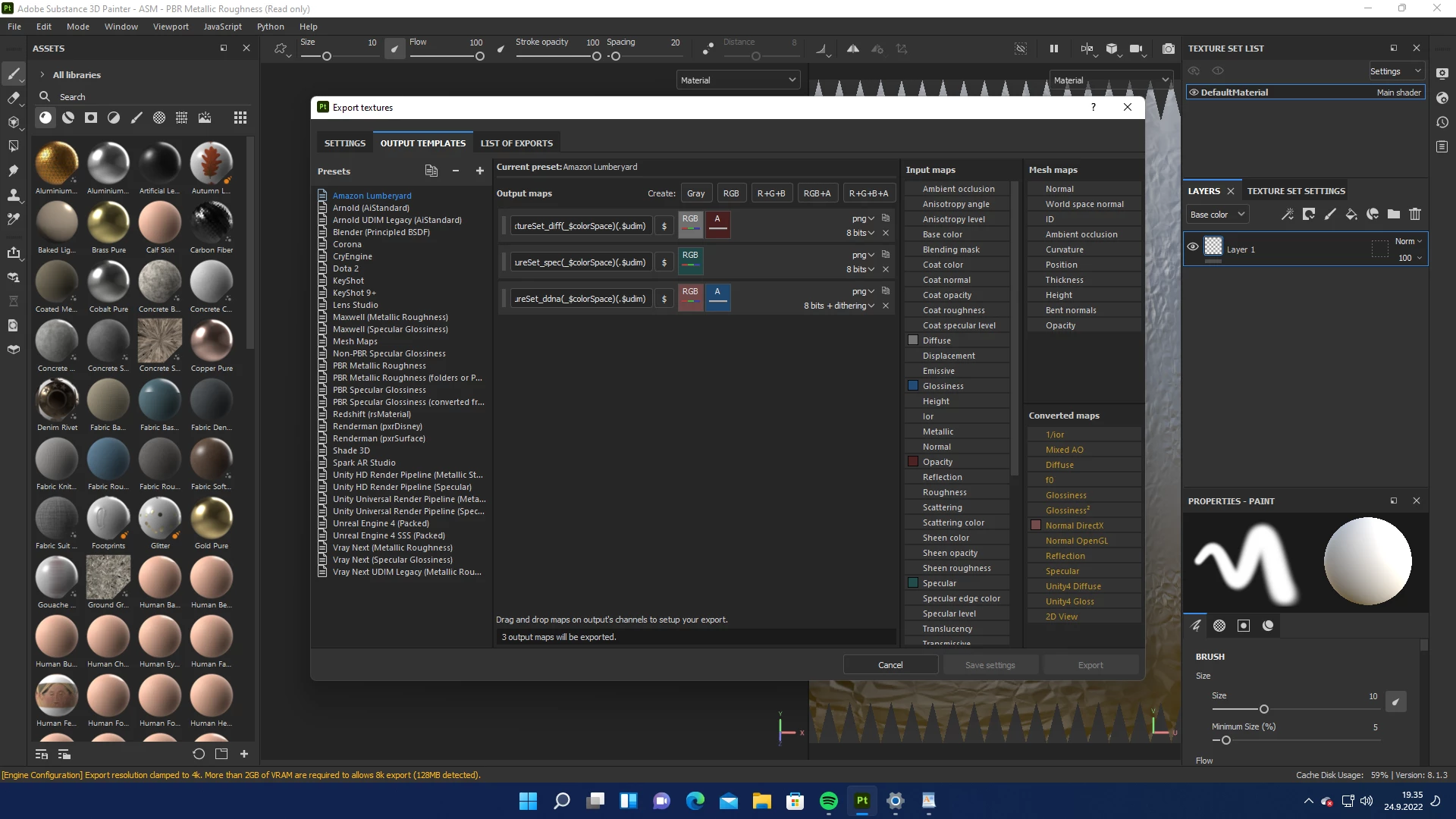
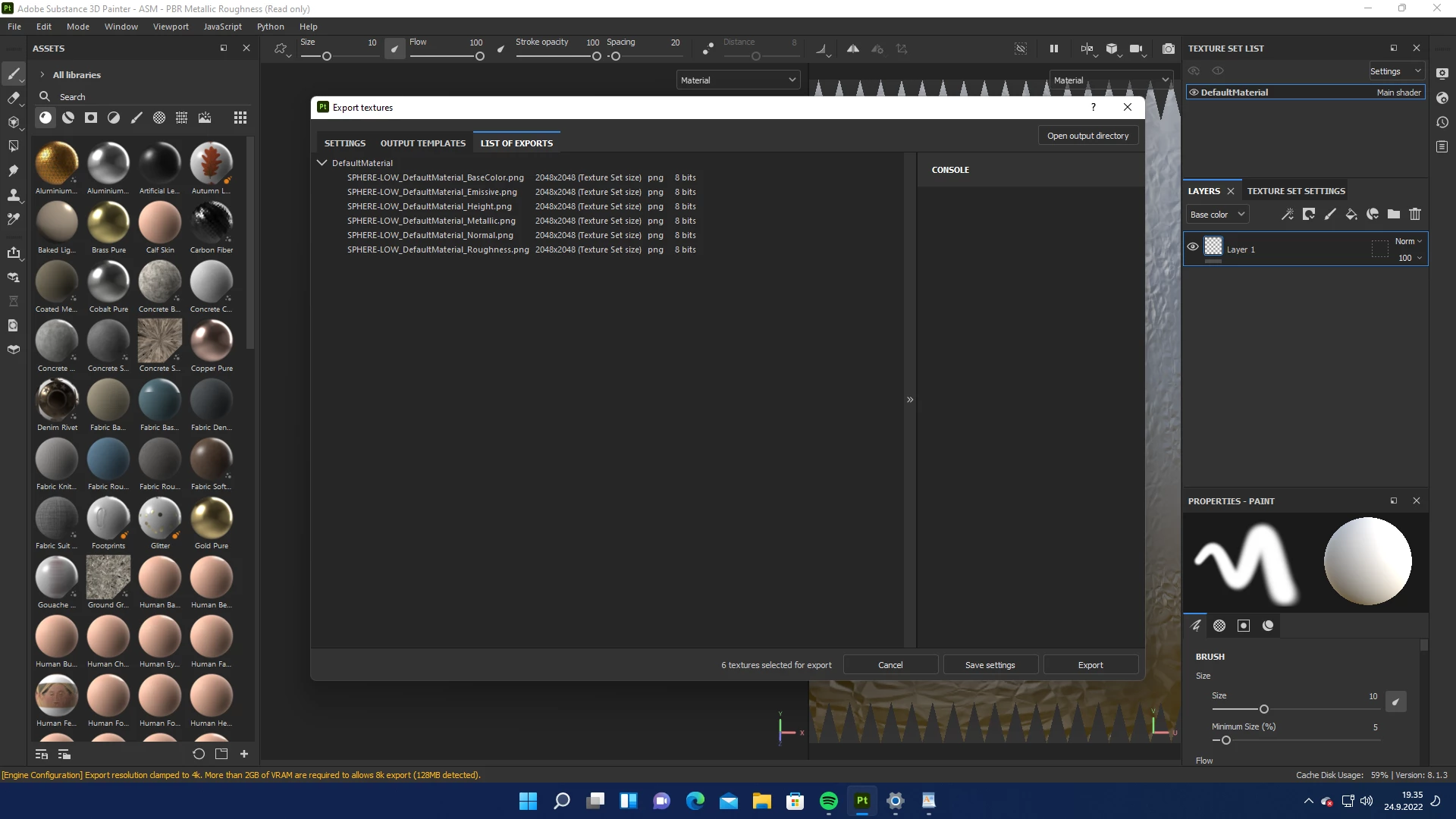
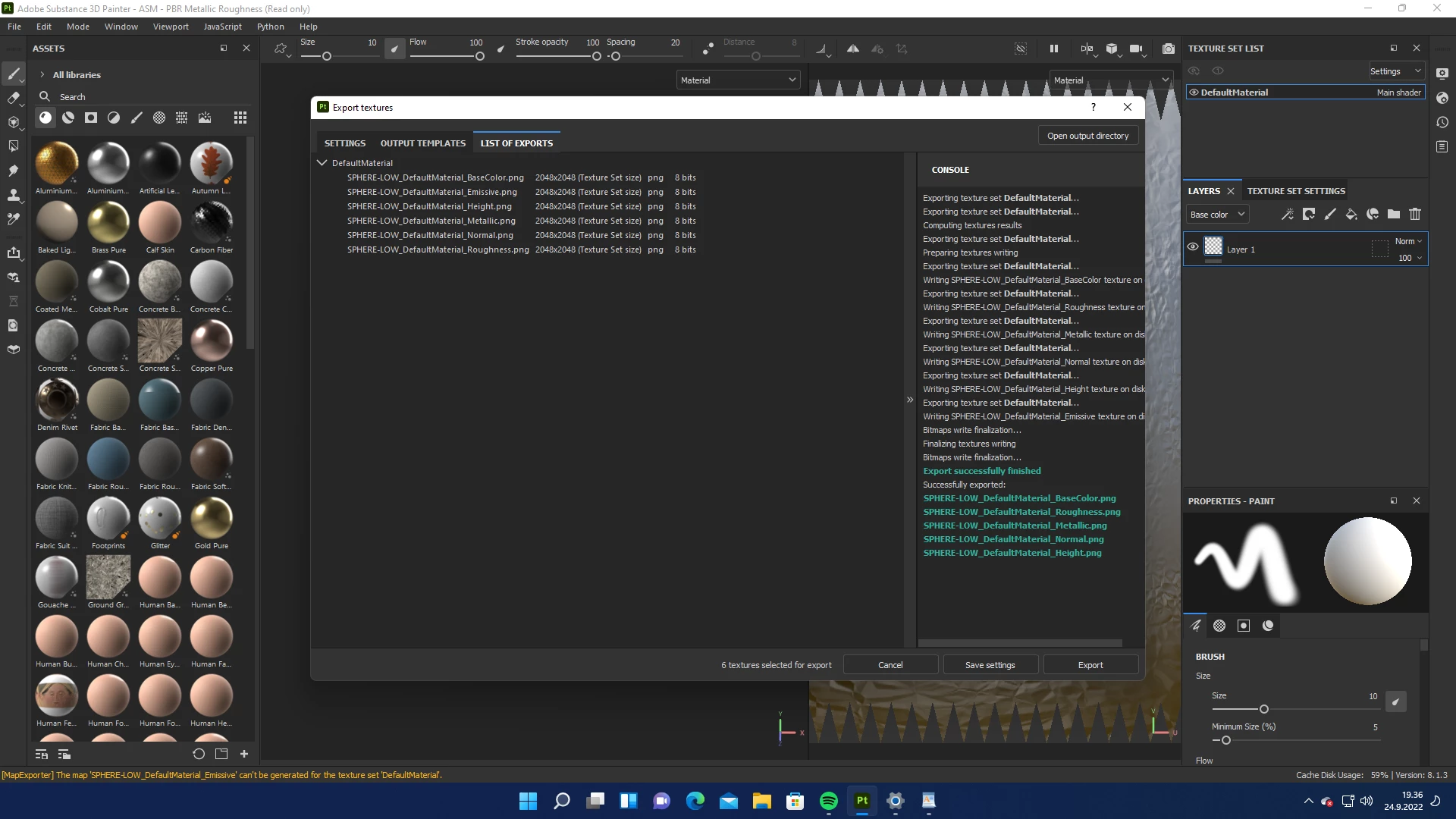
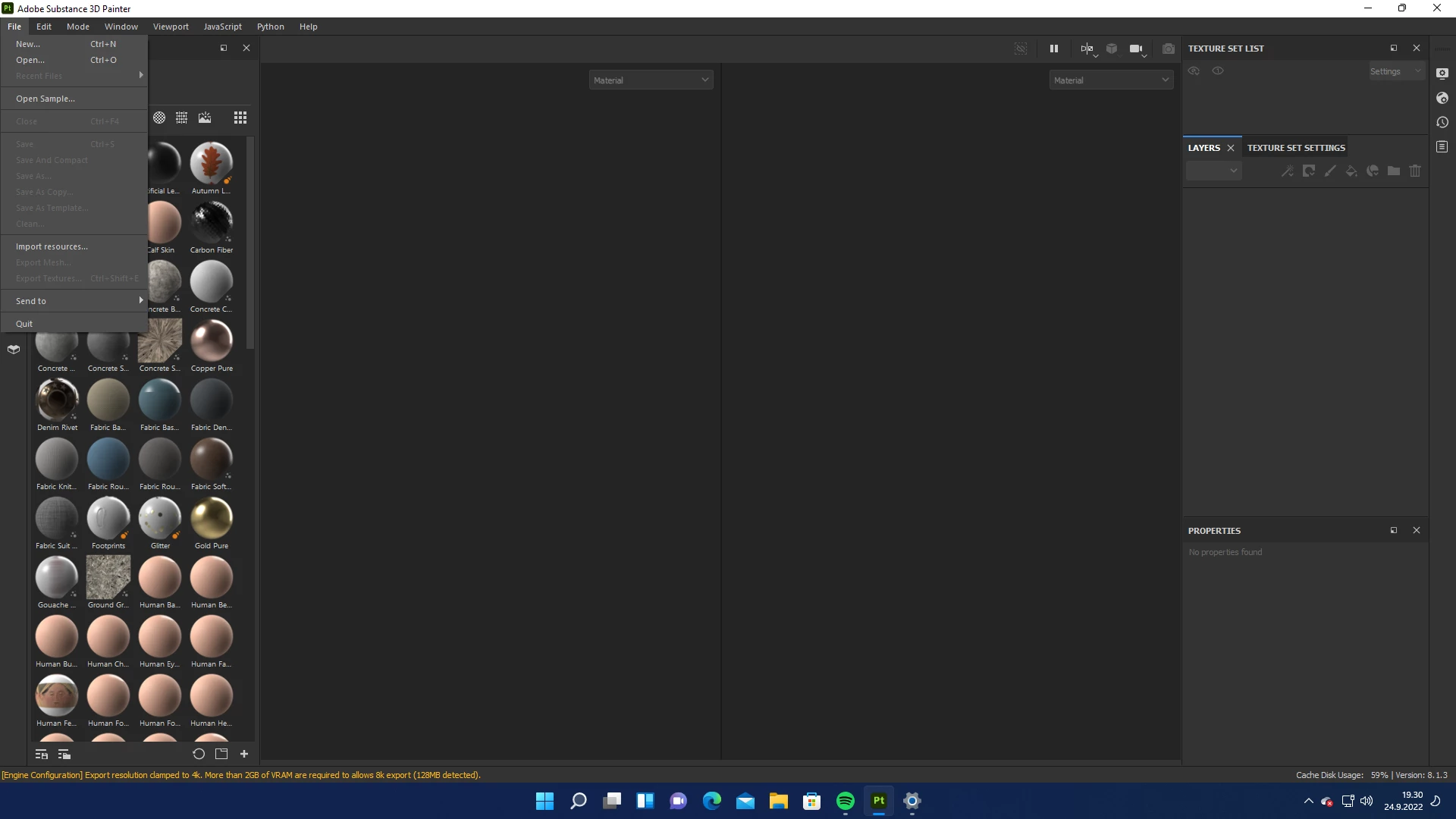
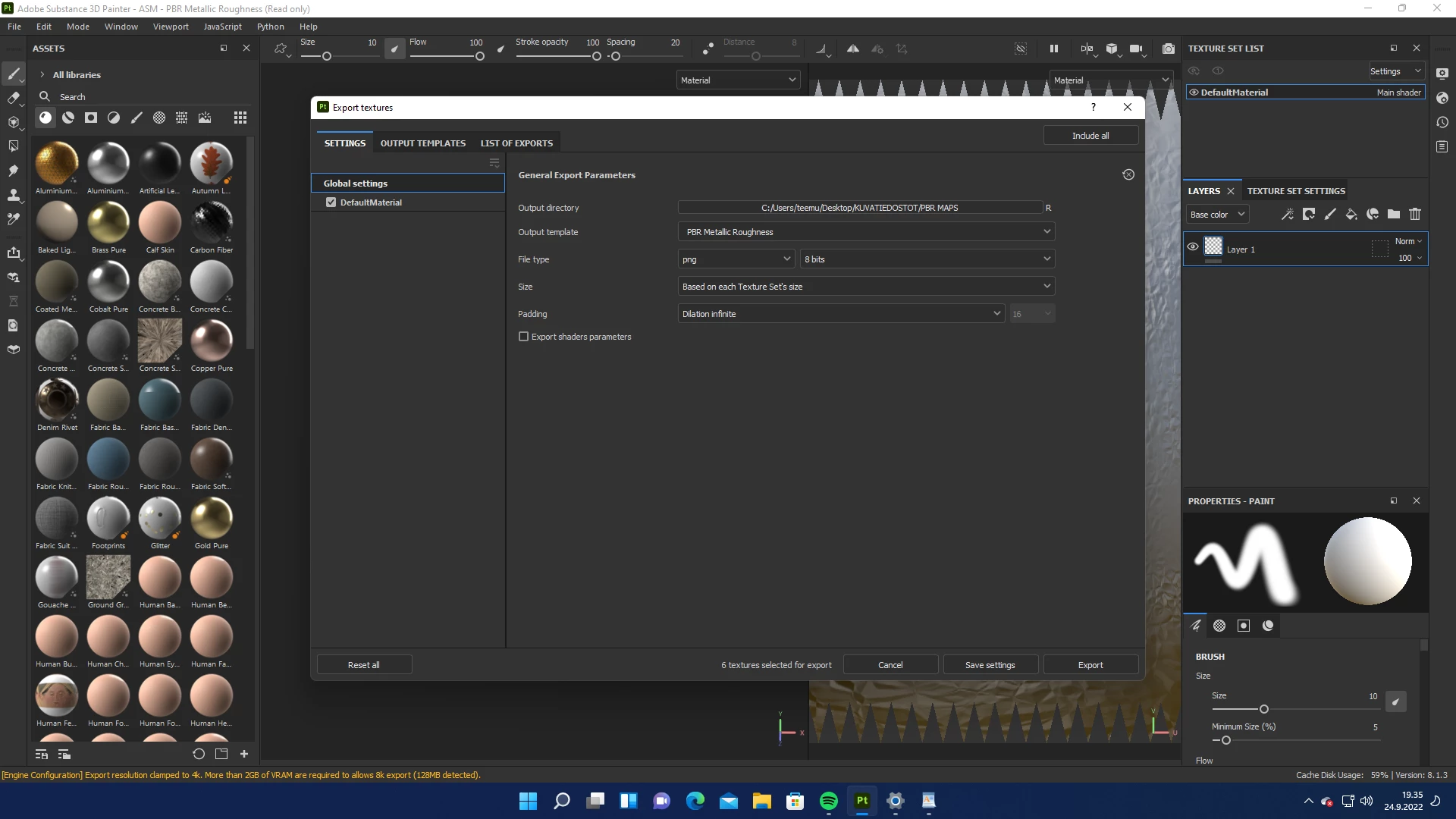
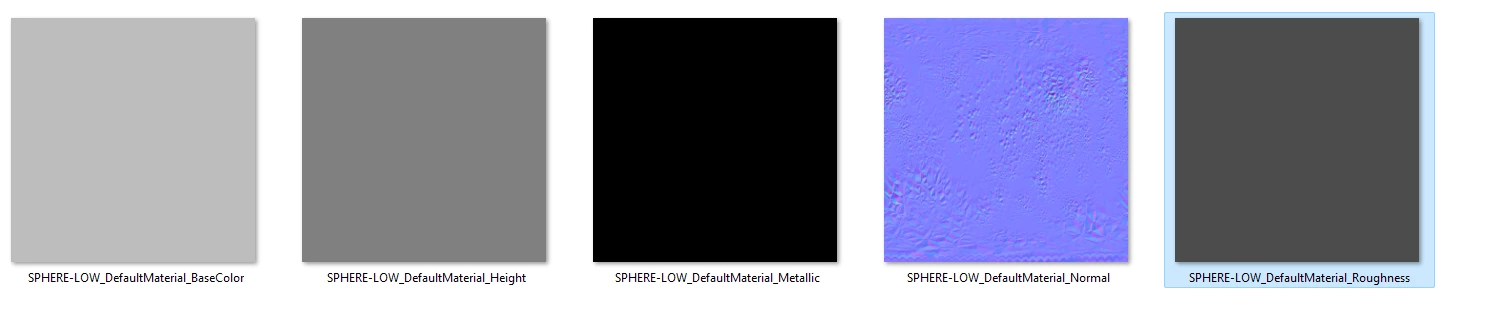
I started a project by baking textures (normal, curvature, and height) from high poly mesh to low poly mesh. The baking seemed to be ok. However, when I exported the maps, only the normal map was ok, and the other ones were completely blank. Could someone help me fix this issue? I tried to reinstall the program but it didn't help. See screenshots below for the work flow: 
Here are the properties before exporting:
 

The end result:
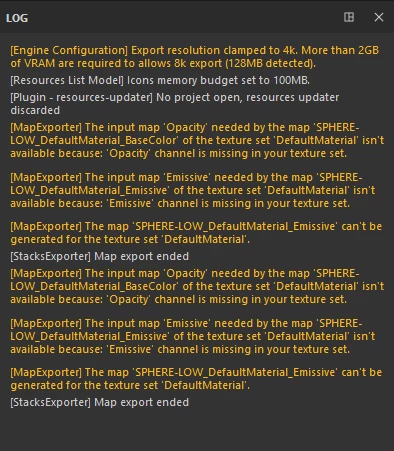
Here's the log file:
Thanks, 

Teemu R

このトピックへの返信は締め切られました。
解決に役立った回答 davescm

Hi

From your screenshots you have not yet added anything (materials or painting) to the other channels that you are exporting i.e the layers panel is empty. Therefore the Base, Roughness, Height and Metal channels are blank. The Normal channel has information because you have baked high poly detail onto the low poly surface.


Dave

返信数 1

davescm
Community Expert
davescmCommunity Expert解決!
Community Expert
September 24, 2022

Hi

From your screenshots you have not yet added anything (materials or painting) to the other channels that you are exporting i.e the layers panel is empty. Therefore the Base, Roughness, Height and Metal channels are blank. The Normal channel has information because you have baked high poly detail onto the low poly surface.


Dave

Participant
September 25, 2022

Hi Dave, 


thank you so much, that works. Now I can start exploring this for real... 

Have a nice day!

Teemu