


Participant
September 24, 2022
Answered

Problem Importing an AO Map

  • September 24, 2022
  • 1 reply
  • 737 views

Hello! I'm new to painter and baking in general. I just fixed two ao maps and imported them back in.


The problem is the second one(shaft_ao_fixed.png) not updating on the viewport like the first one(dragon_ao_fixed.png), and instead just shows white as shown:
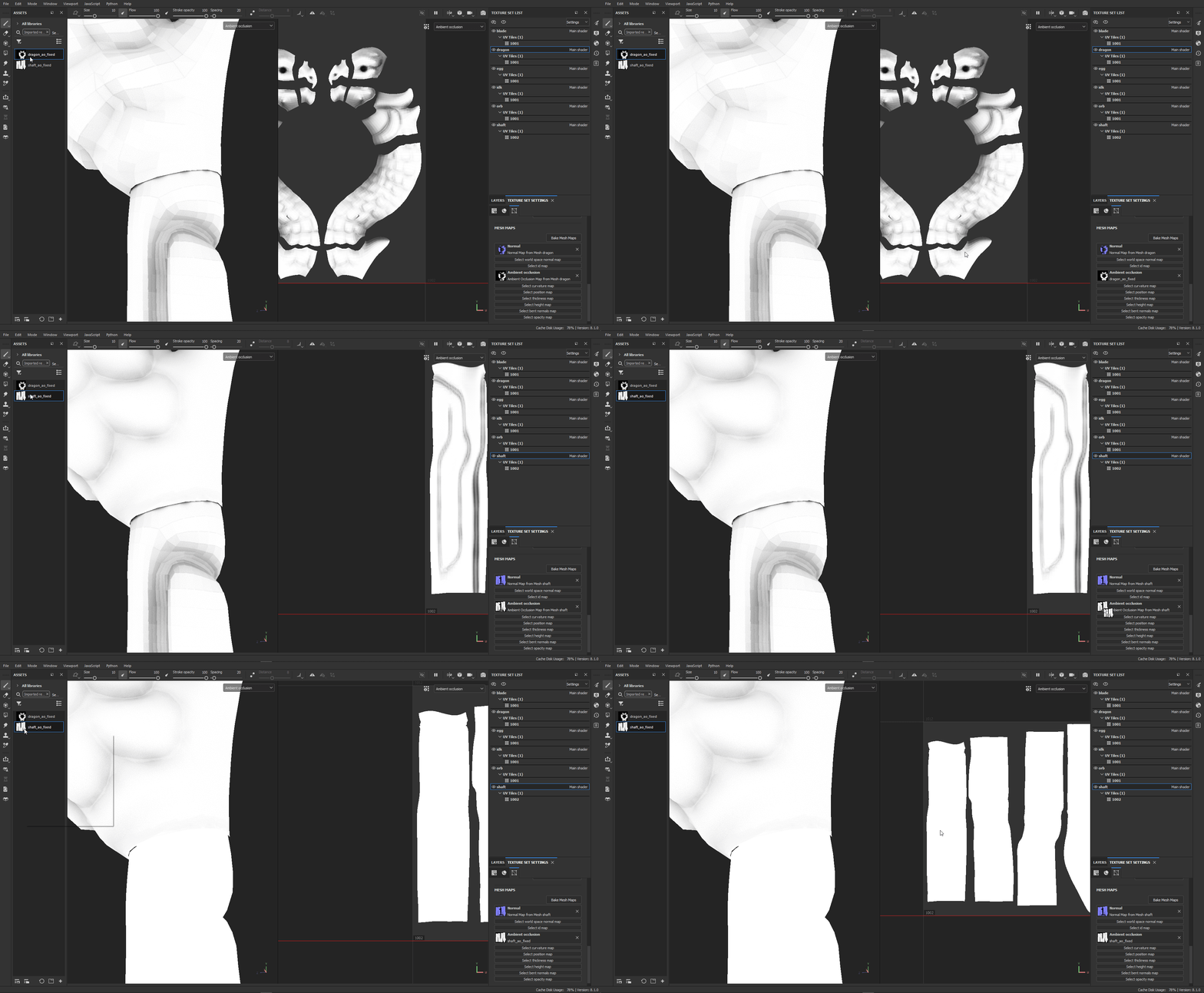
 

the maps:
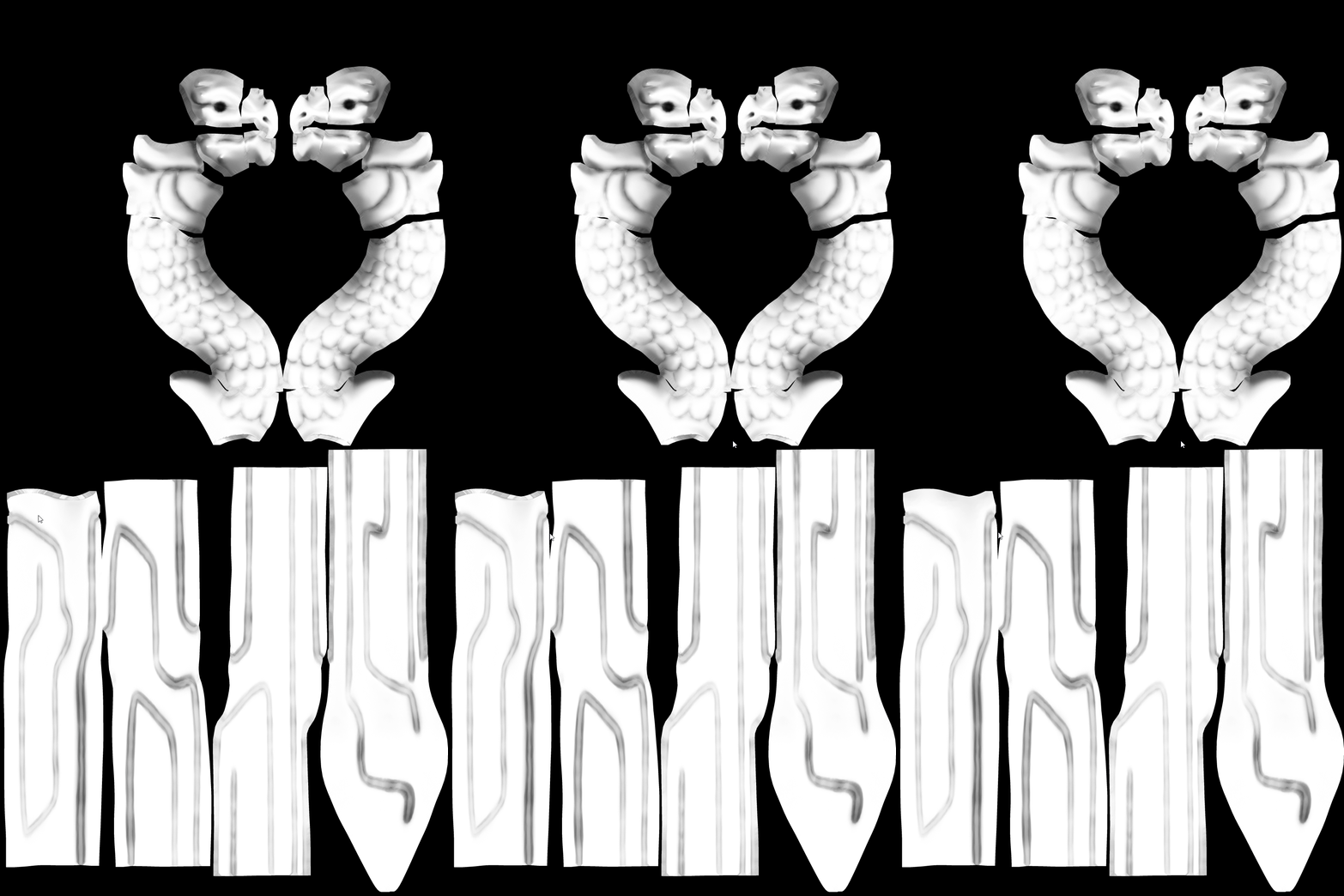
Thanks in advance!

This topic has been closed for replies.
Correct answer davescm

Hi

Instead of replacing the baked map in the mesh maps , try adding an AO channel (in texture set settings) then set a fill layer to AO channel only and change the AO blending mode to Replace. Then drag your new map onto that fill layer.

Note : You will need to view AO as a channel rather than bake


More info here:

https://substance3d.adobe.com/documentation/spdoc/ambient-occlusion-painting-149291090.html


Dave


1 reply

davescm
Community Expert
davescmCommunity ExpertCorrect answer
Community Expert
September 24, 2022

Hi

Instead of replacing the baked map in the mesh maps , try adding an AO channel (in texture set settings) then set a fill layer to AO channel only and change the AO blending mode to Replace. Then drag your new map onto that fill layer.

Note : You will need to view AO as a channel rather than bake


More info here:

https://substance3d.adobe.com/documentation/spdoc/ambient-occlusion-painting-149291090.html


Dave


aizjAuthor
Participant
September 24, 2022

Thanks, Dave!