


Participant
May 19, 2022
Question

problem with Height map dynamic brush

  • May 19, 2022
  • 1 reply
  • 947 views

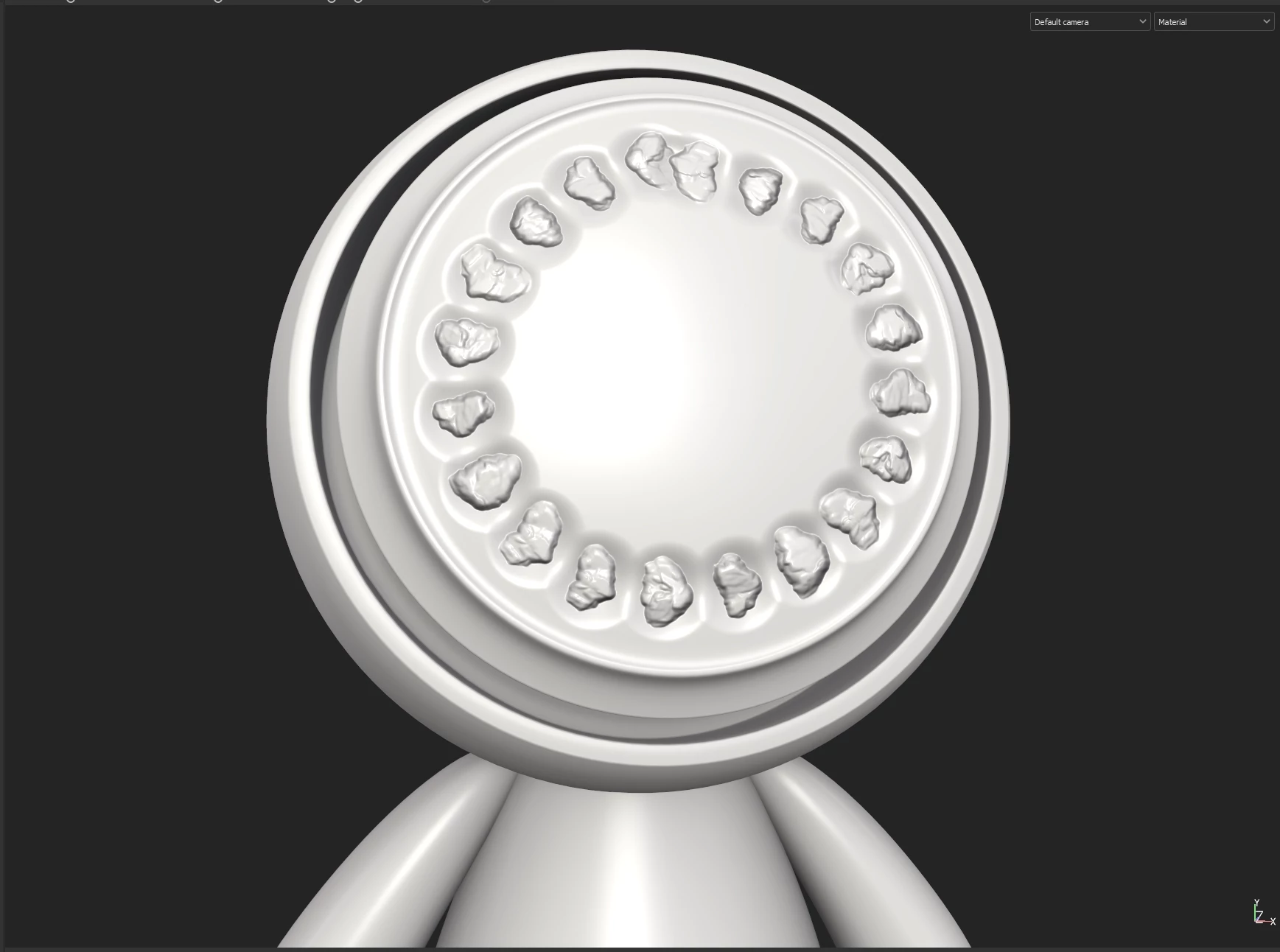
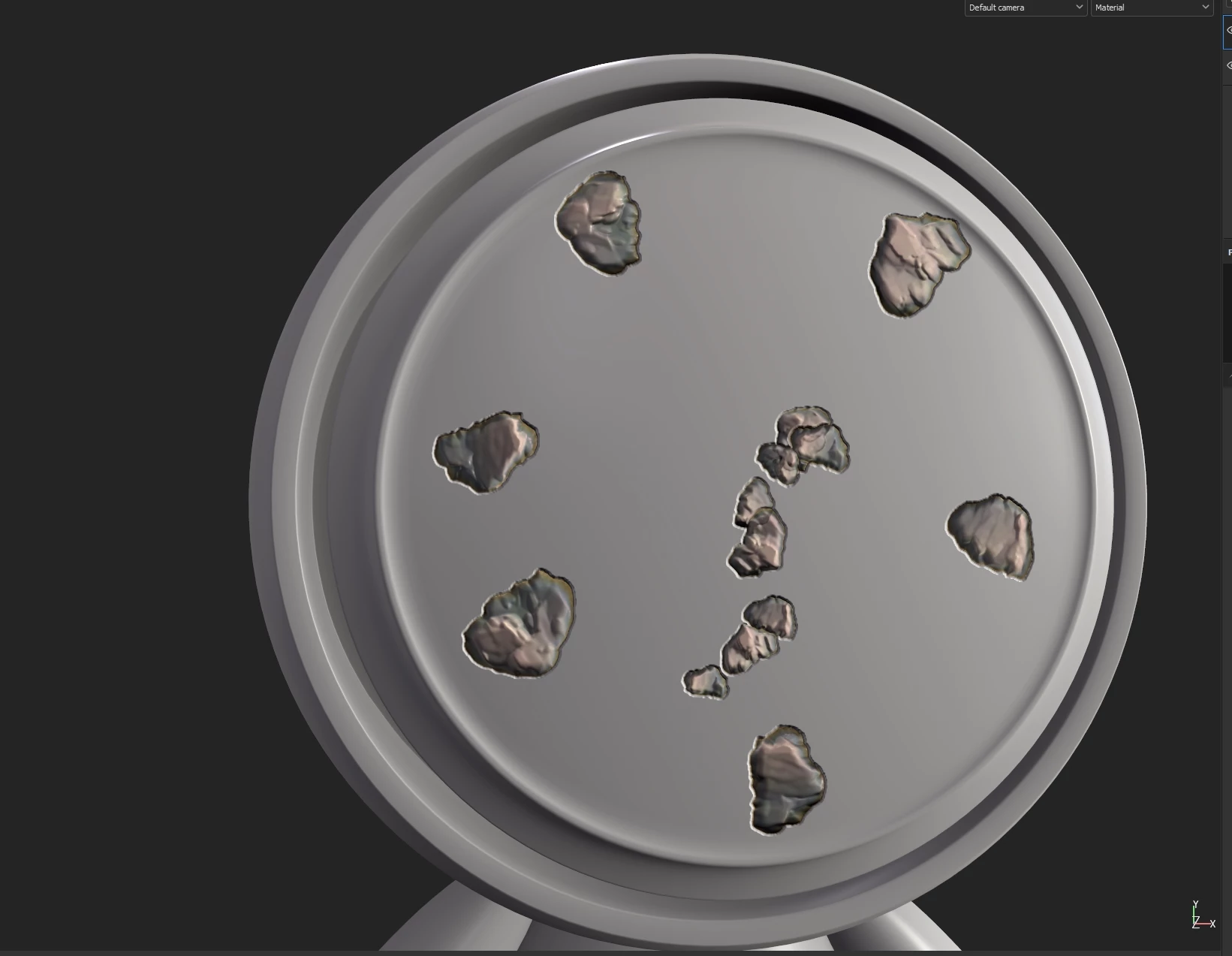
When I am trying to paint with a dynamic brush I created in designer, I get this type of height blending for each stroke. How do I remove this type of borders?

In the first picture I made no Alpha mask. In the second one I made an alpha mask. But it still is producing a border where the height is suddenly going all the way down. I want to build up the height map from the existing height level. How do I fix it?
This topic has been closed for replies.

1 reply

davescm
Community Expert
Community Expert
May 19, 2022

Hi

Assuming you only want the heightmap from your brush to raise the height from the surface, in Designer try blending your heightmap with a 50% grey using Add blend mode (you may need to scale it). When painting in Substance Painter that 50% grey becomes the mid (i.e. 0 point) Anything darker will cut into the surface and anything higher will raise up.


Dave