Answered
problem with normals (I think)
I'm having this problem with the normals that make the baking textures process imposible.
it was manualy unwrapped and both halves of the model are on top of each other.
Please help!
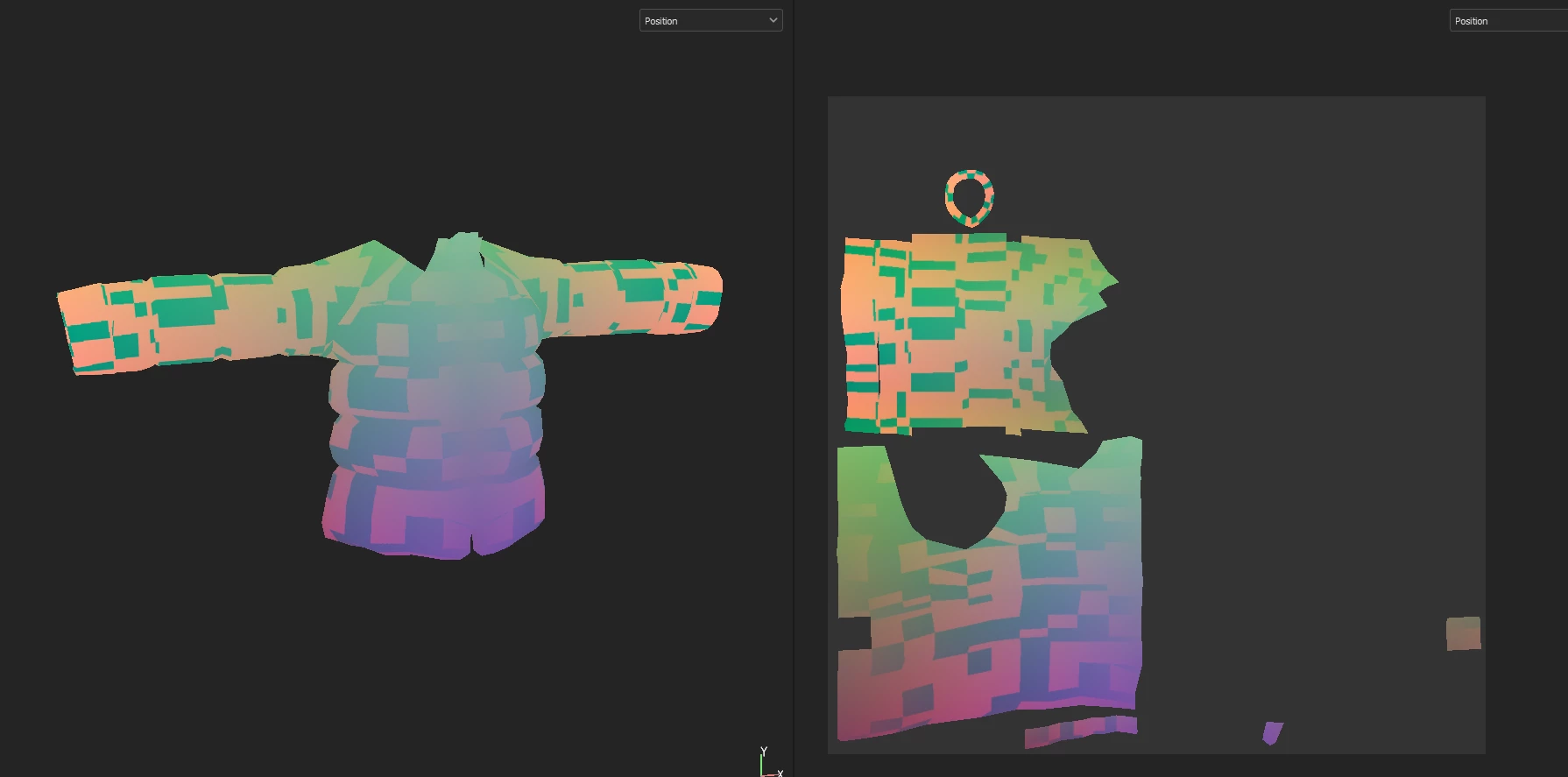
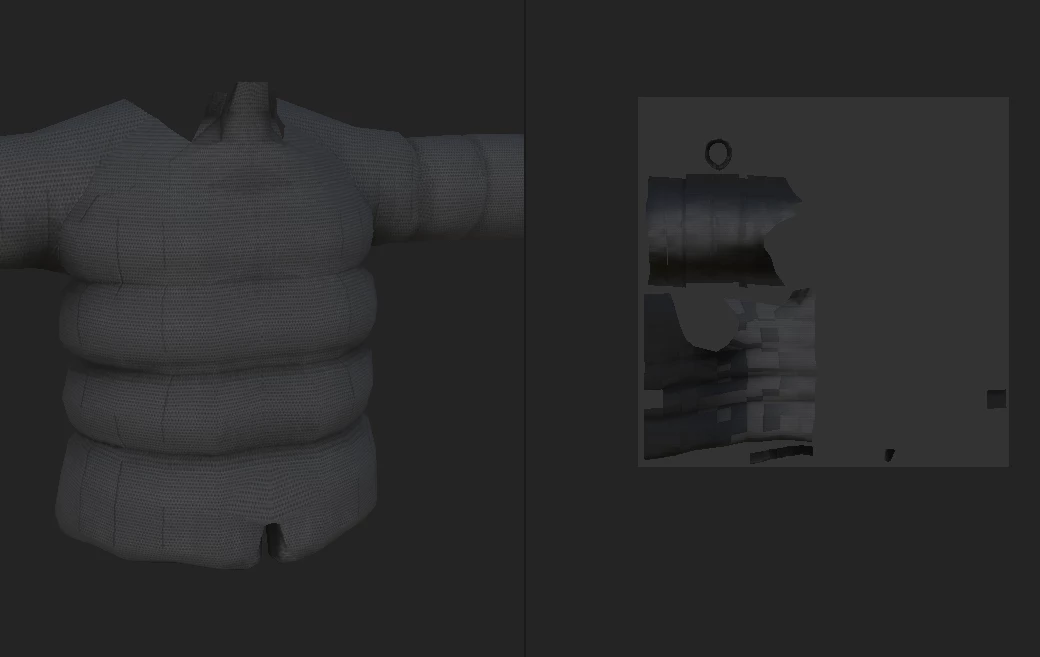

I'm having this problem with the normals that make the baking textures process imposible.
it was manualy unwrapped and both halves of the model are on top of each other.
Please help!
The baker can output results like that when two different information end-up being written in the same location (the position is not the same on both side of the geometry). This is why we usually recommend shifting away (by one UV range for example) overlapping UVs before launching the baking process.
Already have an account? Login
Enter your E-mail address. We'll send you an e-mail with instructions to reset your password.


 AdChoices