
Question about blending!
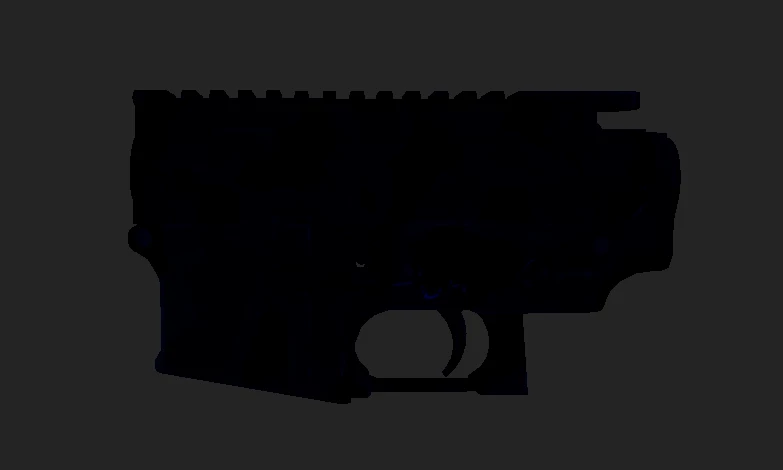
So i am a total beginner to this to begin with and the only knowledge i have is how to import a model, textures and apply them then export the textures/convert them... now what i am trying to learn/do here is blend a camo with the original diffuse map for this weapon model to ''reskin'' it but i would like to maintain the details of the original diffuse such as scratches, text and dirt ontop of the camo pattern while replacing the main color of the gun! the first image is obviously the original diffuse map and the 2nd is the camo i applied in a separate layer using the multiply blend mode but for some reason it becomes incredibly dark.. now is there a more specific way of blending these 2 together while keeping the details from the original?? i have not been able to find good tutorials online or help from people who have done exactly what i said!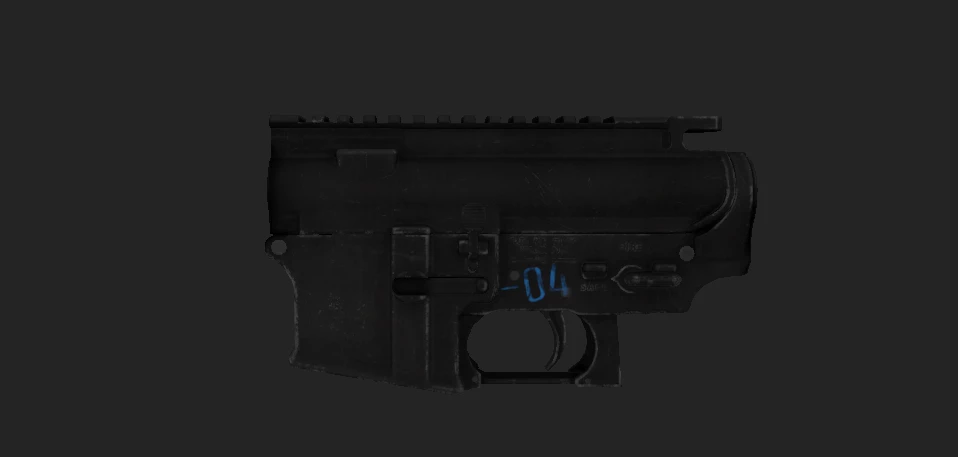


 AdChoices