Participant
November 2, 2023
Answered

Question: Normal Map looks fine in SP but distorted when export

  • November 2, 2023
  • 1 reply
  • 924 views

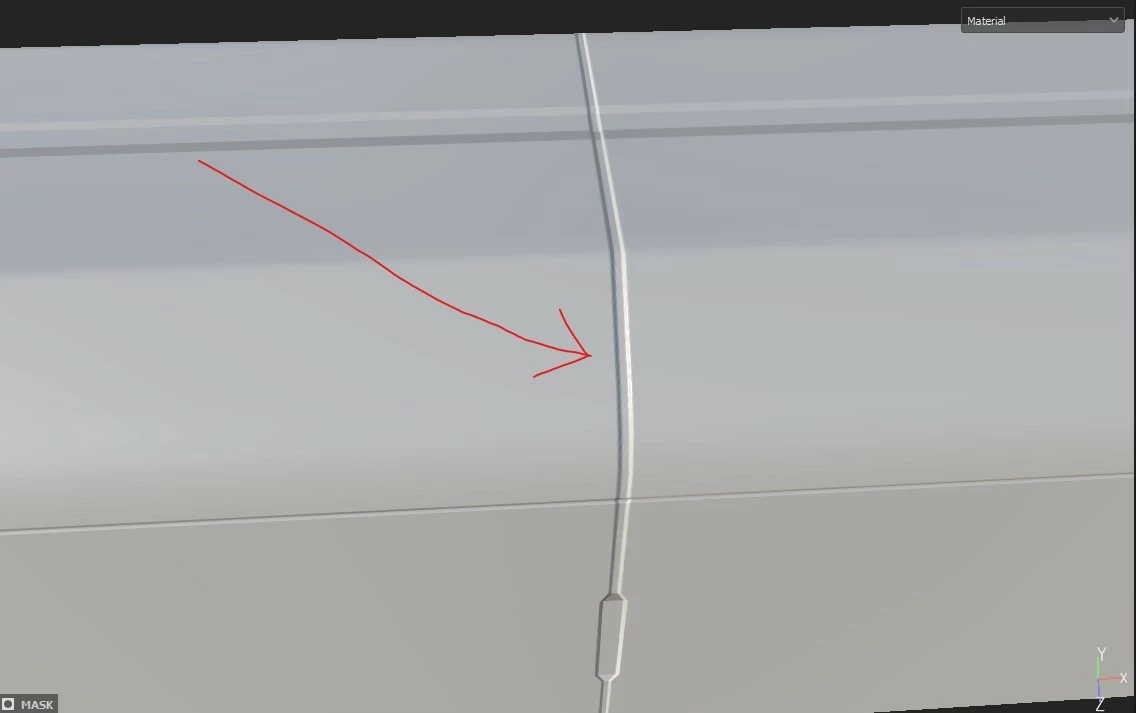
it is a very straight line when i bake this normal map in substance painter.
 

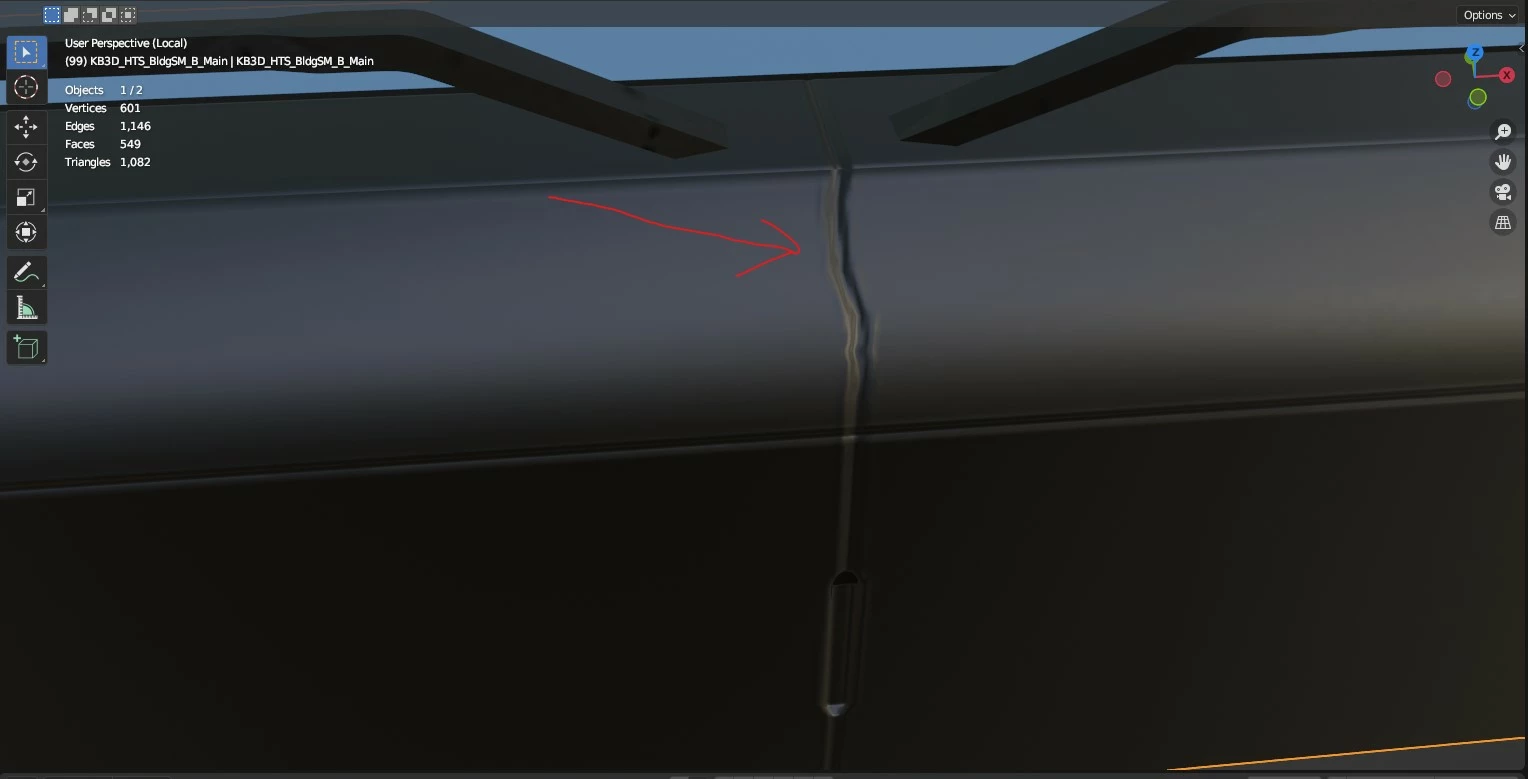
after export the maps, the line became distorted when im using it in blender
Correct answer Cyril Dellenbach

Hello Kenny,


The issue is due to the mesh triangulation. When you import a mesh inside Substance 3D Painter, it automatically triangulates the mesh in the backroom, and some distortions may happen when you apply your new textures on a non triangulate object. 


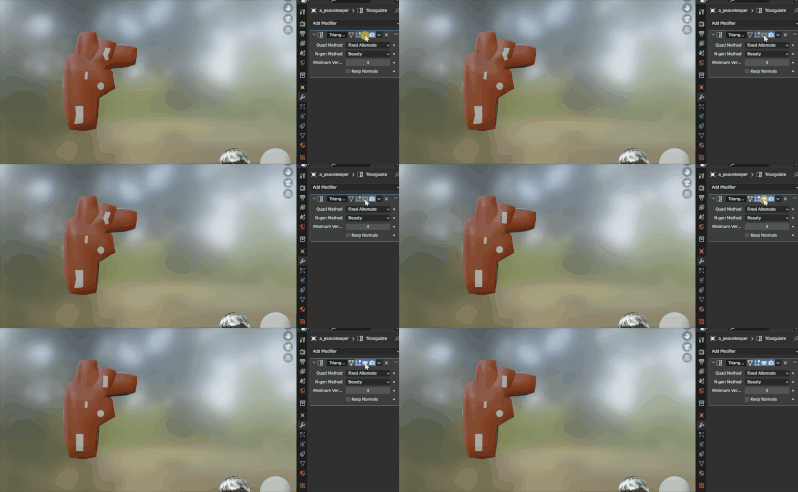
If you want to make sure there is no differences between Blender and Substance Painter, you can export your Substance Painter mesh (File>Export mesh...), or triangulate your object directly inside Blender


Best regards,


1 reply

Cyril Dellenbach
Community Manager
Cyril DellenbachCommunity ManagerCorrect answer
Community Manager
November 2, 2023

Hello Kenny,


The issue is due to the mesh triangulation. When you import a mesh inside Substance 3D Painter, it automatically triangulates the mesh in the backroom, and some distortions may happen when you apply your new textures on a non triangulate object. 


If you want to make sure there is no differences between Blender and Substance Painter, you can export your Substance Painter mesh (File>Export mesh...), or triangulate your object directly inside Blender


Best regards,


Cyril Dellenbach (Micro) | QA Support Artist | Adobe
KennyKTAuthor
Participant
November 3, 2023

thank you very much! it fixes the issue