


Participant
May 29, 2023
Question

QUESTION ON BAKING ISSUE

  • May 29, 2023
  • 1 reply
  • 274 views

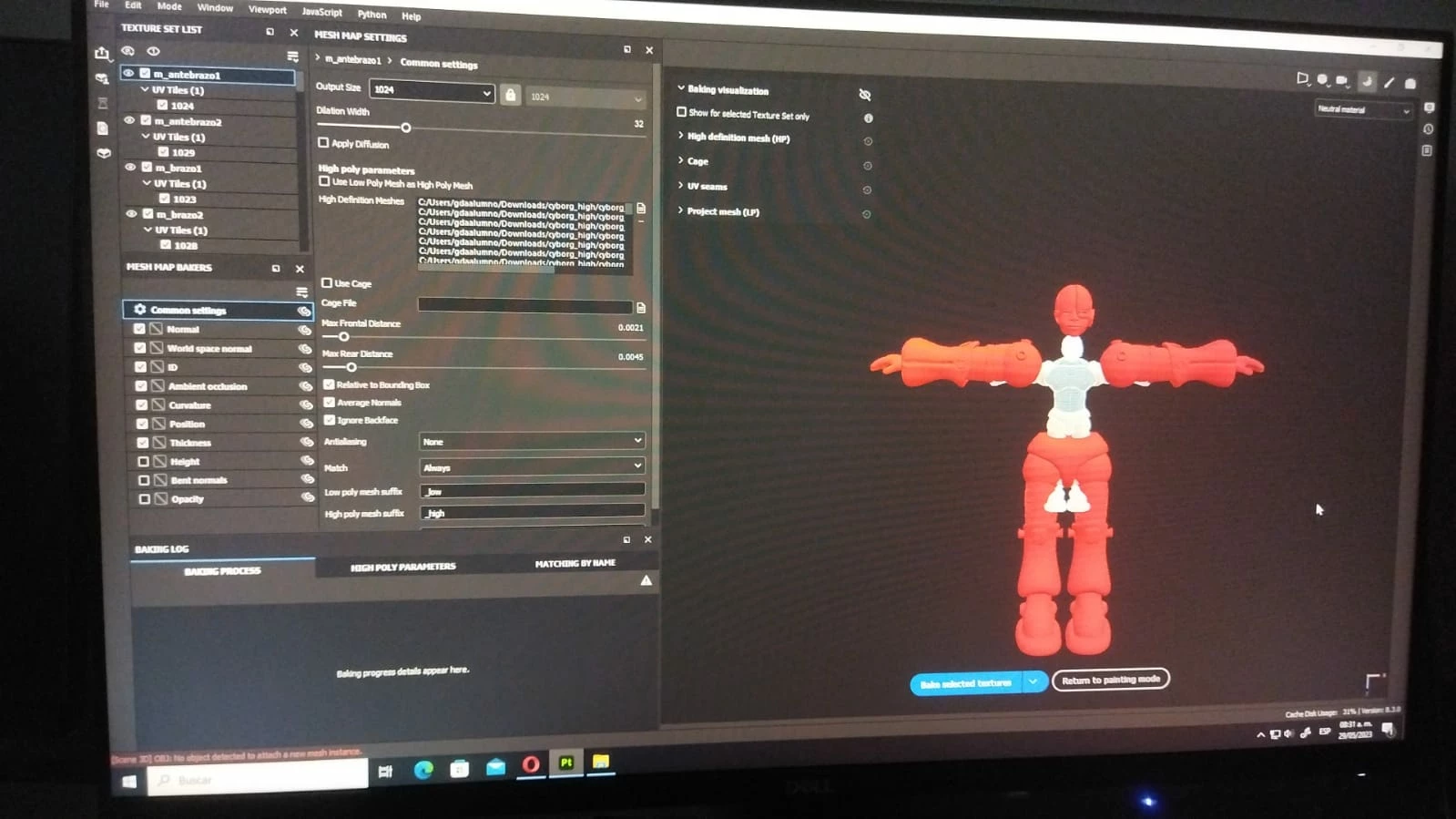
When I try to bake mesh maps, some of my high poly pieces are way bigger than my low poly model. Is there a way to scale my high poly pieces to match the low ones? I exported them from zbrush and they had 1 as a scale, so I don't see why this problem could occur.


It's my first time using the app btw, so I'm not really familiarized with it 😥
 

This topic has been closed for replies.

1 reply

Cyril Dellenbach
Community Manager
Community Manager
May 30, 2023

Hello @Mónica30078074y04k,


I'm personally a huge fan of Zbrush, but I've always found its scaling confusing. Unfortunately, you can't change the scaling of the meshes inside Substance 3D Painter, therefore you'll have to check Zbrush's export options or resize the High Poly in another software.


You can make sure the scale slider is set to one in the export settings of Zbrush and also make sure the the Low Poly and the High Poly are in the same file format.


Keep me updated.


Cyril Dellenbach (Micro) | QA Support Artist | Adobe