Participant
May 8, 2023
Answered

Shiny/Glossy materials donn't Reflect on Flat Surfaces in UV window

  • May 8, 2023
  • 1 reply
  • 657 views

I'm probably missing something basic but here goes... It's metal I'm currently working with but it's any shiny or glossy material that this is an issue. I'm finding that it simply doesn't show as shiny or glossy on flat surfaces in the 2D window.

Which is a problem for me since I'm exporting  textures using 2D View to have the shiny/glossy materials baked on the textures.

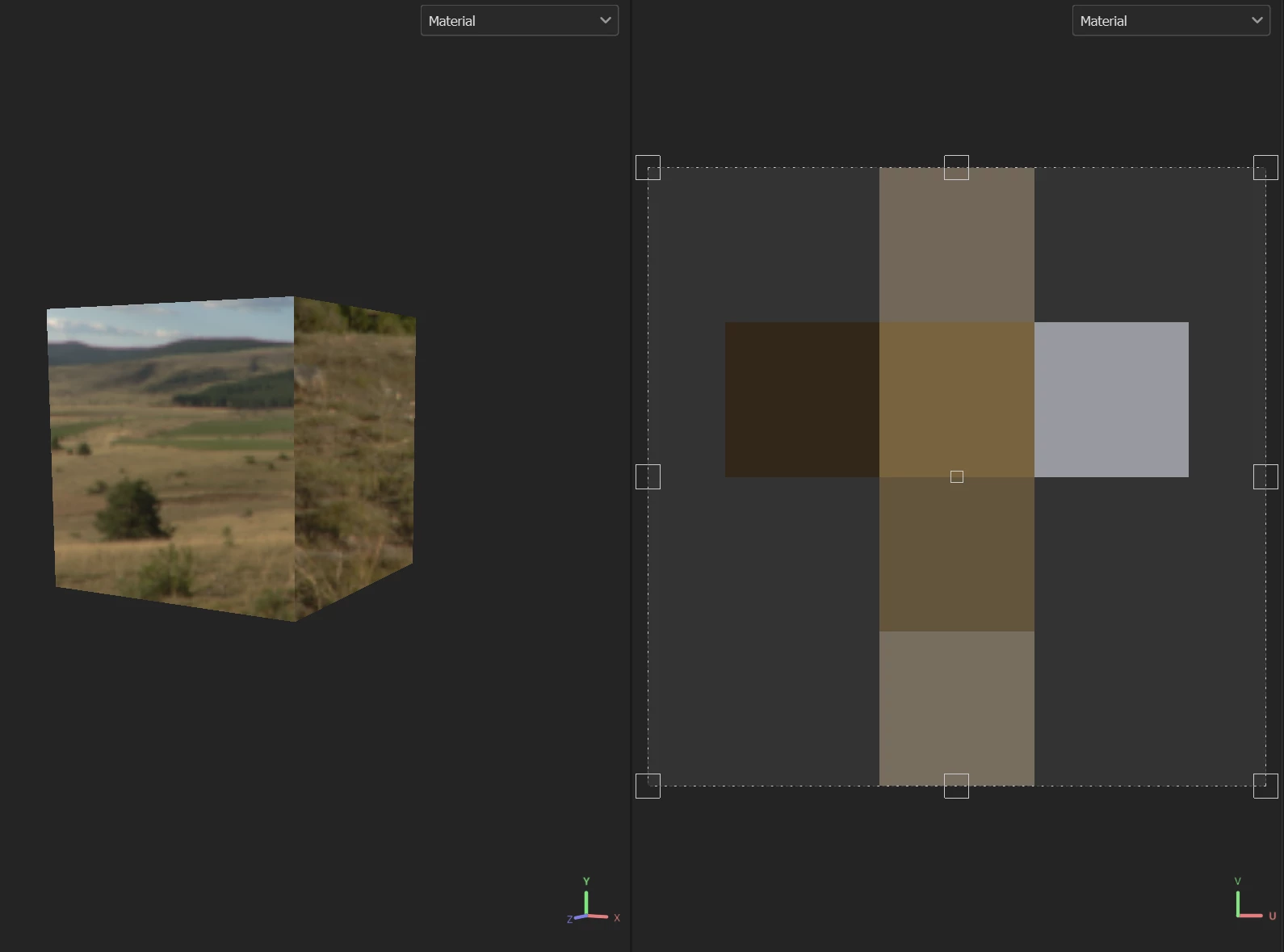
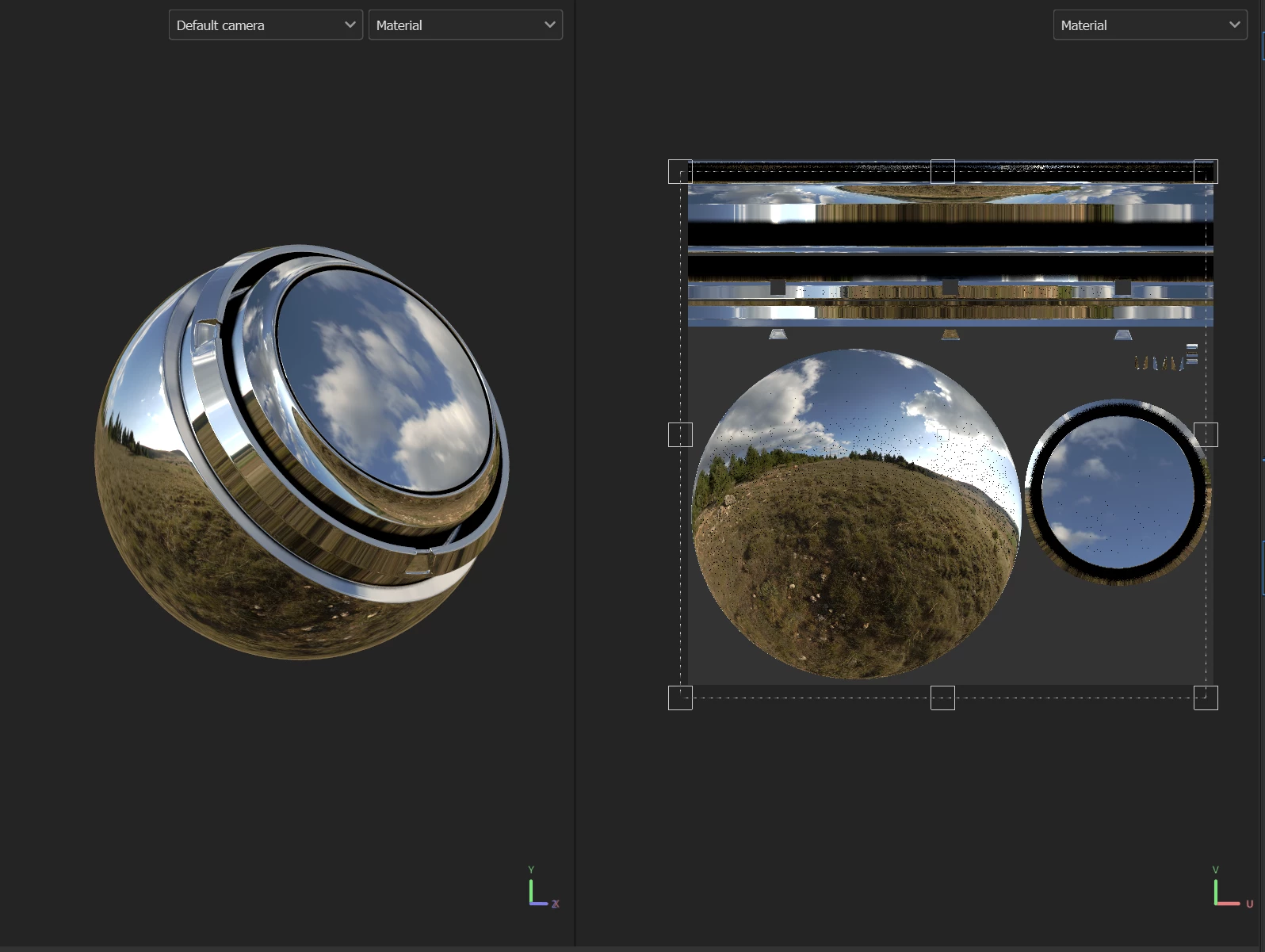
Changing the rotation of the environmental lighting just runs through flat tones, none of them shiny. Here's an example on a 3D text sign I'm currently working on. You can see the the thin sides of the model on the UV texture nice and shiny metal because they're made up of curves from the lettering, but the flat front surface simply not:

https://gyazo.com/1a06ffda28a66dff8751dff9fd3ea78c

 

This topic has been closed for replies.
Correct answer Cyril Dellenbach

Hi again @defaultnvxim72urgo0,


Sorry for the delay in response.


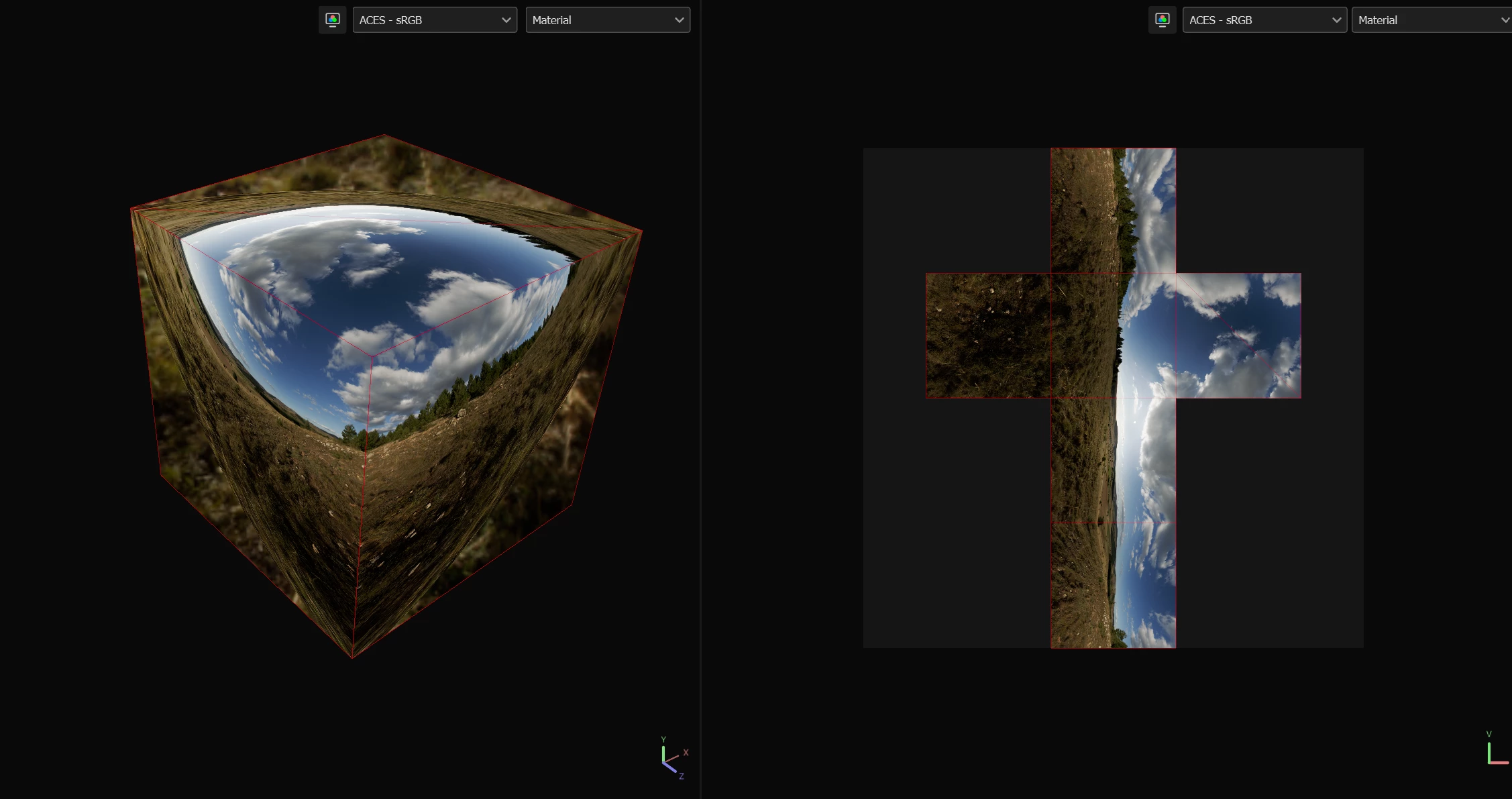
You're right, to make it simple, the 2D view uses a simplification of how the light is processed in the 3D view (for optimisation). That's why the 2D view, on a flat normal, will only have the tint of the environment lighting.


With a more complex normal, the reflection should be more accurate, but it will still have some artifacts due to this simplification.


Best regards,


1 reply

Cyril Dellenbach
Community Manager
Community Manager
May 8, 2023

Hello @defaultnvxim72urgo0,


Thanks for the message.


I am not sure to entirely get your message. What are the channels that you're using? Metallic and roughness?


How a 3D object reflects the lights depends on the material (especially the roughness/glosiness) and the light itself. If the current lighting doesn't suit your needs, you can always change the Environment map.


On my side, I don't see no issue with 2D view.


Tell me if I misunderstood something in your initial message.


Best regards,


Cyril Dellenbach (Micro) | QA Support Artist | Adobe
Participant
May 8, 2023

Hi Cyril  and thanks for your response.


I work in second life, and when I make a texture for a mesh object using substance, I export the texture using 2D view. When selecting the output template you can see there is an option for 2D view. This simply exports a single texture (one for each texture set) and that texture is the 2D texture as it appears in the 2D veiwport. The benefit of this is it has the appearence of all materials you are using, for example color, height, roughmess, metal, normal, all in a single base texture. I then use that texture on my mesh objects.

Now, if a mesh has interesting shapes to it, like the example you show in your comment, the metal texture looks nice and actually looks like metal in the 2D viewpot and so can be exported using the 2D view output template and used on an object to make it look metal. 

But, with mesh that has a flat plane surface, like the 3D text sign I'm making, the flat plan area does not look metal, there's not metalic shine on it, it just looks grey and boring and not metal in the 2D viewport. If you look at the video I posted in my original post you can see what I mean. In the video I rotate the environment lighting and demostrate that nothing solves this. And it's the same whatever enviroment map I switch to. 

I don't know why this occurs on flat plane mesh surfaces but it does and I can't figure out how to fix it.

Cyril Dellenbach
Community Manager
Cyril DellenbachCommunity ManagerCorrect answer
Community Manager
May 22, 2023

Hi again @defaultnvxim72urgo0,


Sorry for the delay in response.


You're right, to make it simple, the 2D view uses a simplification of how the light is processed in the 3D view (for optimisation). That's why the 2D view, on a flat normal, will only have the tint of the environment lighting.


With a more complex normal, the reflection should be more accurate, but it will still have some artifacts due to this simplification.


Best regards,


Cyril Dellenbach (Micro) | QA Support Artist | Adobe